

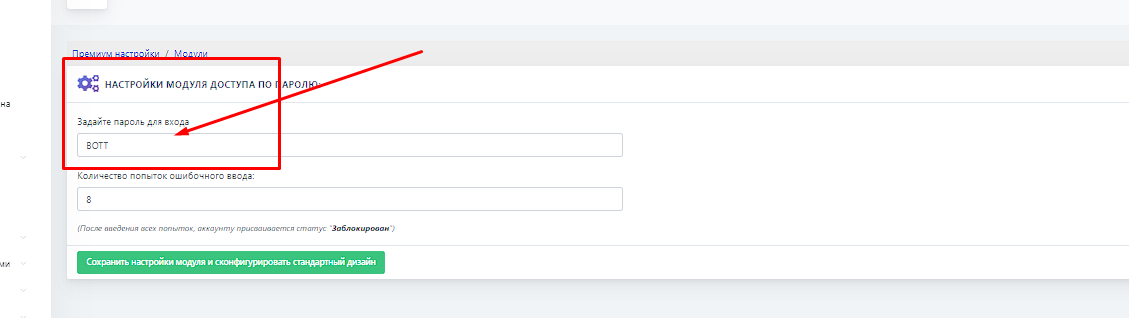
 To create a password access module in a Telegram bot, you need to go to paid settings and select the modules tab, then configure a passcode for access to the bot and the number of login attempts (by default, 8 attempts are given). After 8 unsuccessful attempts, the user is banned by the bot.
 How do I protect access to the bot with a password?
To create a password access module in a Telegram bot, you need to go to paid settings and select the modules tab, then configure a passcode for access to the bot and the number of login attempts (by default, 8 attempts are given). After 8 unsuccessful attempts, the user is banned by the bot. What does it look like in the bot
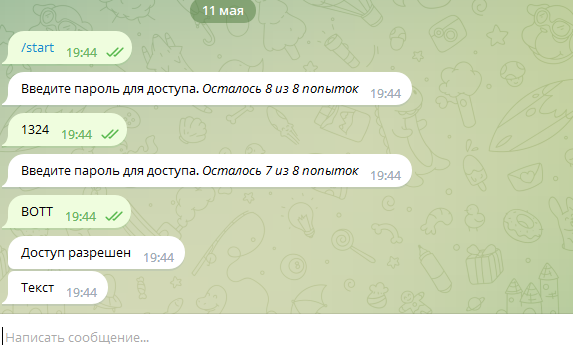 This feature may be useful for those who want to restrict the circle of people who can use your Telegram bot by logging in with a set password