

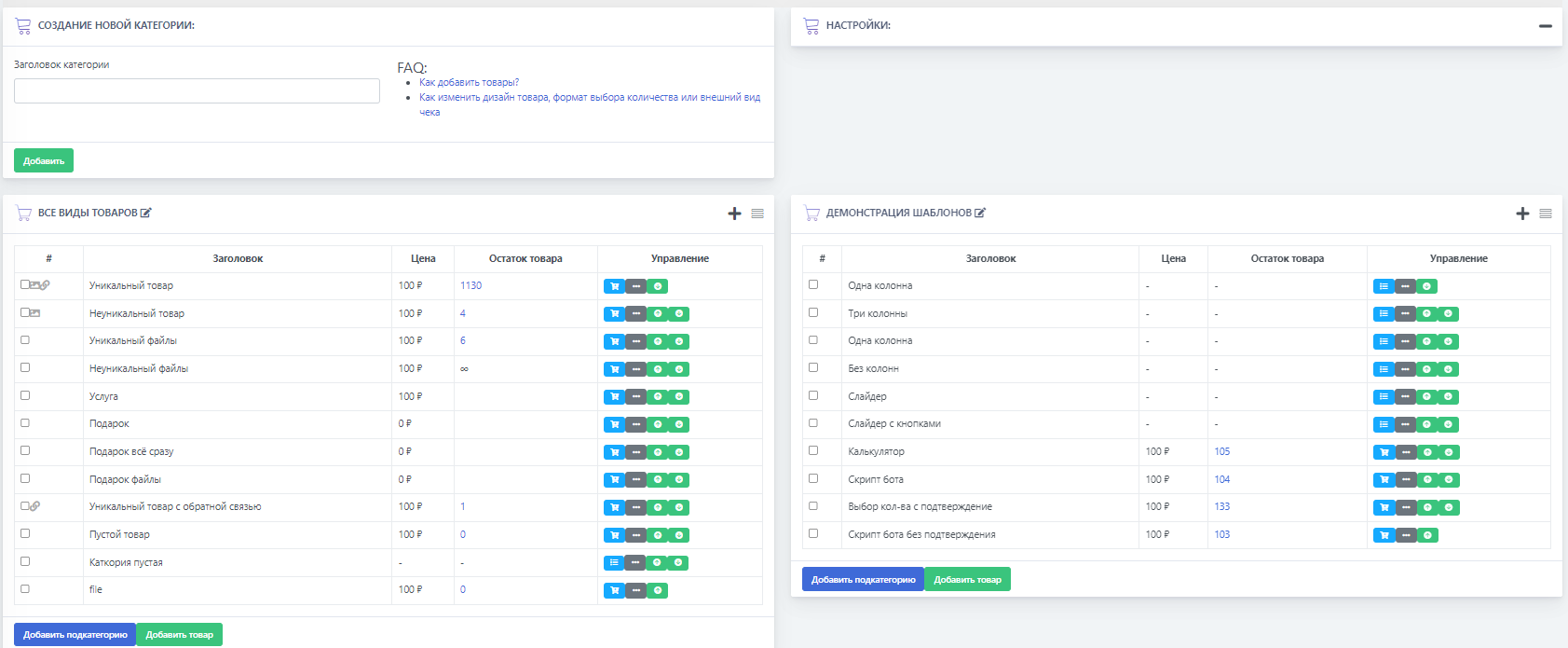
 There are 2 ways to add a product to the digital goods bot:
The first is through the website, we will look at it here.
The second is directly through Telegram, we will look at it below.
To add a product in the digital goods bot through the website, you need to go to the categories and products button, and after adding a new category, click the button - "add product" (see screenshot)
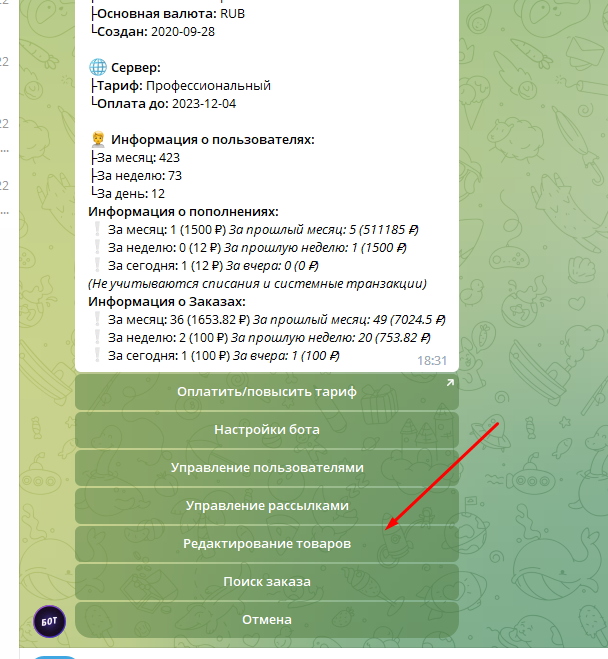 You can create and edit products inside Telegram. To do this, enter the /admin command in the bot, find the product management setting, and add a new product directly through the bot.