

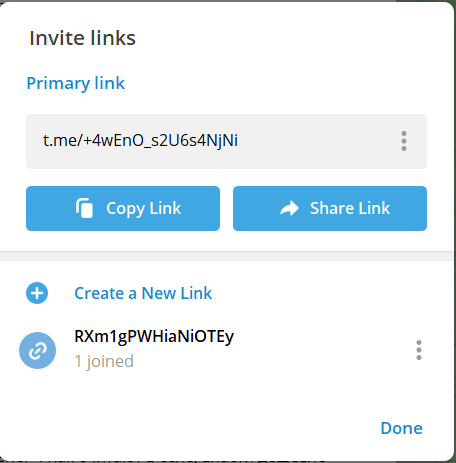
 Invite links in Telegram are special links that allow users to invite other people to a group or channel. An invite link contains a unique code that allows automatic joining to a group or channel without the need to enter a password or search for it. This is convenient for those who want to quickly join a specific group or channel, as well as for group creators who want to share links to their communities.
In Telegram, invite links can be created by both group and channel creators and their administrators. Bots can also create invite links if they are allowed to do so by their creators or administrators.
They can be created for both public and private resources. But for public ones, you will not be able to enable the request handling mode manually; this mode is important for our bot!
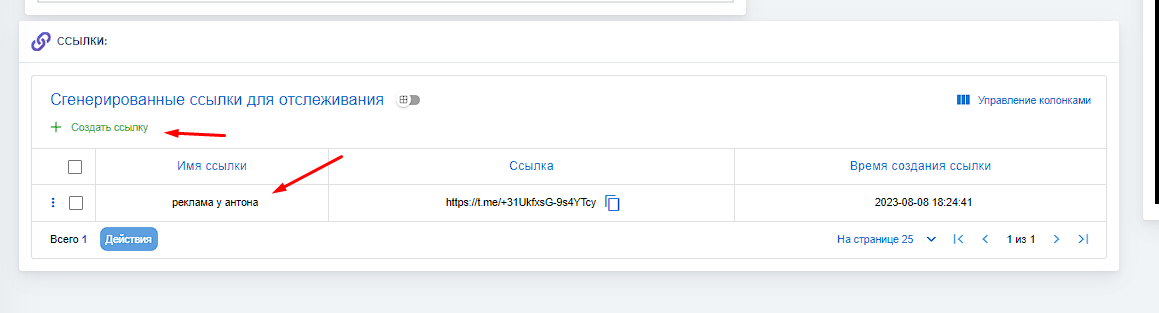 To create your first invitation link, you need to go to the resource settings and add your first resource. More details on how to do this