

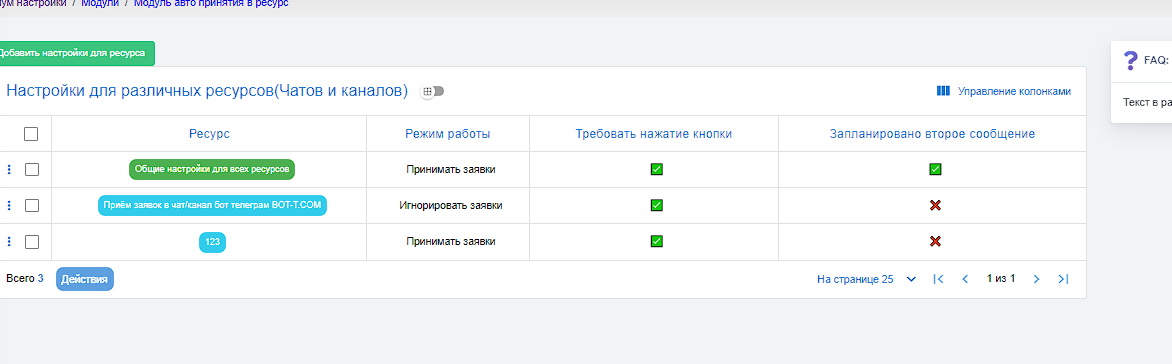
 This setting is necessary for those who have many different Telegram channels or chats, each resource setting gives you a table with the initial settings of each resource (see screenshot), issuing a tracked link (utm), and statistics for each resource.
What does this give you?
When using the expert setting, you can view a brief overview of your resources and send a mailing in one or another resource, which will save you time.
With tracked links for different channels and ads, you can get detailed information about which traffic sources are most effective, which campaigns bring more conversions, and how users behave. This allows you to optimize advertising campaigns, improve conversion, and increase the effectiveness of marketing efforts.
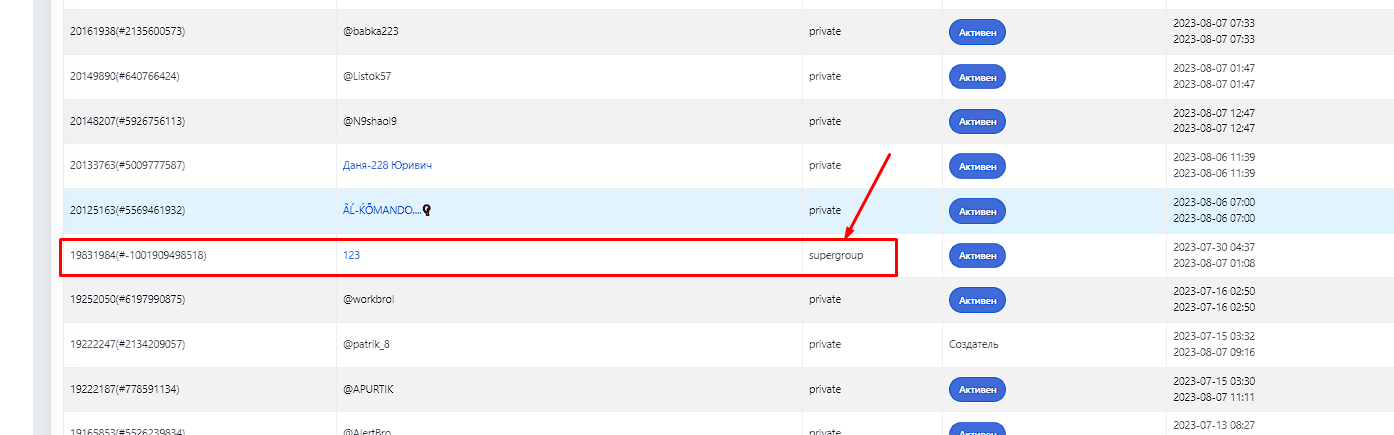 To start using this block, you need to link the bot to your resource and make any post after linking the bot (how to do this is described below). After that, your resource will appear in the users tab (see screenshot). As soon as it appears, move on to the next step
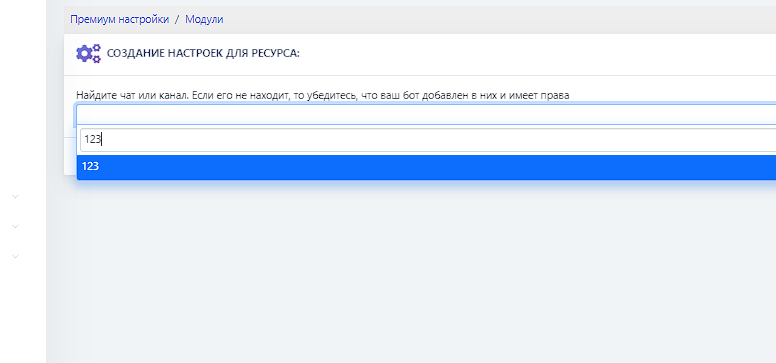 To add a resource, you need to go to the main menu and select the "Add a new resource to manage" button->find and add a resource->enter the resource name
 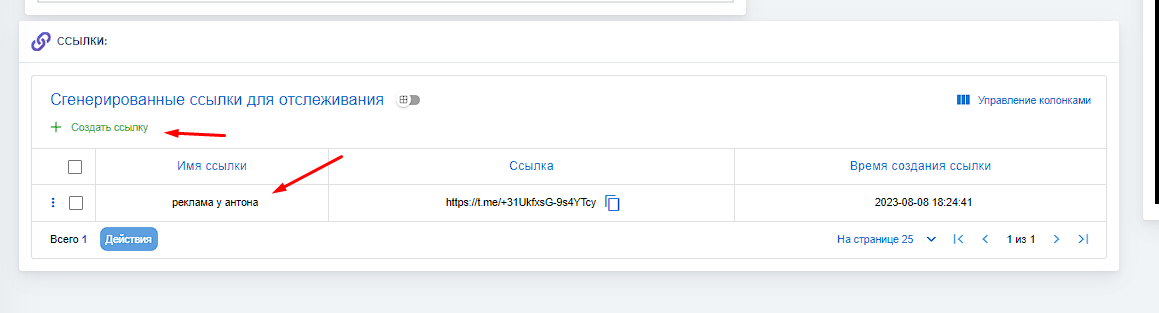 To add a UTM link, you need to go to "resource settings" on the desktop, select the required resource, and click "manage" in the resources table, then generate the link (see screenshot) and use it for advertising to track conversions