

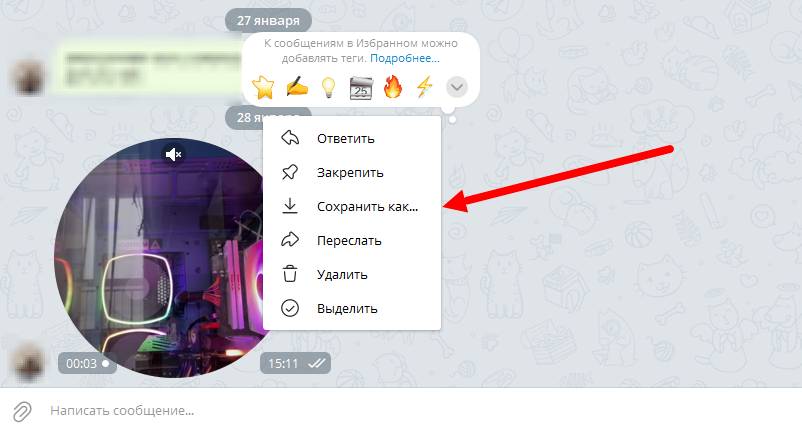
 To download the video circle from the desktop version of Telegram, you need to right-click on the selected circle, then click the "Save as" button and choose the file save location.
Done! The video circle has been saved; all that remains is to upload it into the message.
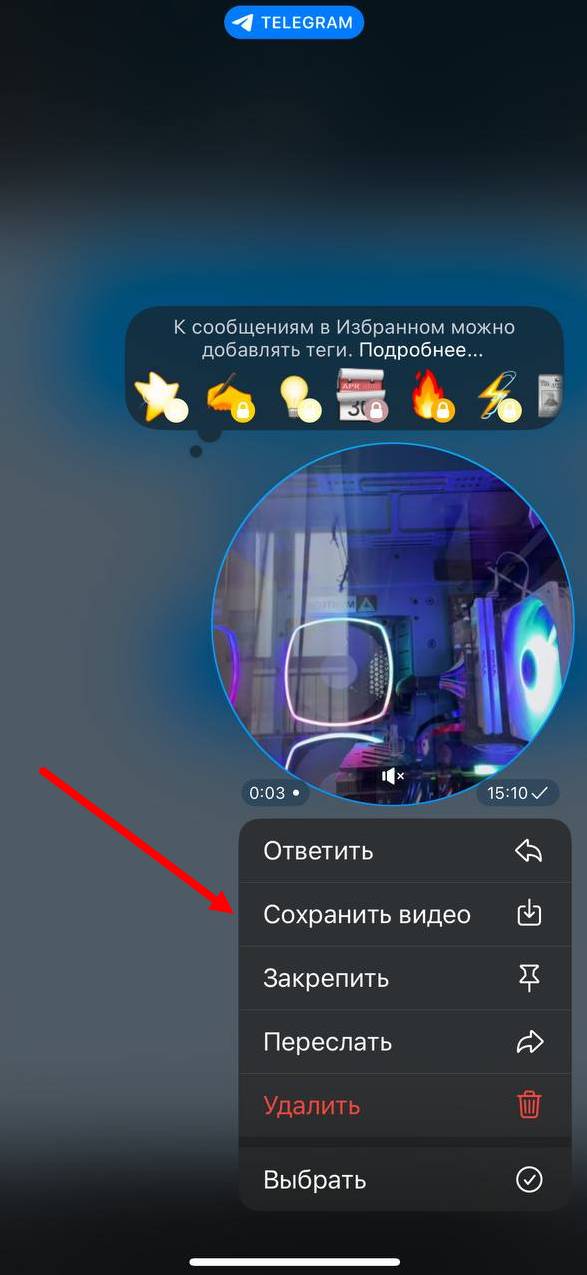 The process of downloading a video message on a phone is similar to downloading a video message through the desktop version of Telegram: