

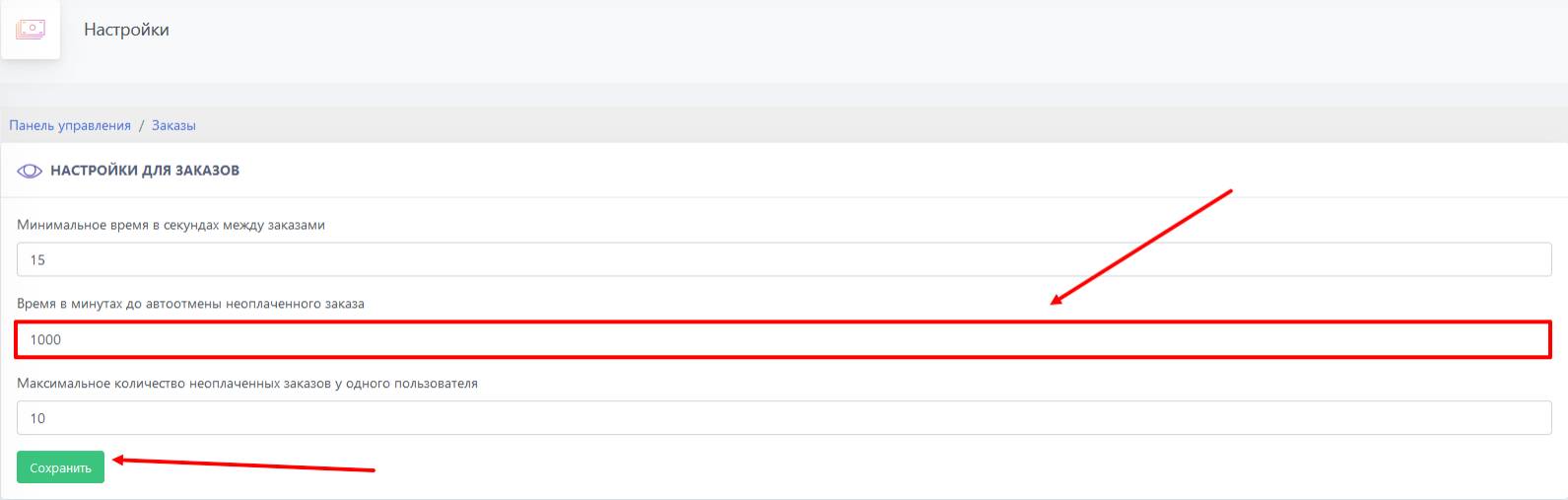
 To increase the time before the order auto-cancellation is triggered, you need to click the "Orders" button in the bot desktop, then go to the "Order Settings" section. You will see the settings for setting time intervals for orders; we are interested in the field "Time in minutes before auto-cancellation of an unpaid order" and enter the required time in minutes (maximum 1000 minutes). Be sure to click the "Save" button!
Done!