

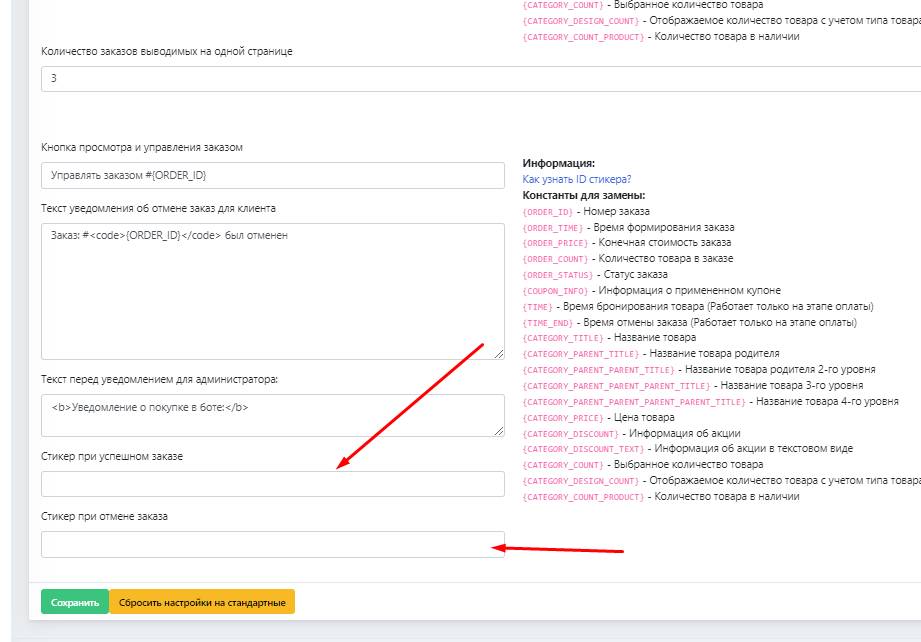
 For the designer setup of your receipts and reactions in your bot, you can enter text for user notifications.
On the left in the bot system, you can enter text and links; on the right, you can copy constants to define a particular function for your users when starting the purchase scenario or when activating the order history button in the bot
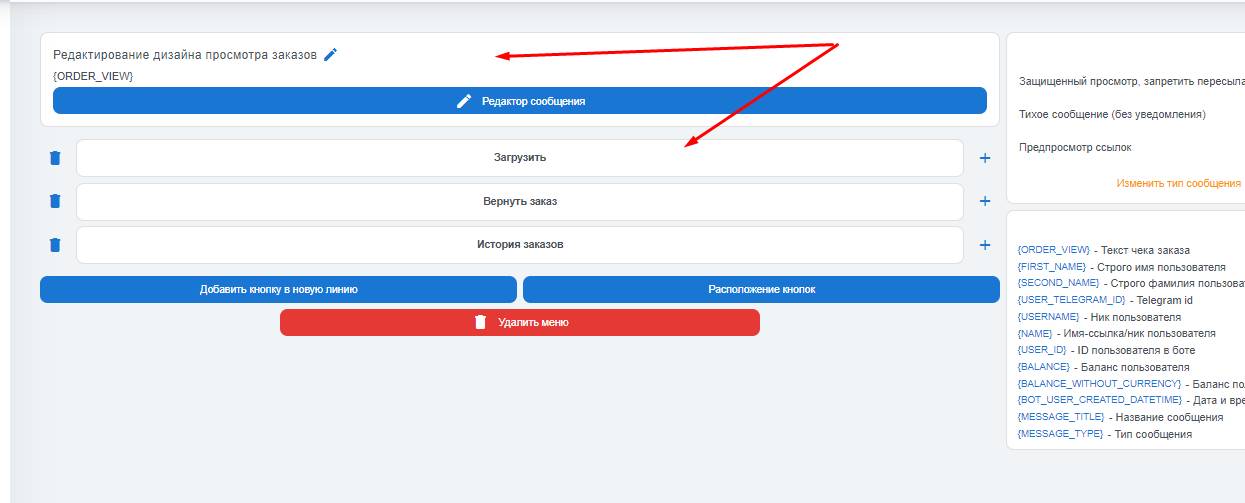 In the "order view design" block, you can define the buttons and their design to your taste, as well as attach a photo to the "Order History" button in your bot
 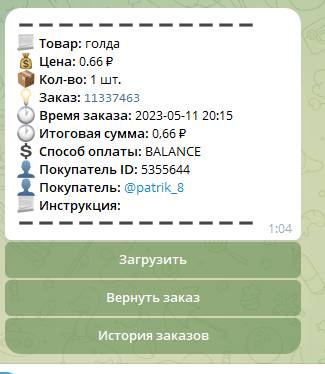 Screenshot above