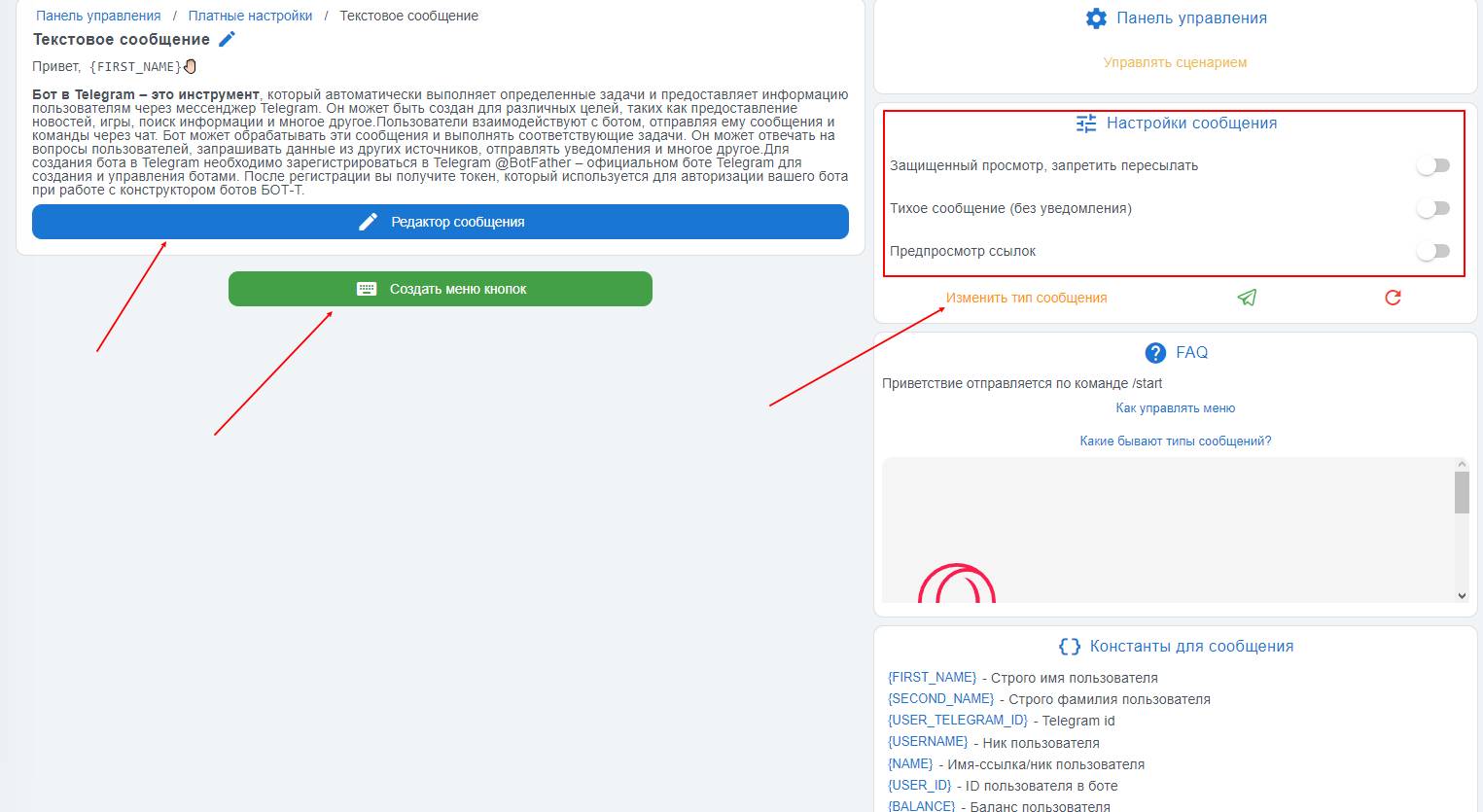
To go to the /start scenario, you need to click the "Greeting in the bot" button in your bot’s workspace.
In the greeting message in the Telegram bot, the text message type is selected by default. In this message, you can add only text, but the character limit is much higher than for other message types — as much as
4096 characters!
BUT! If needed, you can change the message type by clicking the yellow "Change message type" button,
but what message types are there?
You can also use
message settings, they are located
in the upper right corner of the free message
:
- Protected view, prevent the message from being forwarded
- Silent message (no notifications)
- Link preview, to enable it, you need to move the "slider"


 Greeting in a Telegram bot is a message that the bot sends to the user at the start of communication (when the /start command is executed).
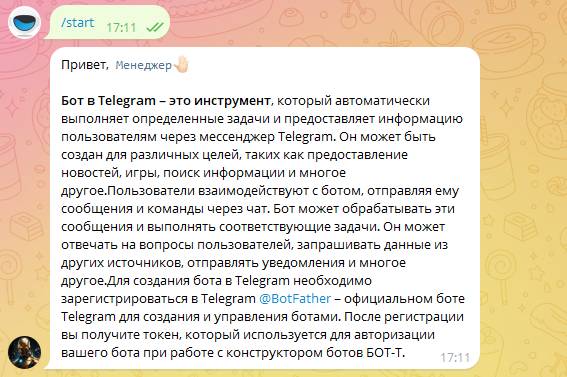 To sum up, we can say that the greeting in a Telegram bot is the front end of your store or simply an informational bot.