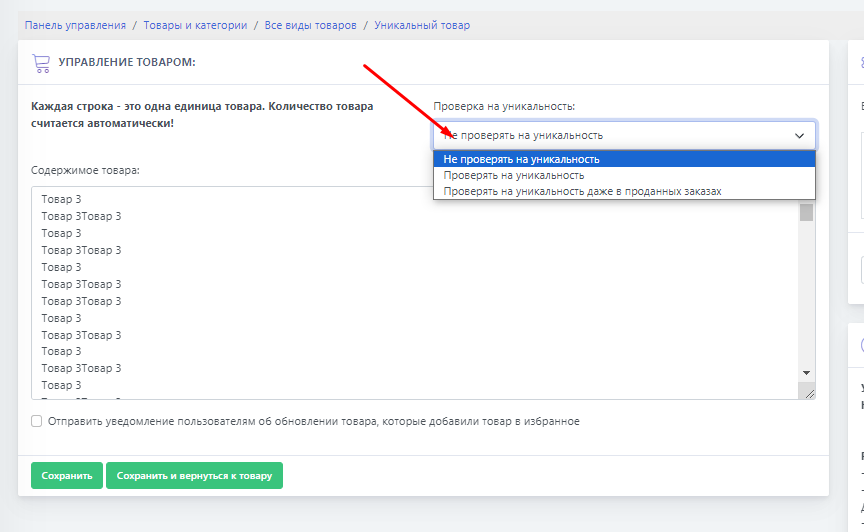
 Supports 3 operating modes:
- Do not check for uniqueness
Supports 3 operating modes:
- Do not check for uniqueness - after loading the product for sale, lines without additional checks will be added to the sale
-
Check for uniqueness - after loading the product for sale, lines from those currently on sale will be checked for duplicates. Duplicates will be removed automatically.
-
Check for uniqueness even in sold orders - after loading the product for sale, lines from those currently on sale, as well as products in orders, will be checked for duplicates. Duplicates will be removed automatically.
(100000 product lines from orders are checked)
The system will automatically remove the product after it is uploaded if duplicates are detected.


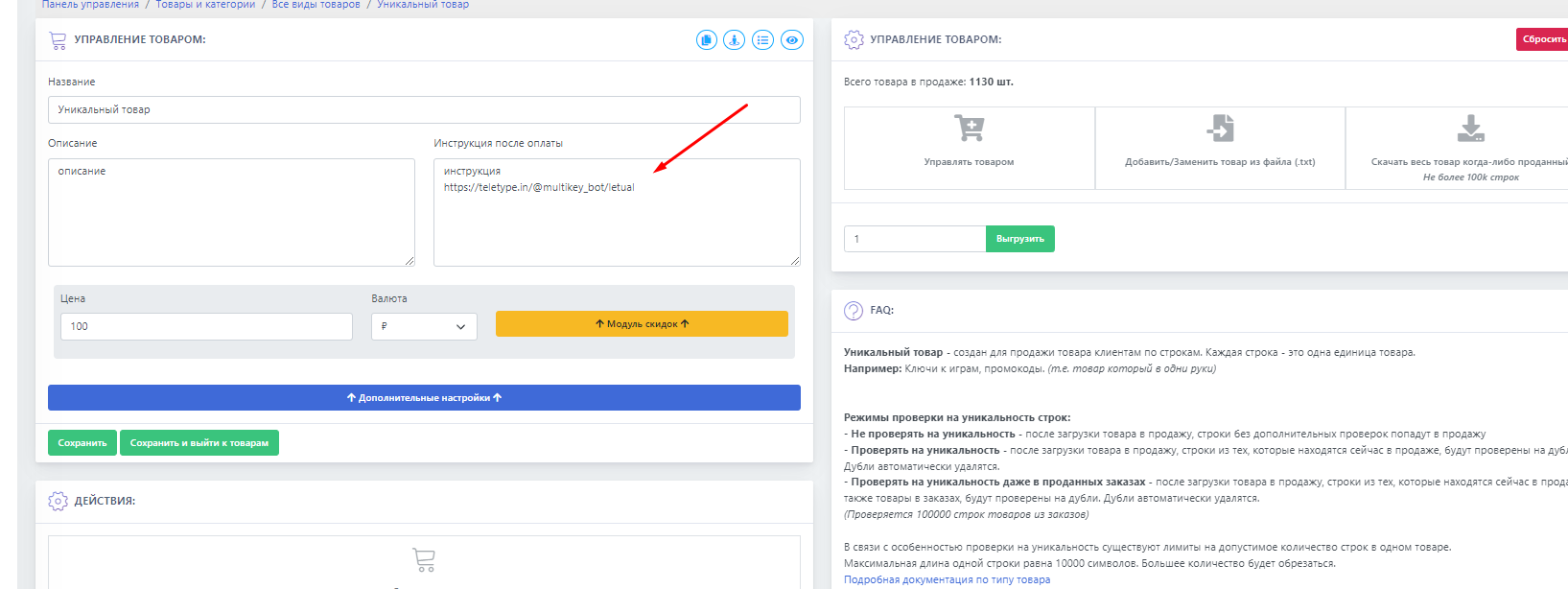 You can upload the product in one of two ways.
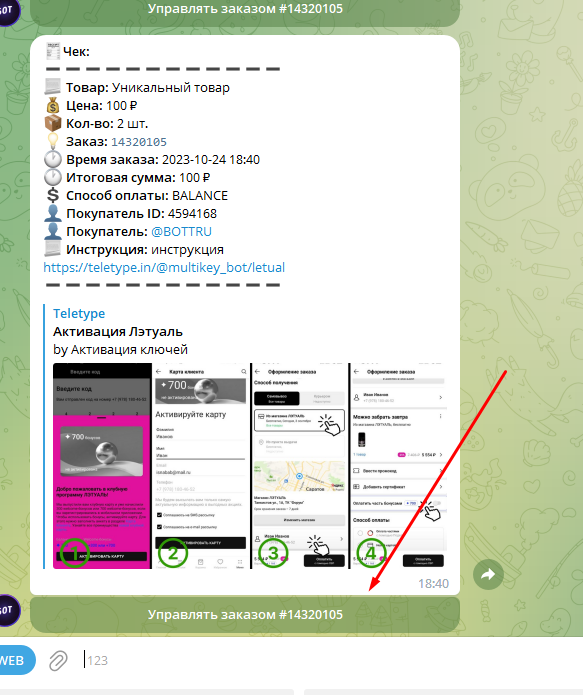 The product can be provided to the customer either as text or as a file.
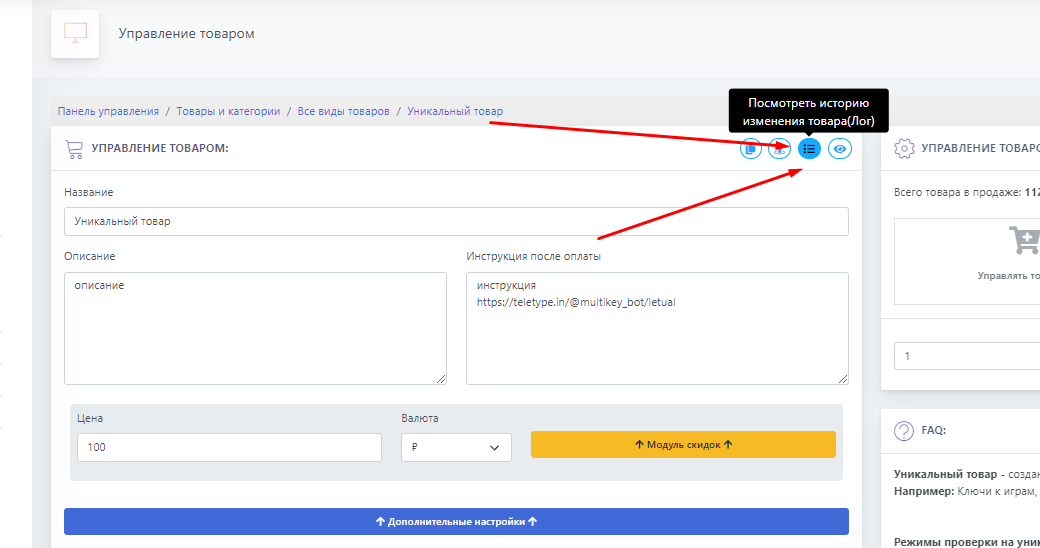 All actions with this product are logged. You will always be able to track where the product was moved, who purchased it, etc.