

 To add the first shipping method, you need to click the "Shipping methods" button. Then you need to add the first shipping method by clicking the "Add shipping" button, and enter the shipping information.
 Shipping description: here you can write approximately how long it usually takes you / the delivery company to deliver the item by mail, courier, or in person.
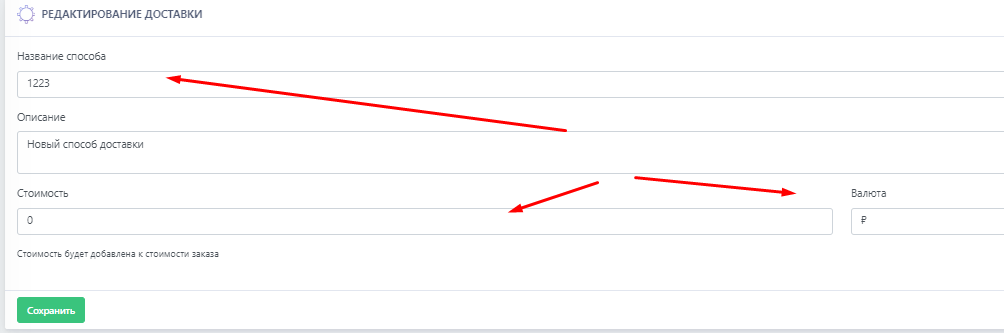 In the shipping method, you can configure:
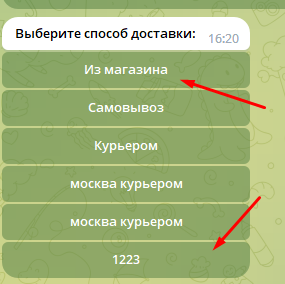 The customer only sees the shipping method name!