

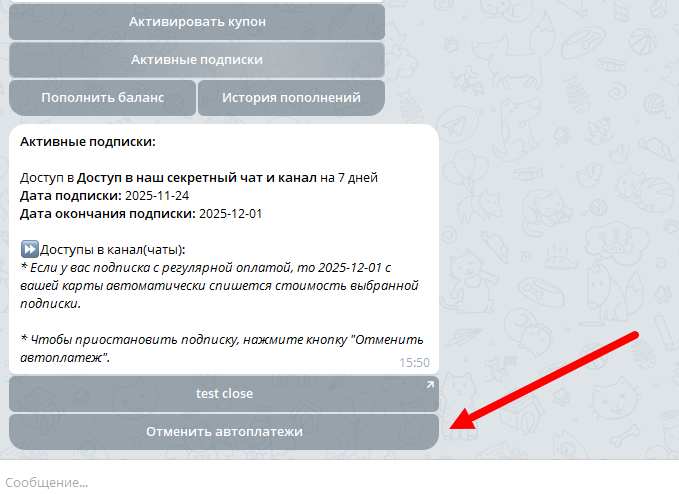
 To cancel the automatic deduction of funds for a subscription, the client needs to:
1) Go to the "Active subscriptions" section
2) Click the "Cancel autopayments" button
After clicking the cancel button, automatic charging will be stopped.
Important! A button with the "Active subscriptions" action must be added to your bot.
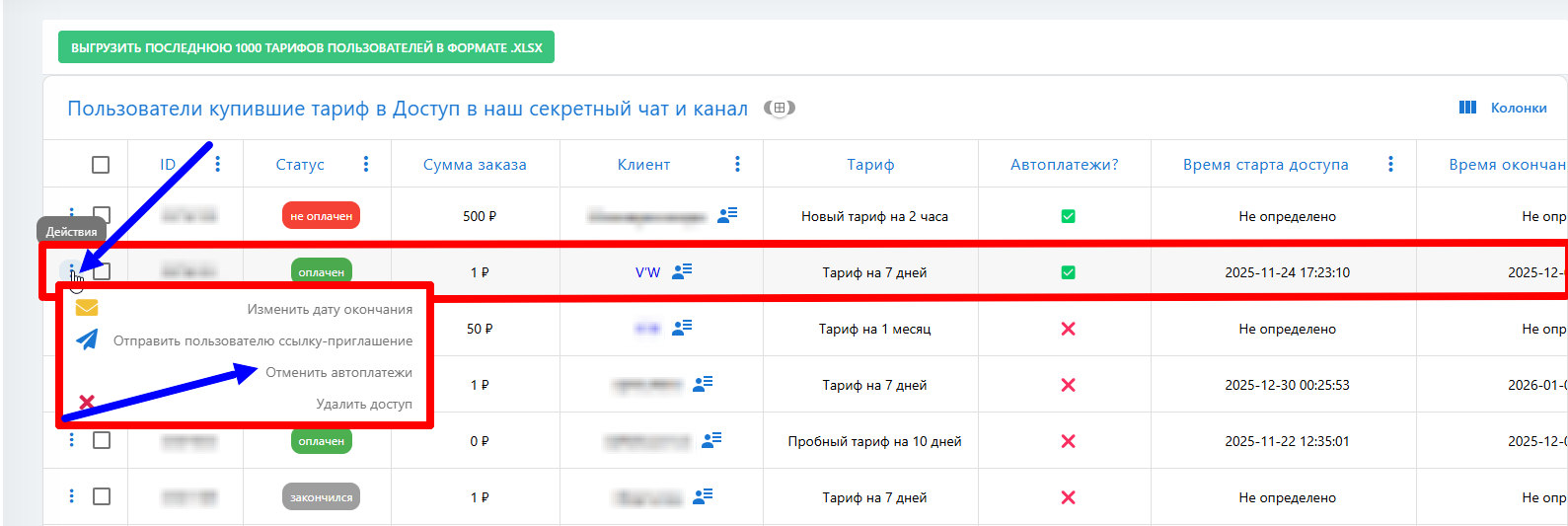 To cancel auto-payments for clients on the administration side, go to the admin panel on the website