

 Recurring payments - automatic regular payments made from the client's bank card.
This setting is available only in the Subscription BotIf the client selects the available methods for making recurring payments and this mode of operation for the payment system is enabled, automatic payments will be connected.
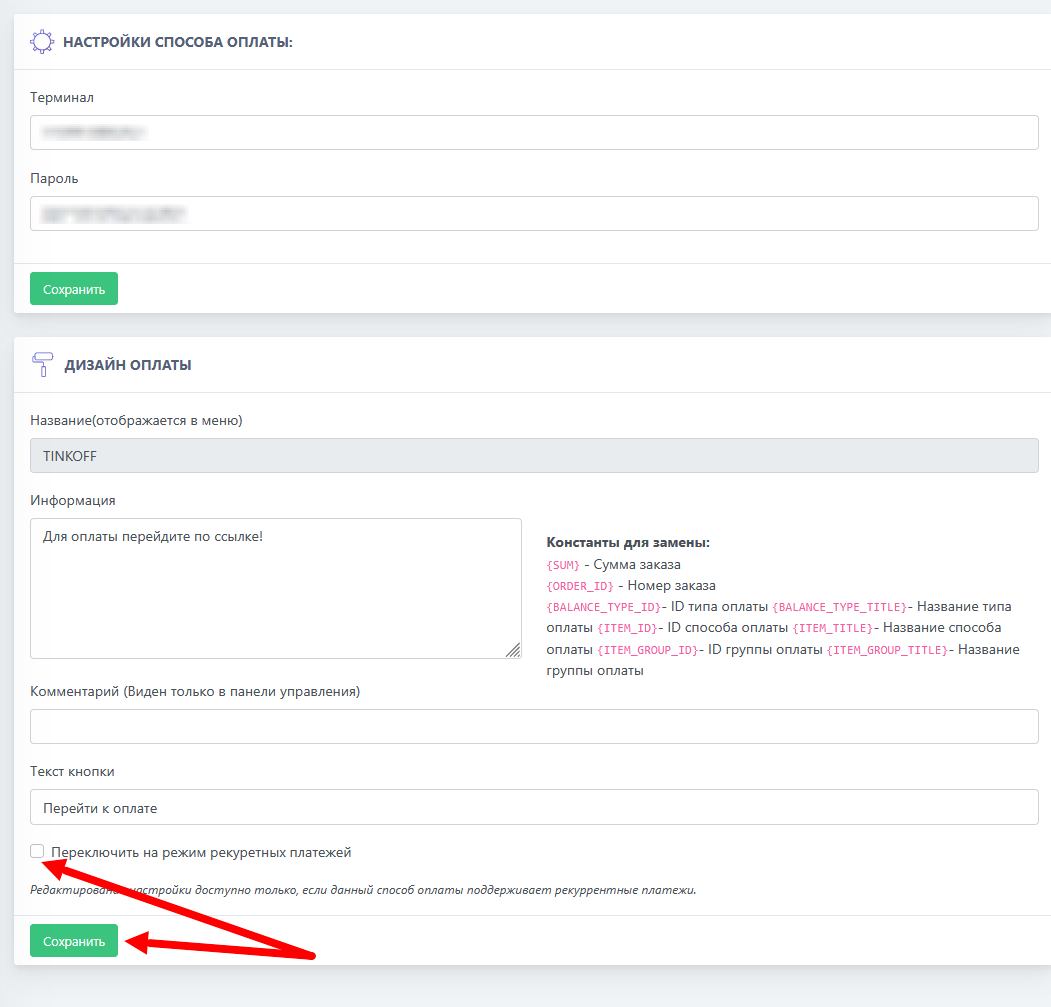
Procedure for enabling recurring payments:
1) Enable and configure the tax office account
2) Go to the payment system settings section, where you specify the cash register details
3) Scroll down and check the box to enable automatic payment mode
4) Click the "Save" button
Important! Only bot owners with the status "Sole Proprietor" or "Legal Entity" will be able to enable automatic debits