

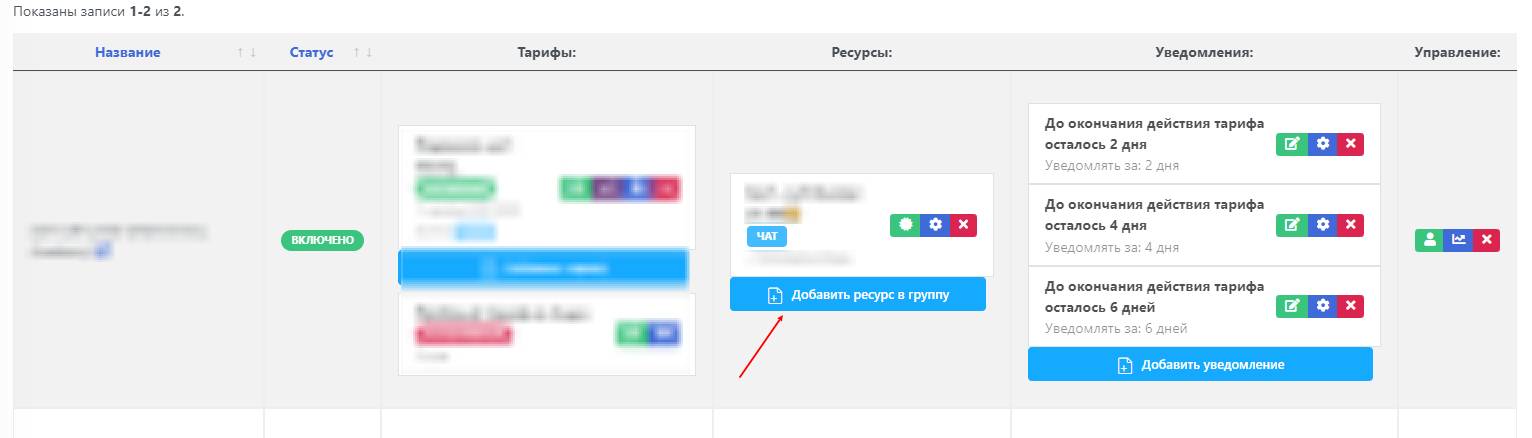
 In the Telegram paid subscription control bot, you can use the function of selling access to several groups or channels. To do this, you need to:
1) From the bot’s desktop, go to the "resource group"
2) In the created resource with tariffs, click the "Add resource to group" button
3) Select the required resource
Setup is complete!
Note: there is a tariff-based limit for adding resources to one group:
- Tariff "full" - 3 resources
- Tariff "extended" - 10 resources
- Tariff "professional" - unlimited