

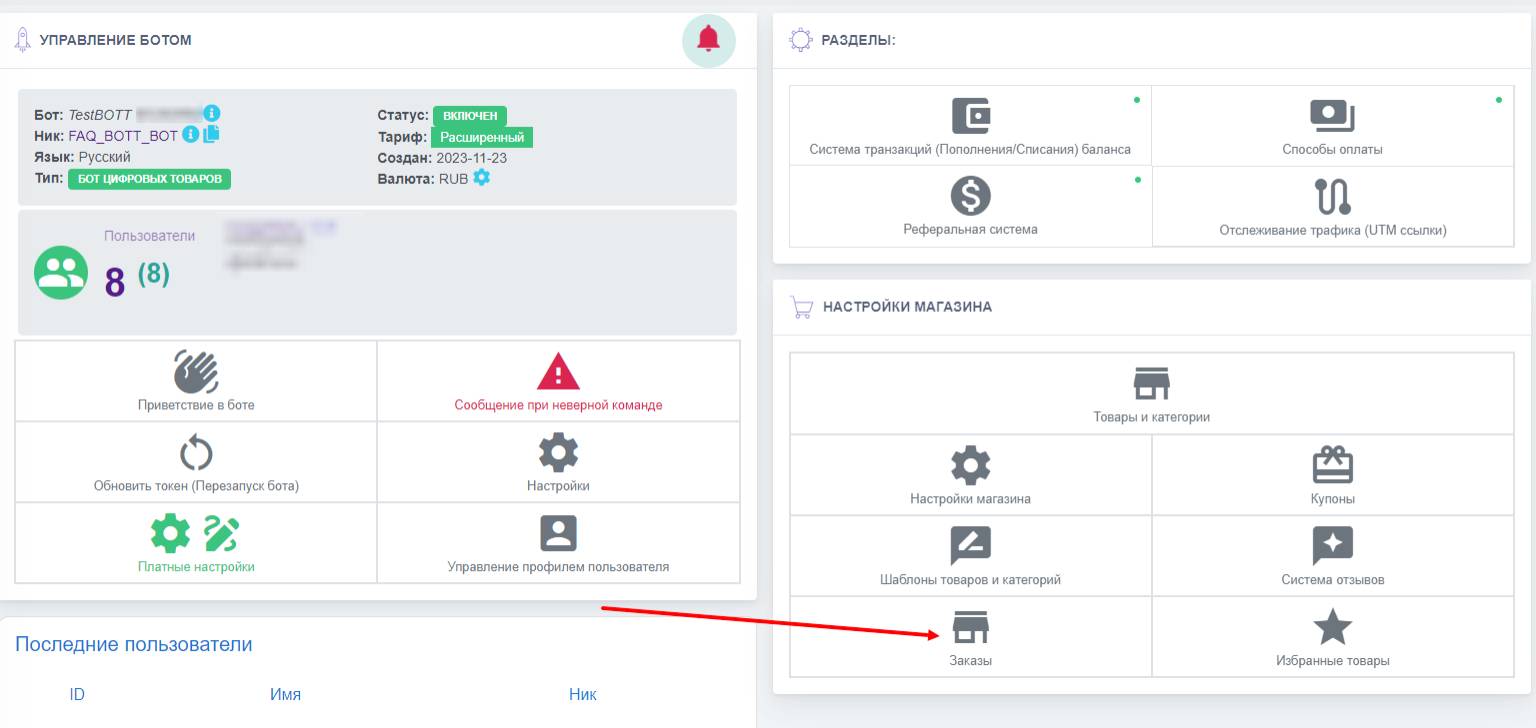
 The "Orders" section in your store's dashboard is your personal account where you can track all orders placed by your customers
Here's what you can find in the "Orders" section:
- Order list: A complete list of all your purchases, including order dates, product names, cost, order status, and other information.
- Order status: Information about the current status of each order (reserved, paid, canceled, refund requested).
- Order details: Detailed information about each order, including delivery address, payment method, for digital products - product contents, payment method, order ID, purchase amount.
We have described the "orders" section in more detail for different types of bots in the following articles:
- Bot store without a cart for digital goods
- Bot store with a cart for physical goods