

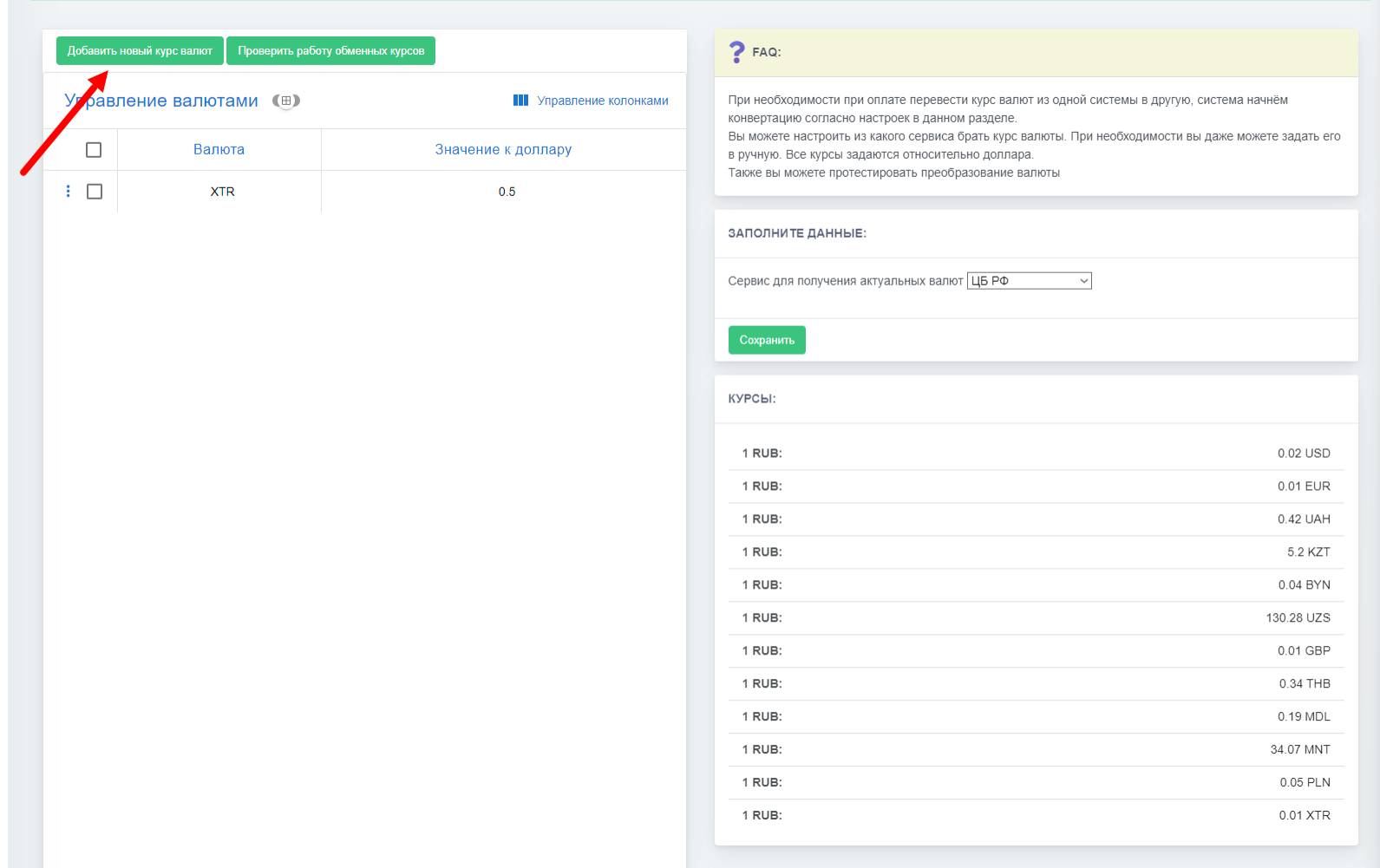
 Managing currency exchange rates in the Telegram bot provides bot owners with information about current exchange rates, which are retrieved via API through the Central Bank of the Russian Federation or CurrencyLayer.
However, you can also manage currency exchange rates yourself; to do this, click the "Add a new exchange rate".
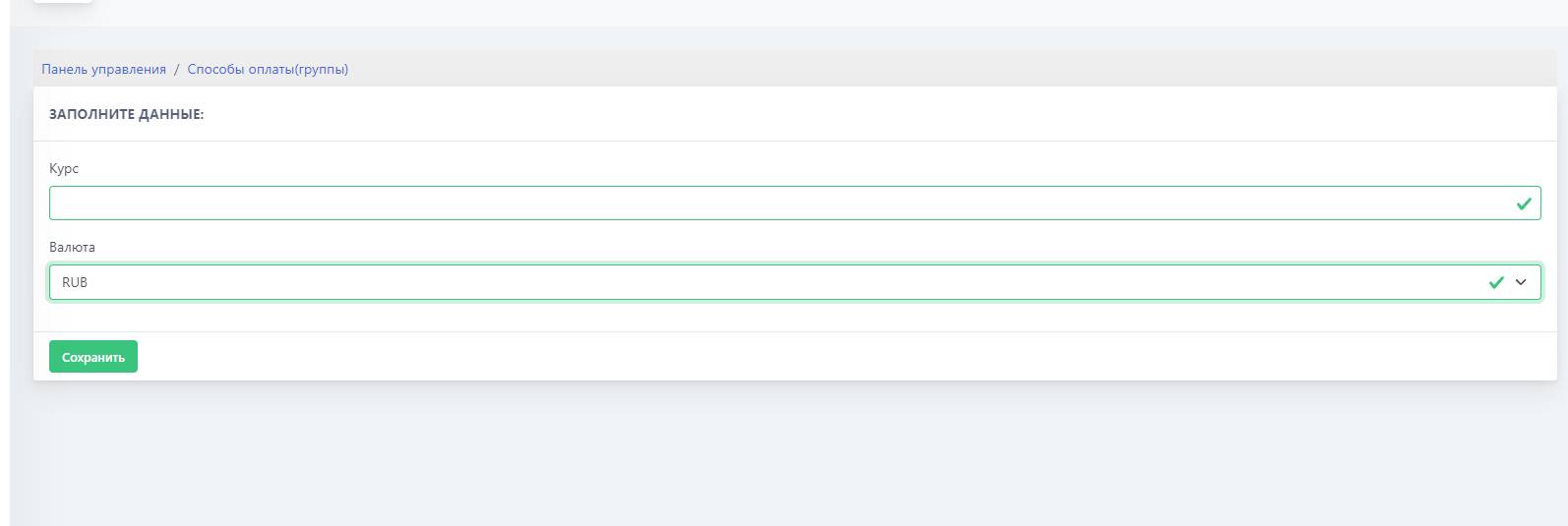 In the opened block, we will see two fields: "Rate" and "Currency".