

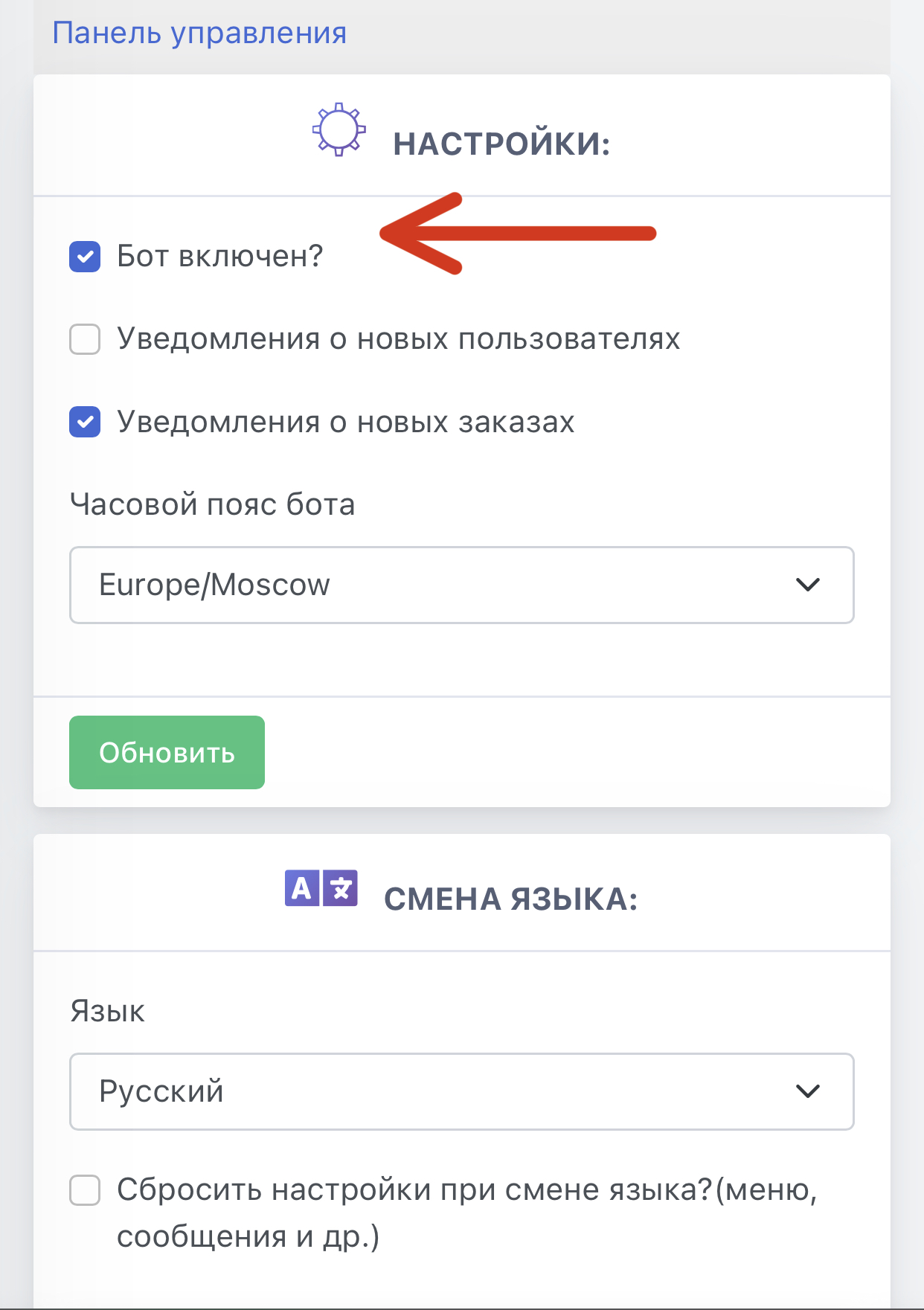
 Using this command, you disable or enable the bot. If a user tries to send any command, the bot will reply with the text “Bot is turned off.”
 This function is also available in the Telegram interface.
To do this, go to the bot and enter the command “/admin” without the quotation marks.
An admin menu will appear; go to the “Bot settings” section.
Please note that if you disabled the bot through Telegram, you will need to start it directly through the website.
 If this function is enabled, the bot will send administrators and managers a message about new users.
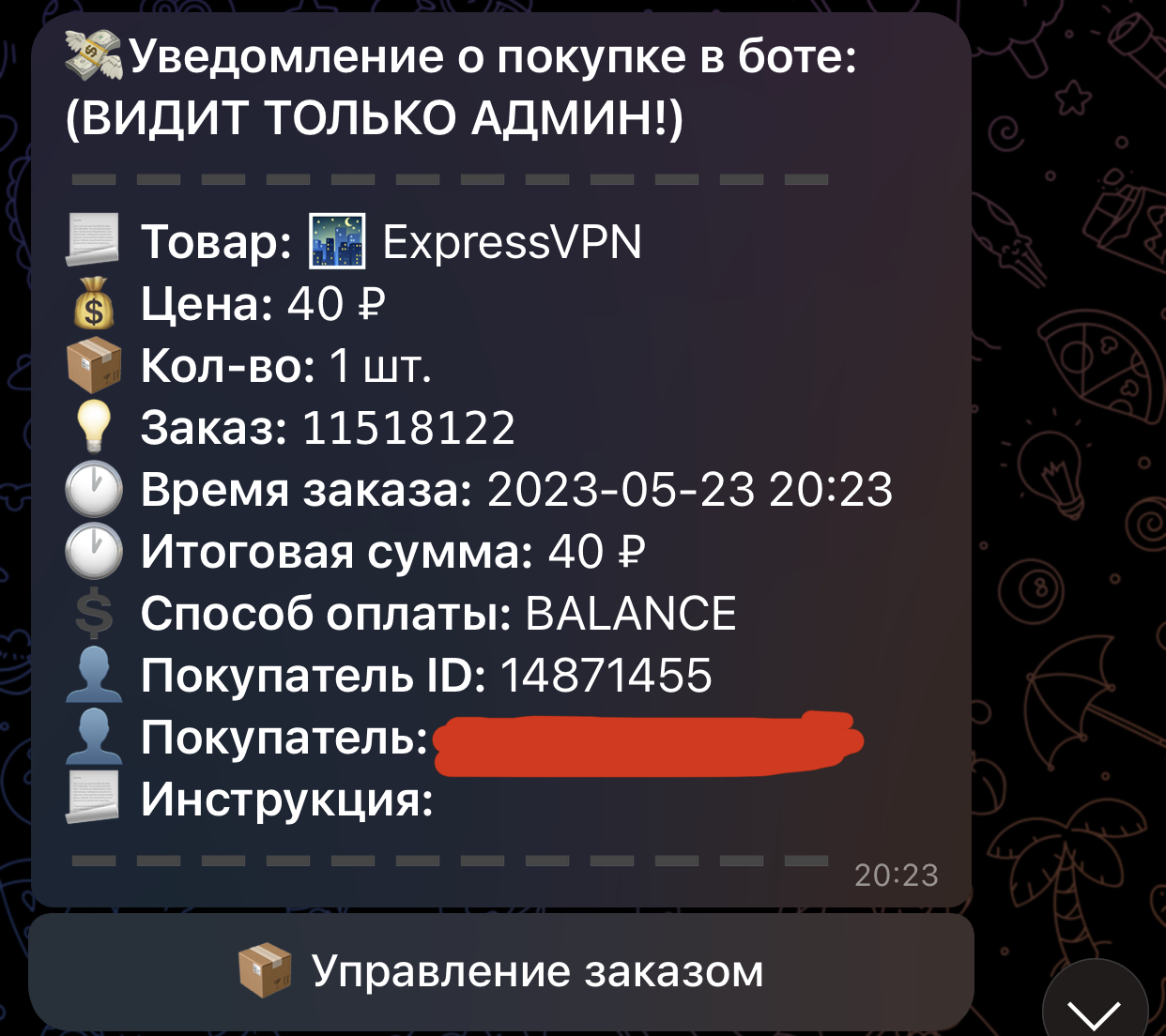 If this function is enabled, administrators and the bot manager will receive notifications about new orders.
 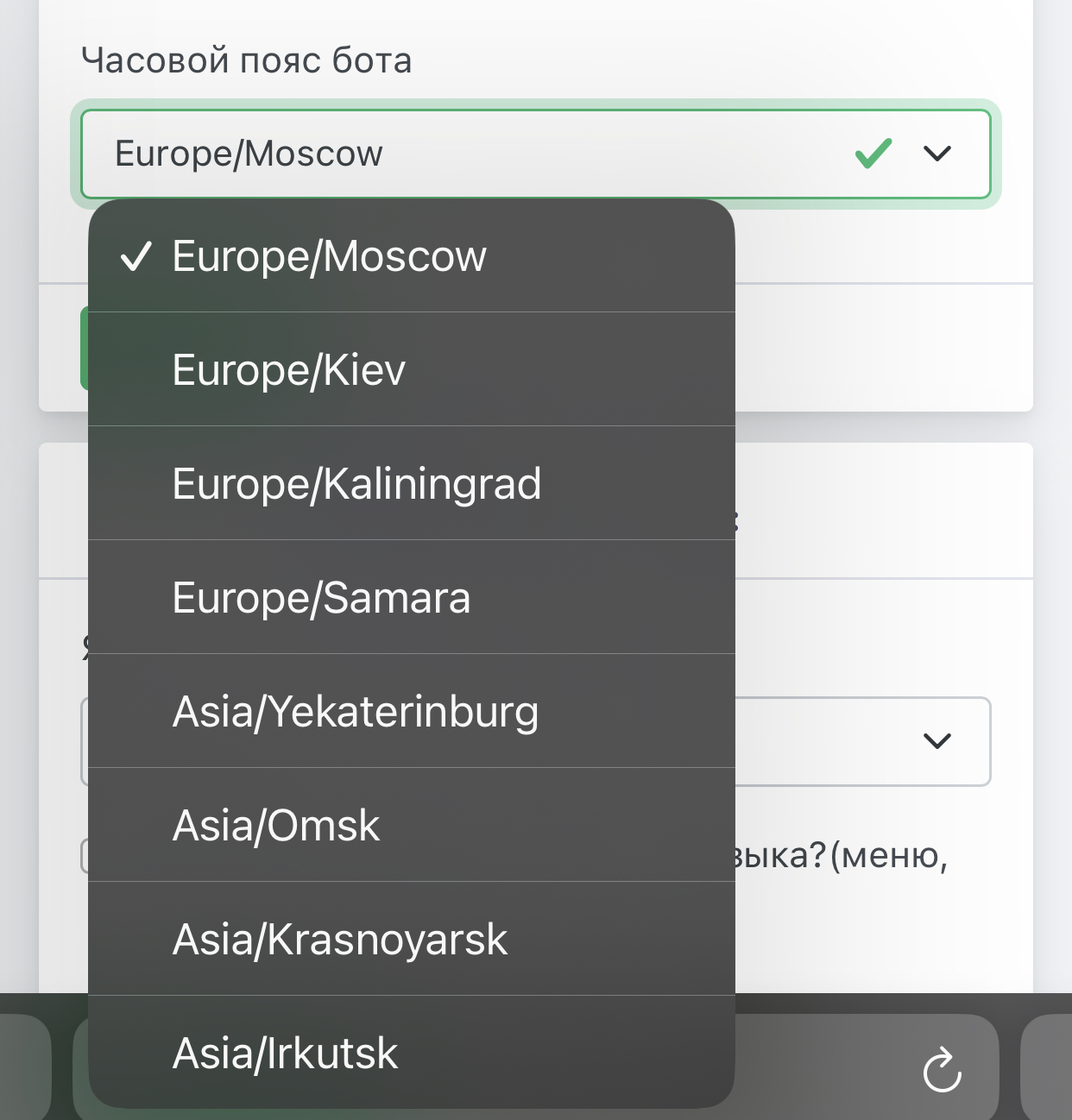 This setting allows you to choose your bot’s time zone
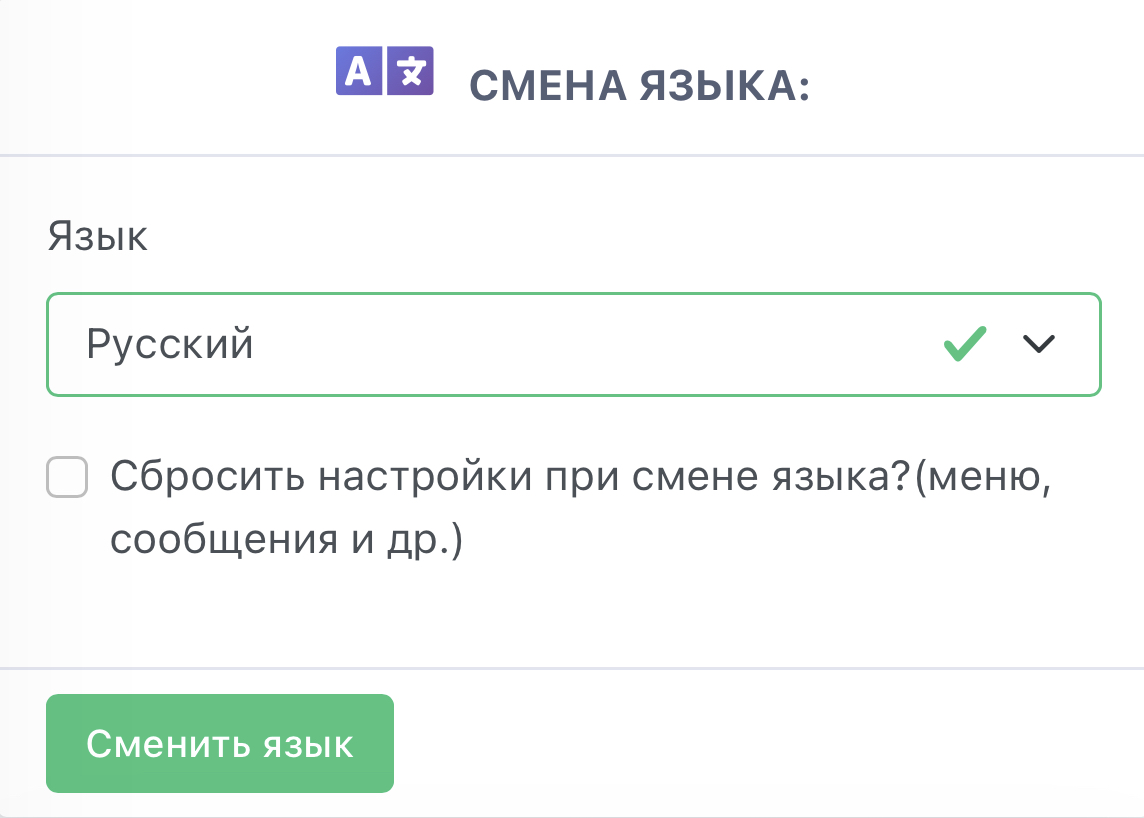 At the moment, only 2 languages are available: English and Russian.