

.png "Where is this block located and what can it do?") To set your own commands, you need the full plan or higher!
To set your own commands, you need the full plan or higher!First, let's figure out why this block is needed. Here, in addition to basic actions, you can create fully custom scenarios - (/qiwi) or a secret command that only your subscribers will know about. It will be handled by one or another function. Note: to add a secret command, you need to enter it without the slash, i.e. the "/" symbol, and assign it a function. We'll discuss this later. The block is located in the premium menu at the top center (see screenshot)
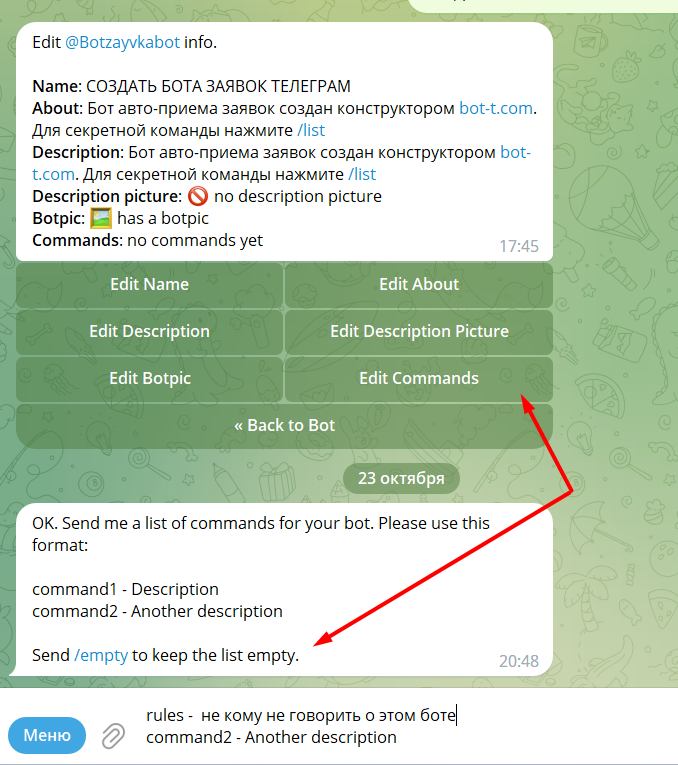 And so, to create and set up a command with a script (not to be confused with a secret command), we need to go to
 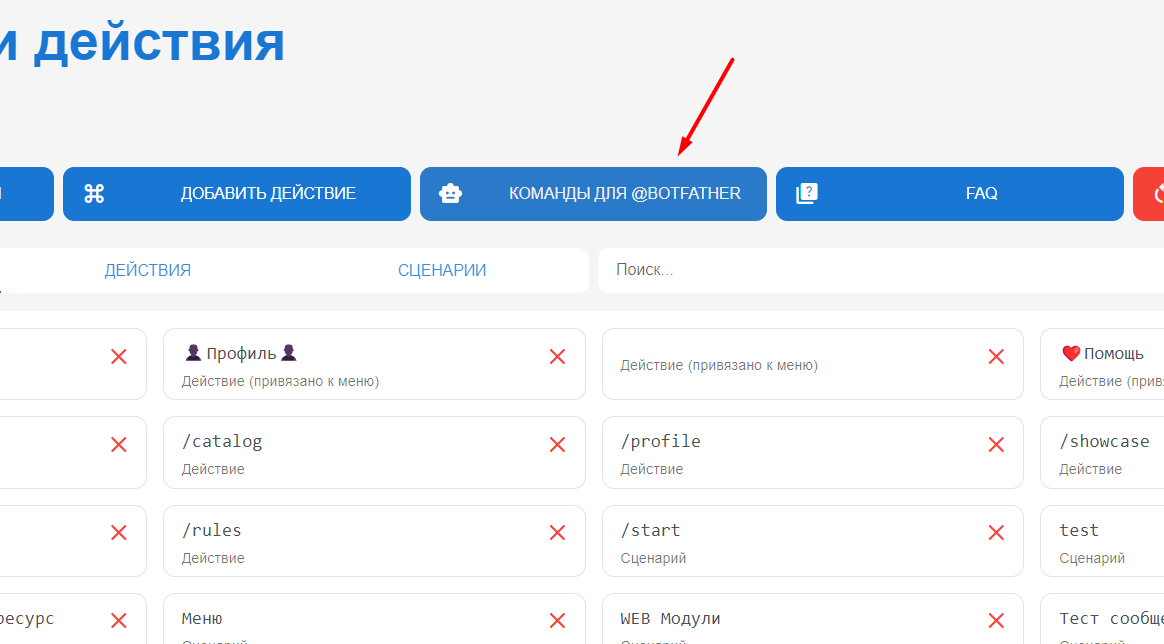 For our team to start operating, we need to duplicate the commands and assign it a function in the premium menu in the bot panel.