

 To access the free buttons section, click the button in the bot workspace "Premium Settings", then "Free Messages."
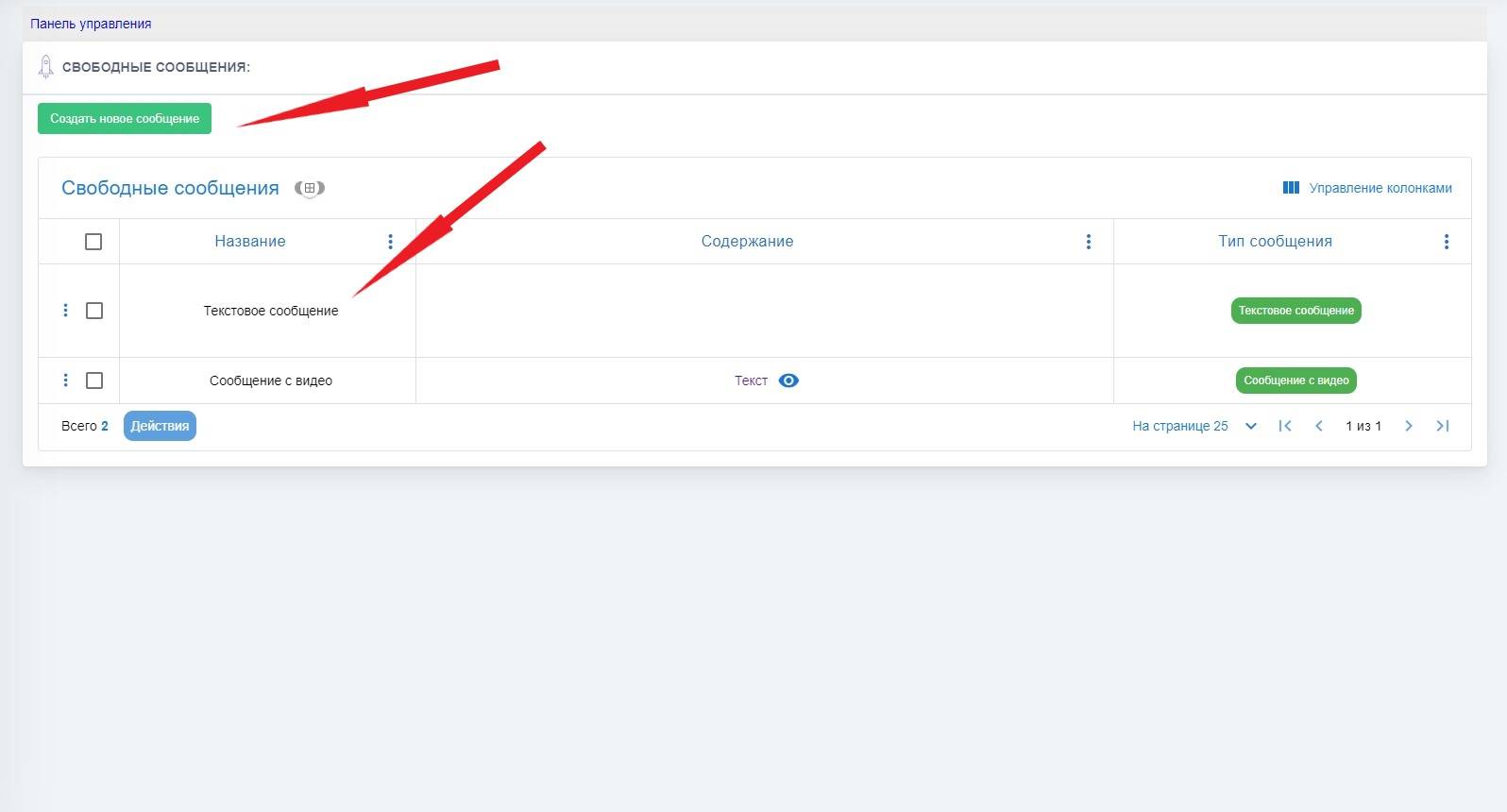
 Next, a window like this will appear (see screenshot); in this window, the free messages you previously created will be displayed
To add a free message, you need to click the green button "Create New Message", then select the message type and configure this message, then attach it to the main menu, to the mailing list, commands, etc.
Be sure to give the button a name so you don’t get confused.