

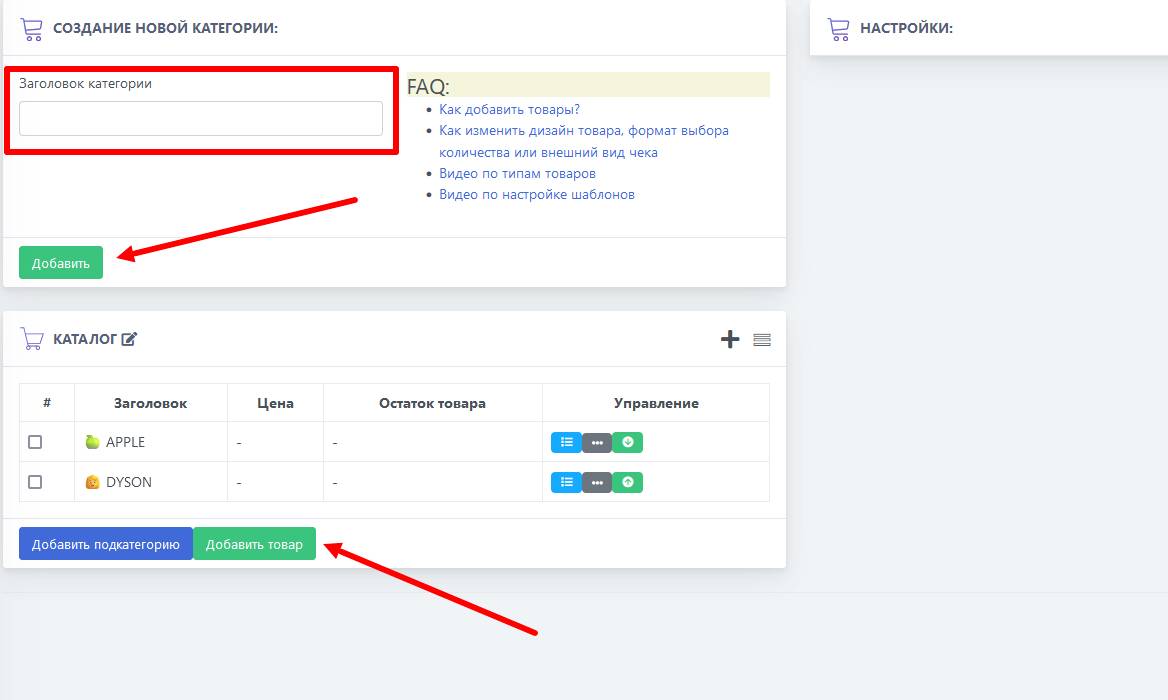
 To create a catalog, you need to create a category and, if necessary, subcategories, and fill them with products, specifying the available quantity and price.
 You can add a product on the left in the menu, in the Categories and Products section.
To create a catalog, you need to create a category and, if necessary, subcategories, and fill them with products, specifying the available quantity and price. Creating products in Telegram
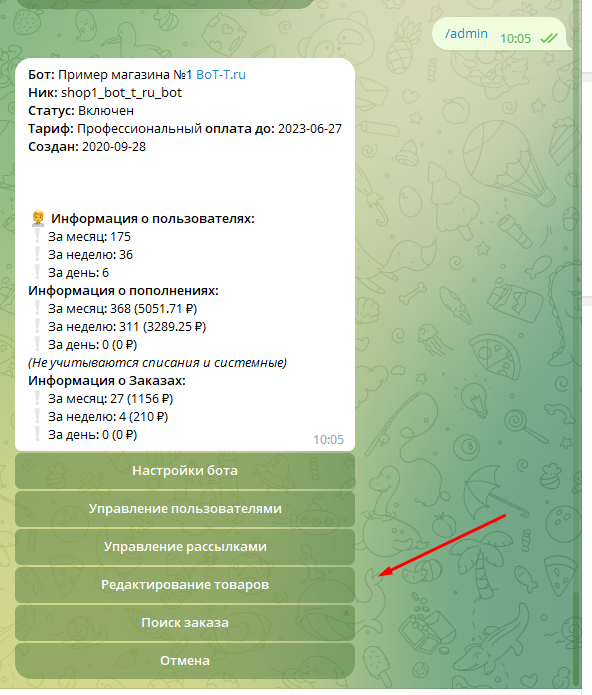 You can create and edit products directly within Telegram.