

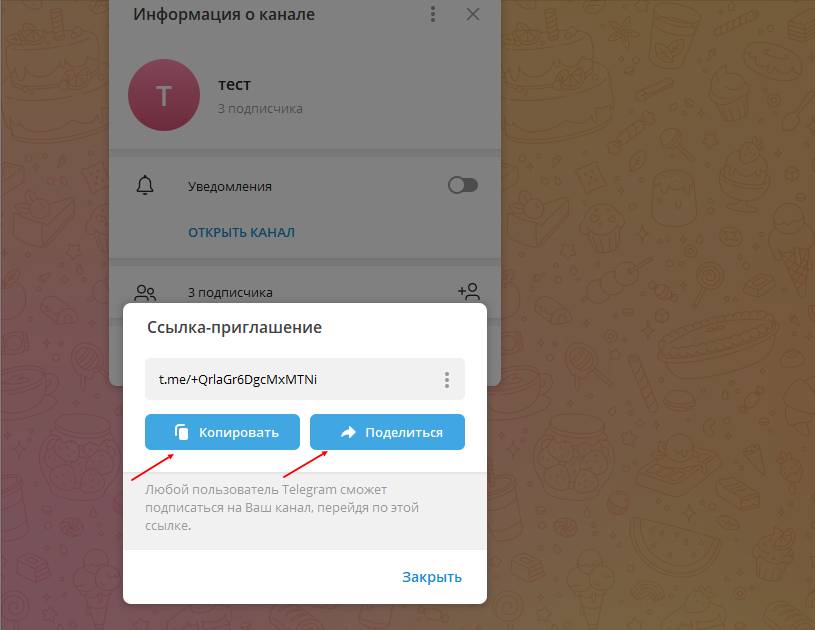
 An invitation link in a Telegram channel is a special link that the channel administrator can create to invite new members — it is a convenient way to share information about the channel and attract a new audience
To create an invitation link in Telegram, follow these steps:
1. Open the chat, channel, or group you want to invite other users to.
2. Click the "Invite to group" icon (usually a person-with-plus symbol).
3. In the menu that opens, select "Invite link".
4. After that, you will be prompted to create a link that you can copy and send to other users.
After you copy the link, you can send it to other users via message, email, or any other convenient method and invite any user to your resource. When a user follows this link, they will be invited to join your group, chat, or channel.
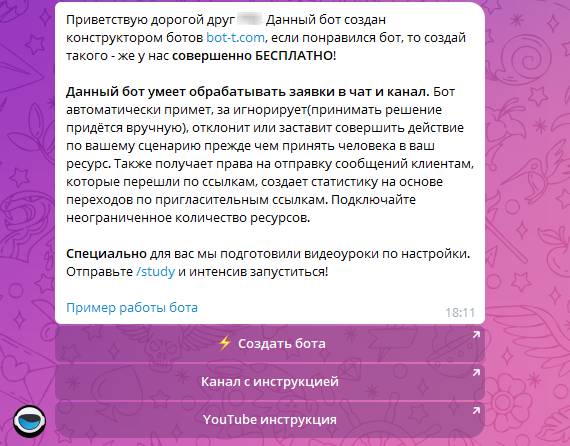 You can use an invite link/application link for automatic acceptance of requests in a Telegram channel/chat