 User management in a Telegram bot has several purposes:
1. Security:
User management in a Telegram bot has several purposes:
1. Security: User management allows the bot to control access to functionality and resources. This can be useful for preventing malicious users or restricting unwanted actions.
2. Personalization: User management allows the bot to provide a personalized experience. For example, the bot can remember user preferences and adapt its responses and recommendations according to those preferences.
3. Analytics: User management allows collecting data on user behavior, such as how often the bot is used, preferences, etc. This data can be used to analyze and improve the bot's performance.
4. Marketing: User management allows the bot to send notifications and mailings to users. This can be useful for informing users about new features, promotions, or other important updates.


.png "How do I grant manager rights in a Telegram bot?") 1. Go to the Users section
1. Go to the Users section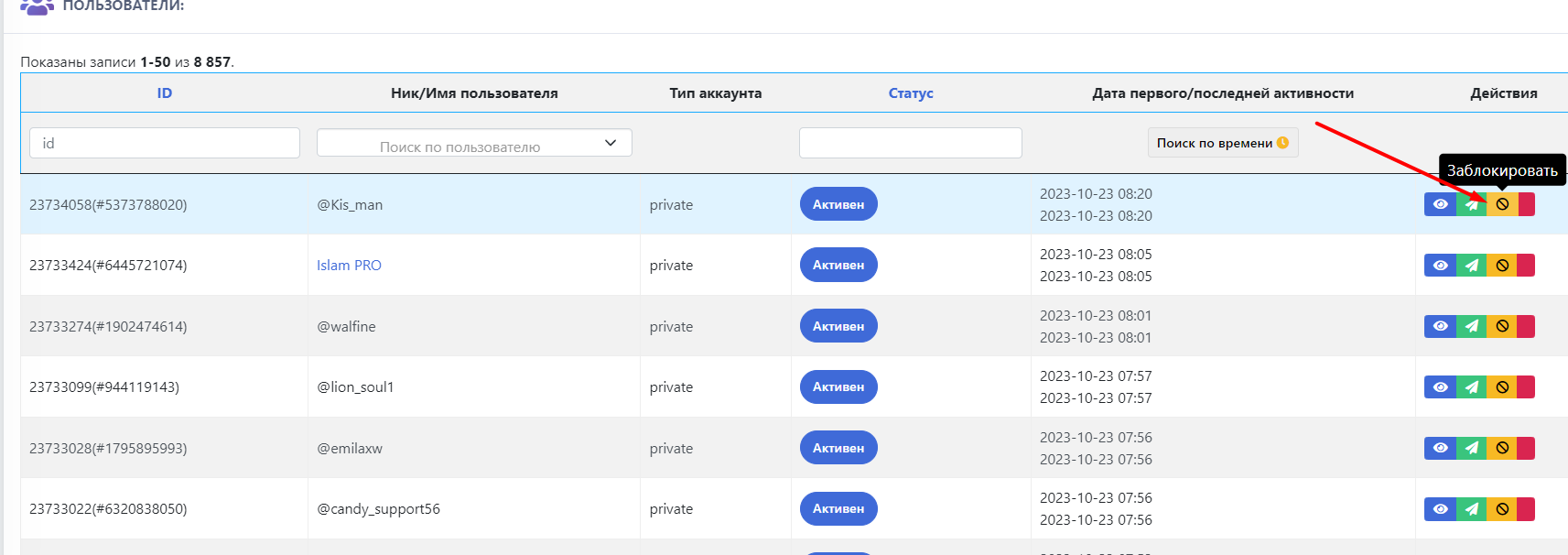 Go to the Users section and select the icon in the photo
 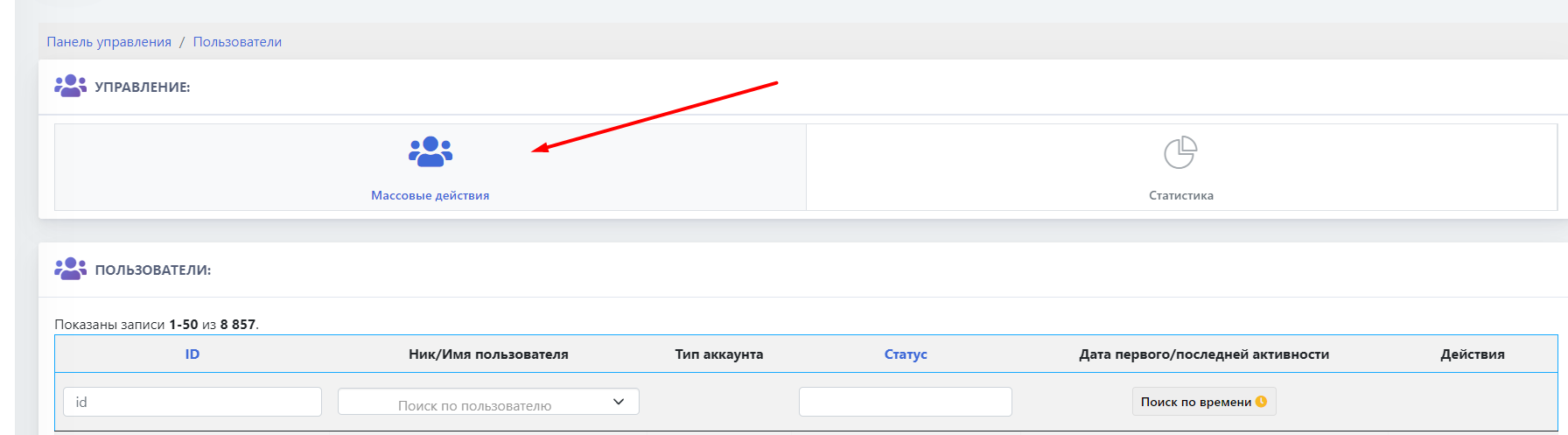 Go to the Users section and select the icon in the photo