

 Telegram bot for client bookings is a bot that can be configured using the "Free Bot" template or the "Bot without cart" template, depending on whether payment will be charged for the booking. The bot helps manage bookings for services or events through the Telegram messenger. Such a bot can perform various functions, including:
1. Booking services: Clients can choose the needed service, date, and time to make a booking.
2. Notifications: The bot can send reminders about upcoming bookings; to do this, you need to send a message to the client through the admin panel
3. Handling requests: It can answer frequently asked questions and provide information about the available services.
4. Schedule management: Administrators can easily update the schedule and manage bookings through the bot interface.
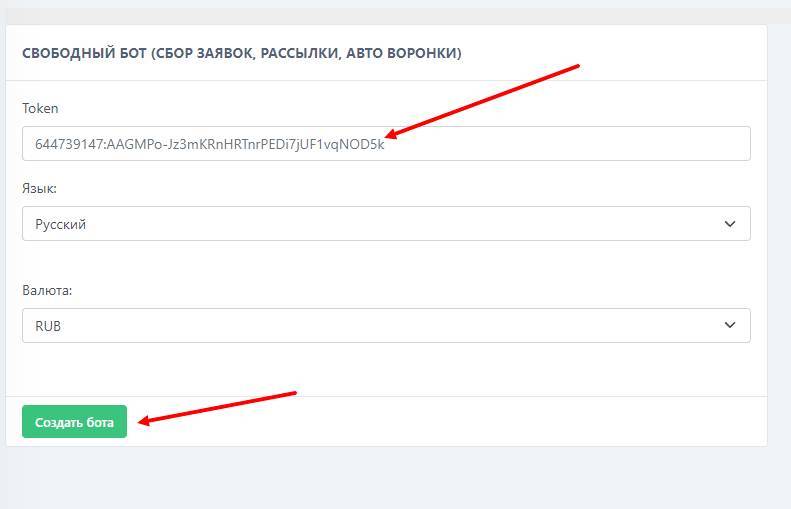 Creating a Telegram bot for client bookings starts with obtaining a token. To do this, follow these steps:
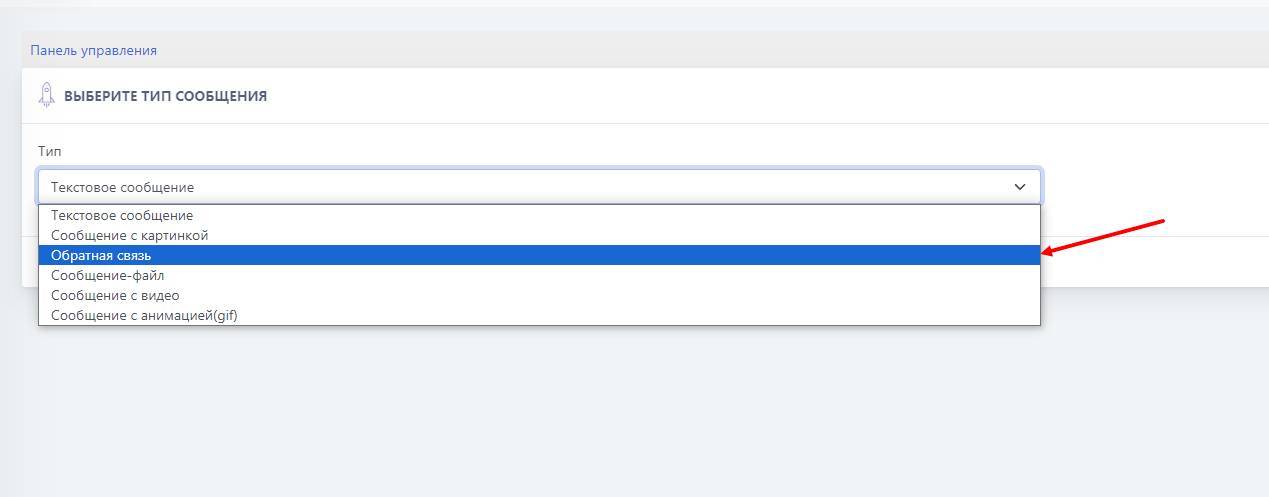 To add the feedback module to the client booking bot, you need to:
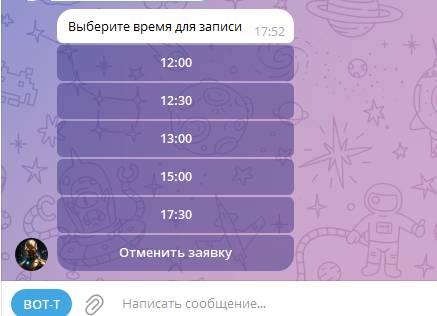
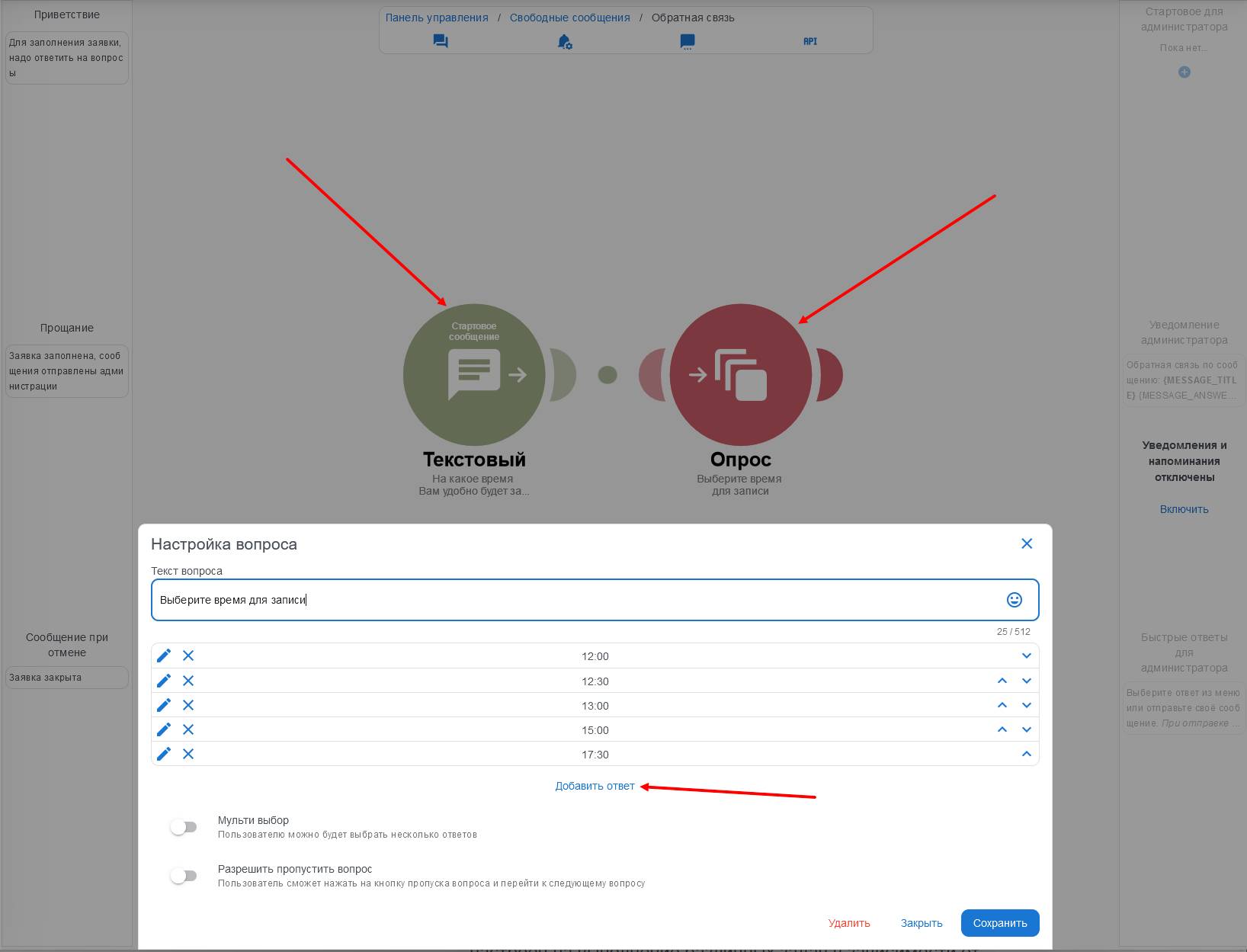 Adding a question is done by moving the "plus circle" to the right; this also creates a branch of other questions from the previous one. There are several types of questions, but we are interested in "Text question" or "Multiple-choice question"
 For businesses: