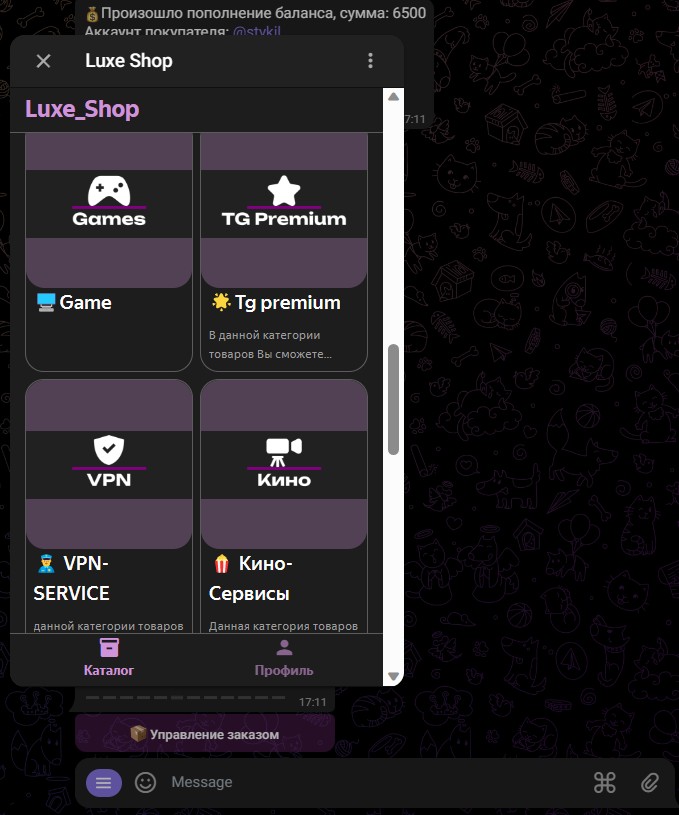
 This module is convenient to use
 at the moment, such a module is used by only a few bots in Telegram
this is a chance to stand out from the crowd.

Help Center BOT-T
Find answers, learn how to use the service, and get help from our team.
For example: payment, plans, Telegram bot, reviews...

Search results
This module is convenient to use 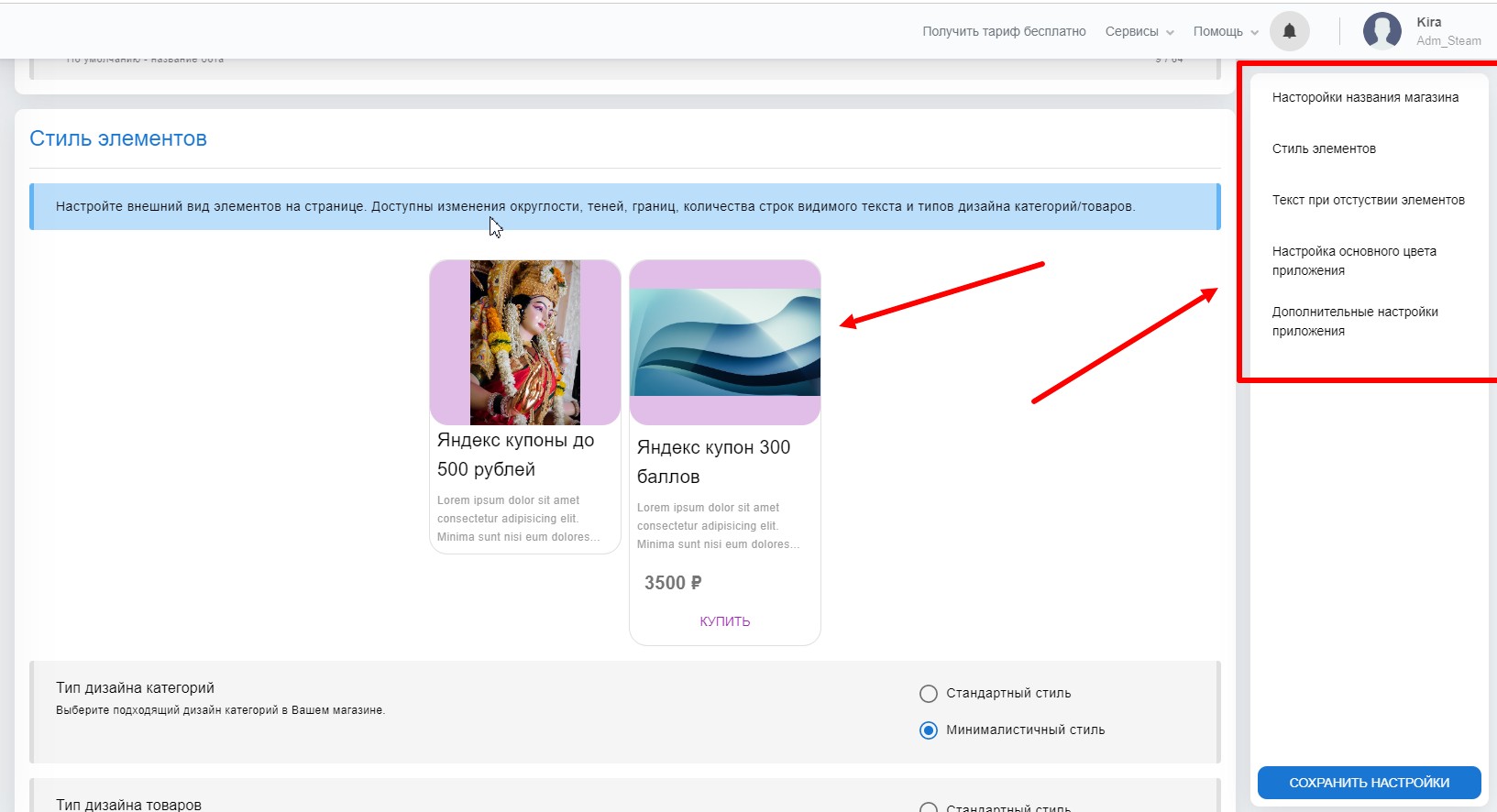 The module editor is quite easy to use,
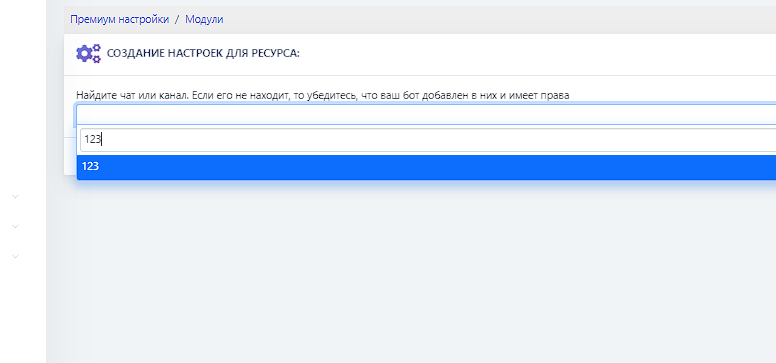 The name will be visible at the top of the app when switching to the Web Module.
 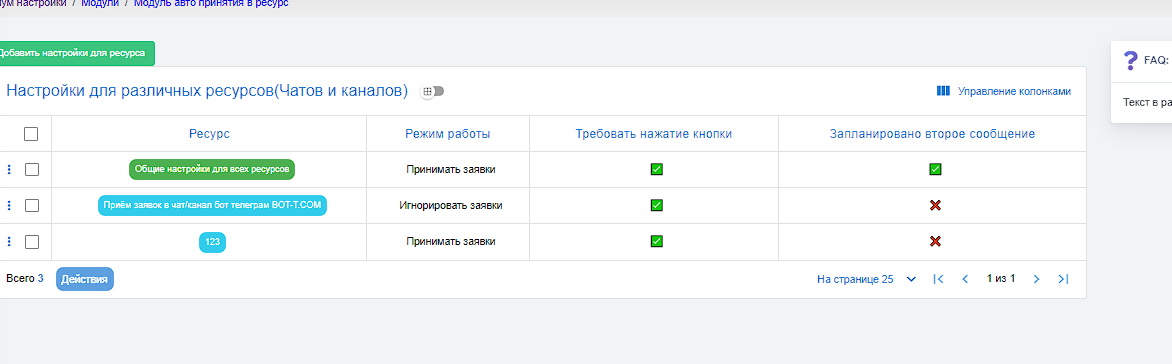 Customize the appearance of elements on the page. Available changes include rounded corners, shadows, borders, the number of visible text lines, and design types for categories/products. You can learn how to configure product names and images here
  In the absence of categories, products, or orders, the configured text will be displayed.
 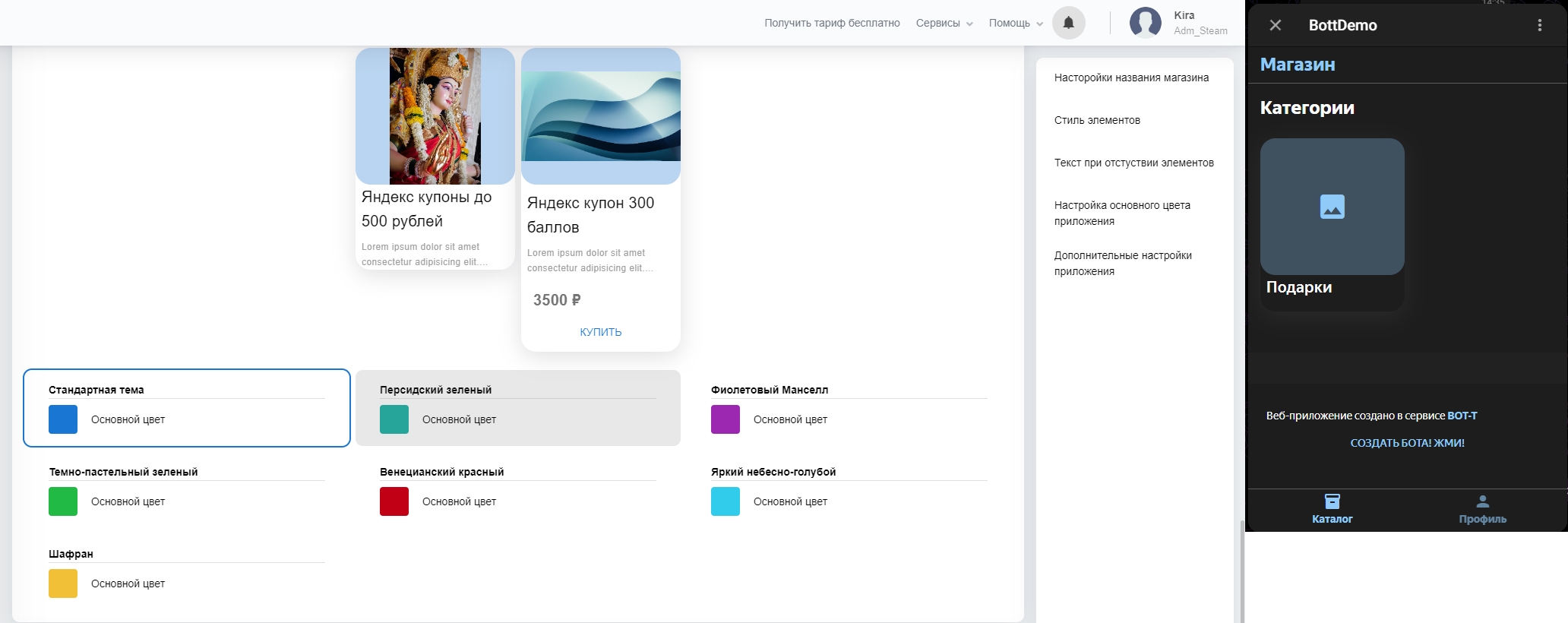 Set the color of your app from the provided color schemes. There is also support for the app’s system theme.
  Additional settings allow you to add Telegram features, support for the app in an external browser, as well as activity history and deletion of information about the service.