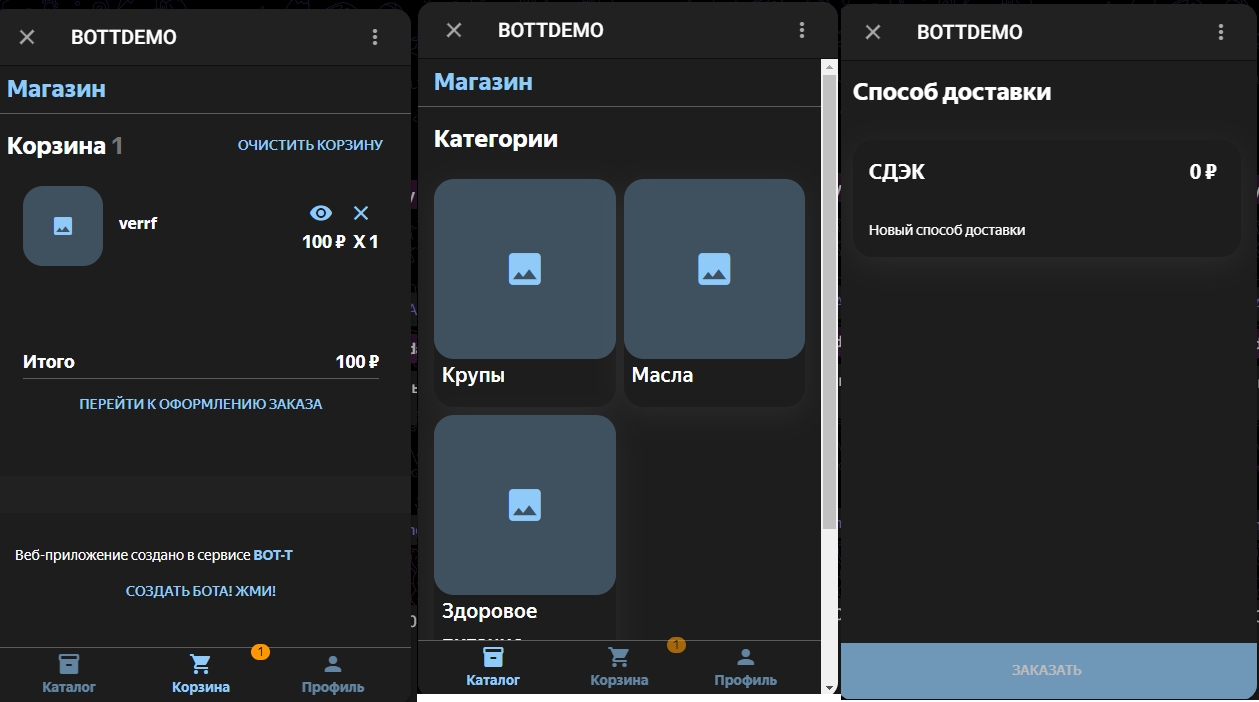
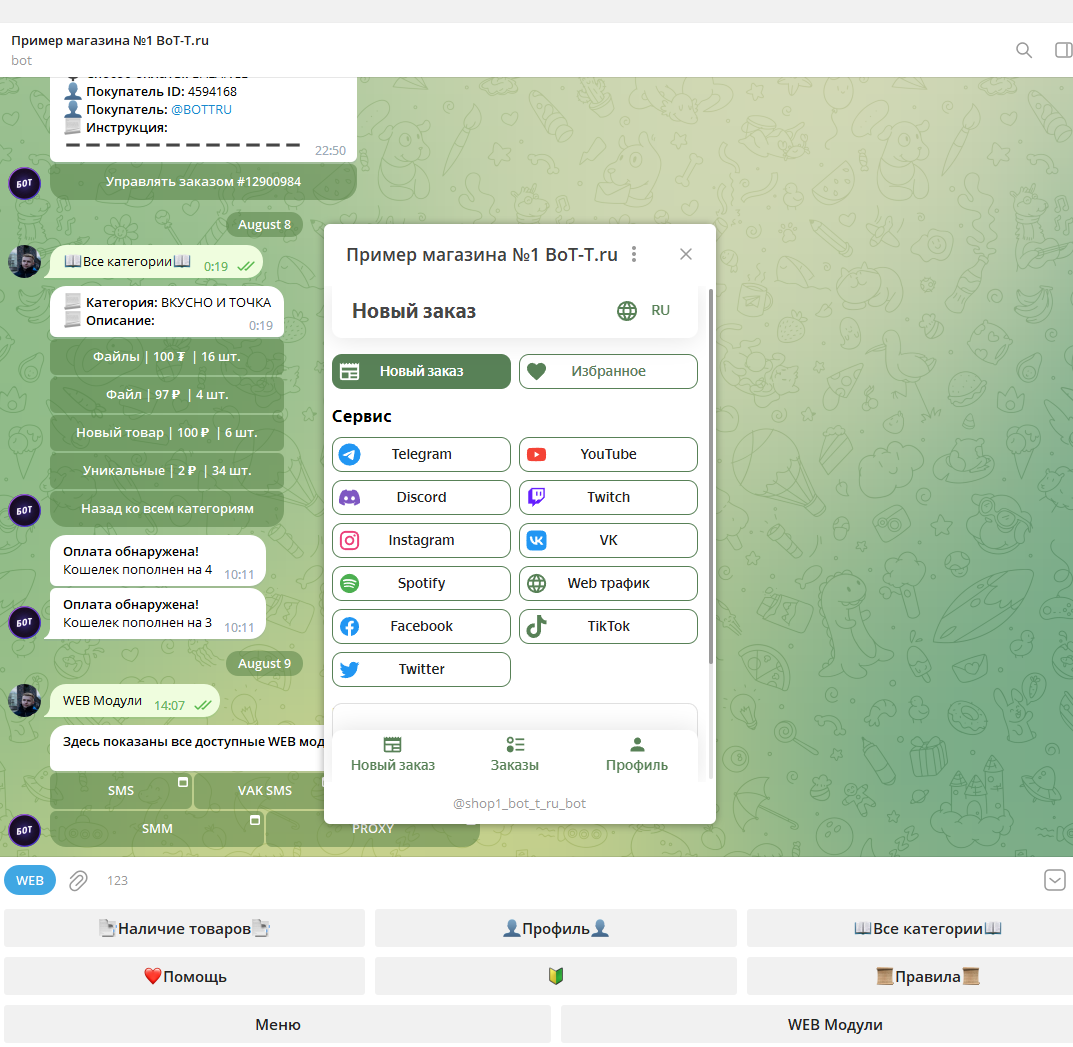
 Web module - will help personalize your bot, with convenient and intuitive module management.
Web module - a new solution for bot developers that will help you stand out from the crowd and increase sales.

Help Center BOT-T
Find answers, learn how to use the service, and get help from our team.
For example: payment, plans, Telegram bot, reviews...

Search results
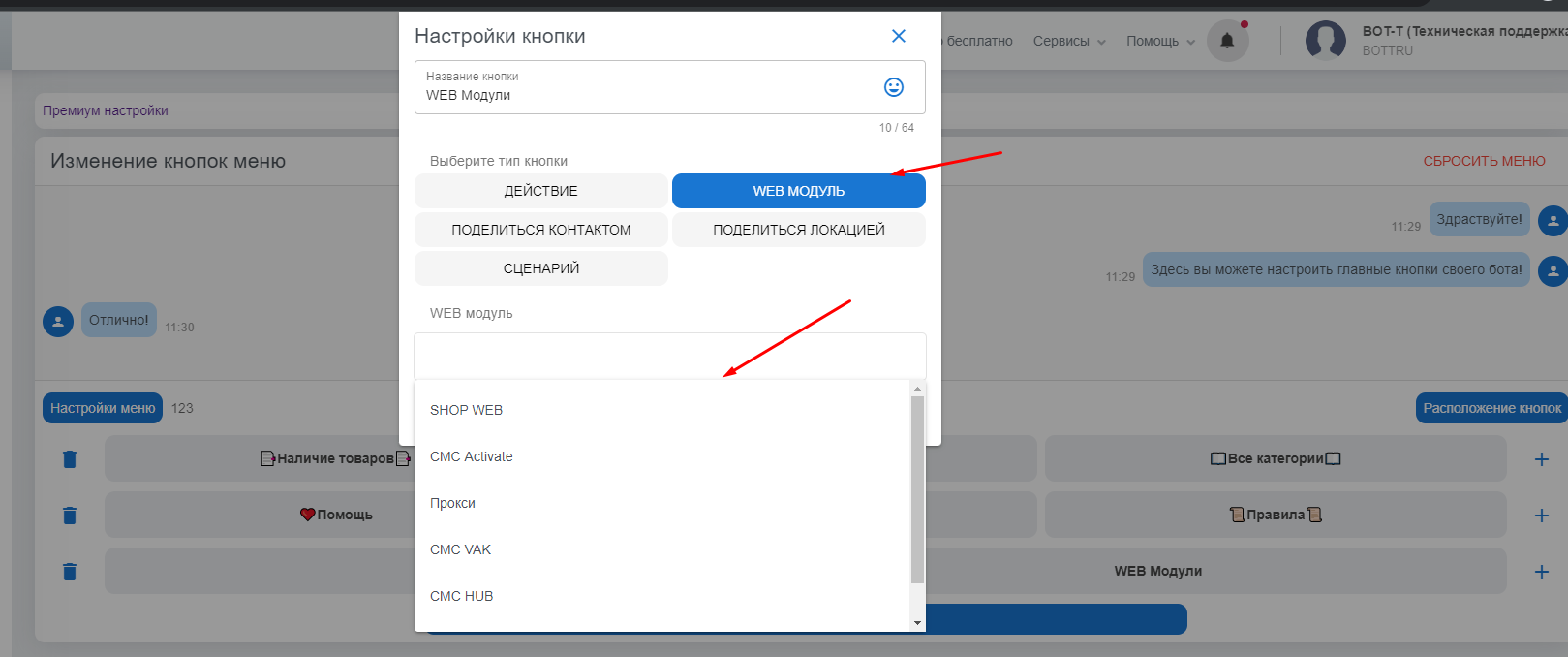
Web module - will help personalize your bot, with convenient and intuitive module management.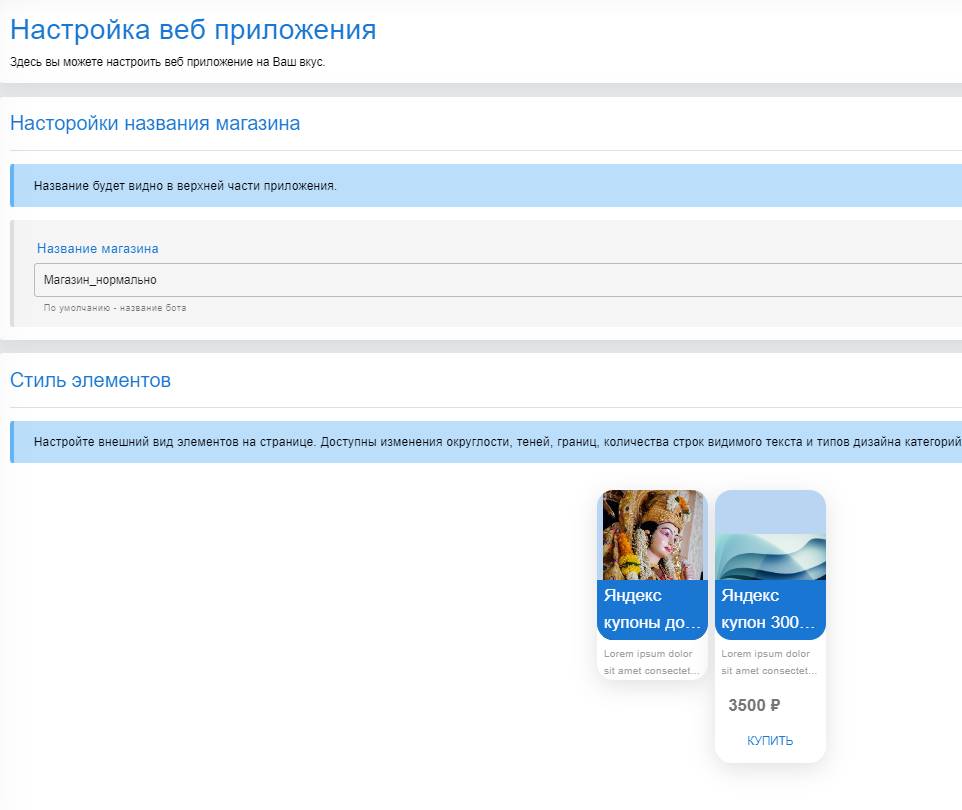 The module editor is quite easy to use,
 The title will be visible at the top of the app when switching to the Web Module.
  Customize the appearance of elements on the page.
  If there are no categories, products, or orders, the configured text will be displayed.
 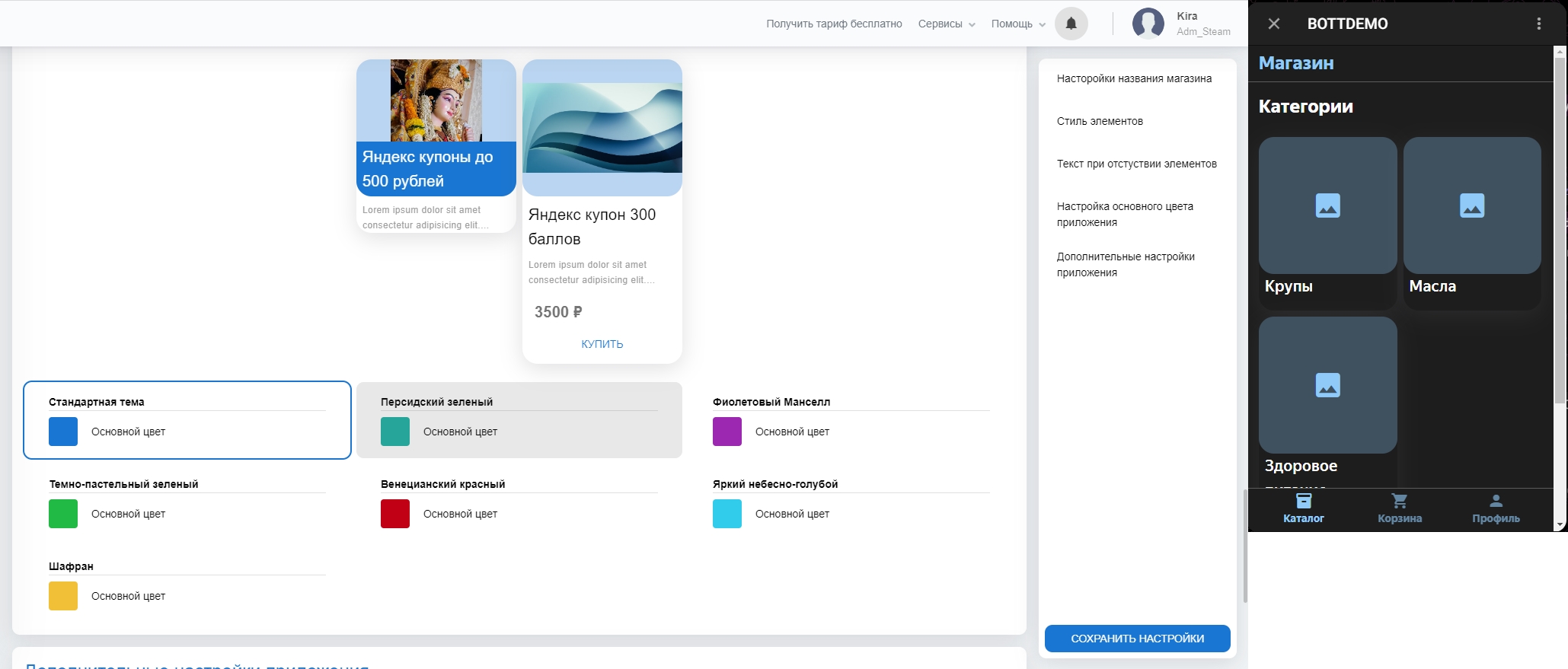 Set the color of your app from the available color schemes.
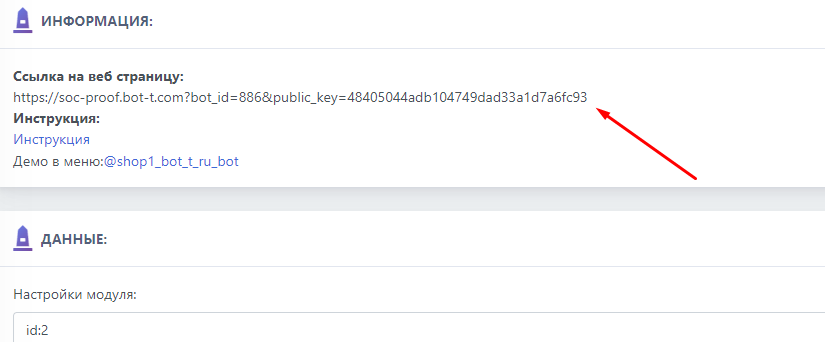 Additional settings allow you to add Telegram features, support for the app in an external browser, as well as activity history and removing information about the service.