

 Referral system in a Telegram bot is a marketing tool that allows motivating bot users to attract new users. A user who attracts a new user receives some reward or bonus for this.
This can be, for example, additional features in the bot, points, discounts, etc. A referral system can be a very effective way to expand the bot’s audience and increase its popularity.
In general, it works like this: the user receives a unique referral link or code, which they can share with other people. If a new user follows this link and starts using the bot, the original user receives their reward.
Video instruction
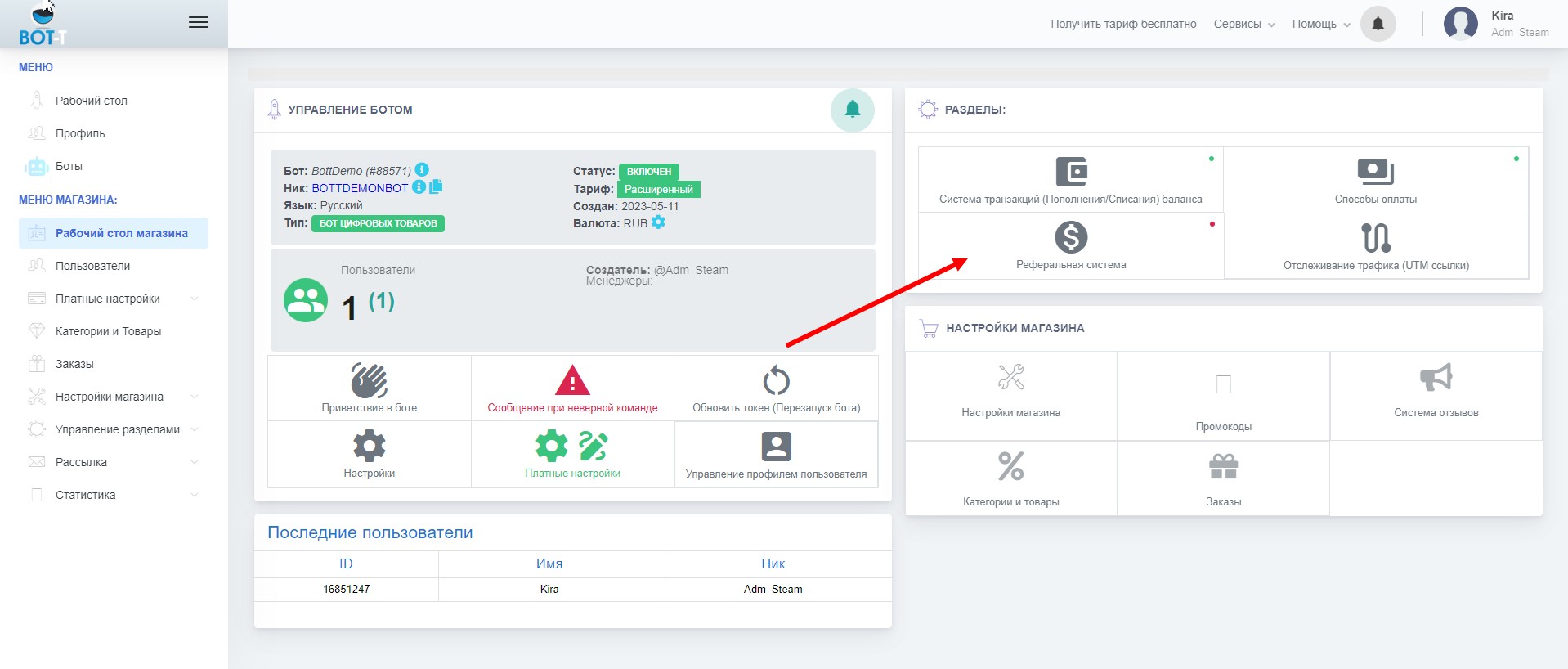 To enable the referral system, you need to find the "Referral System" button on the bot's desktop.
  Suppose you have created a 3-level referral system with percentages of 20, 15, and 10
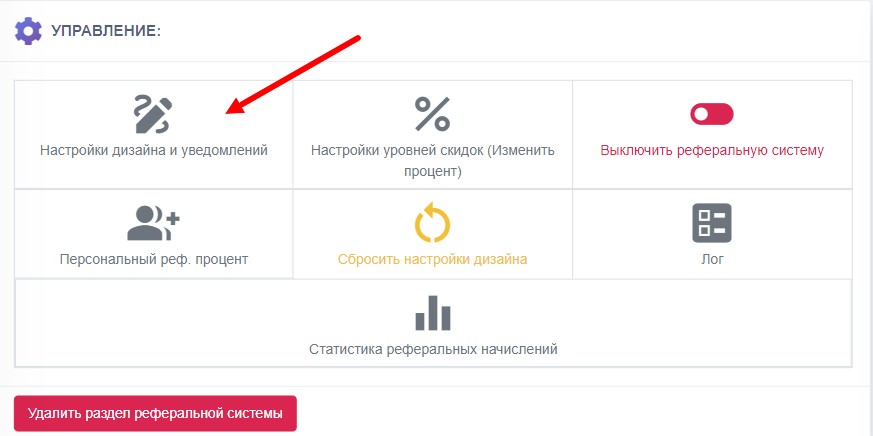 You can also configure the design of the referral system.
  In this section, you can configure referral levels
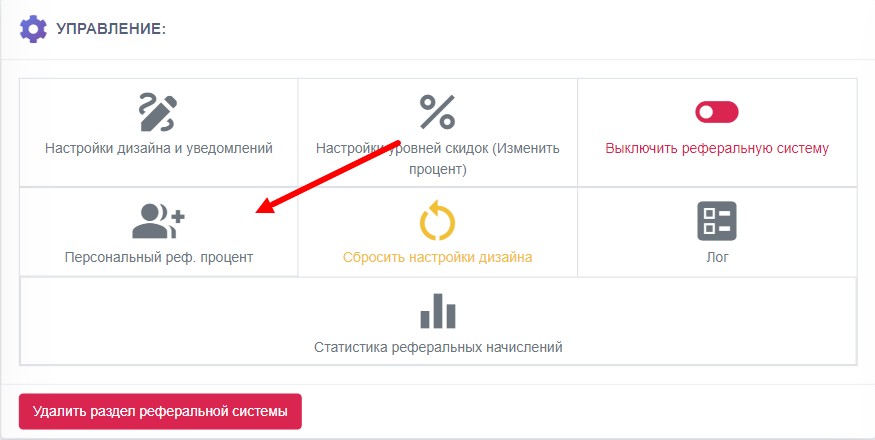 This button disables the referral system
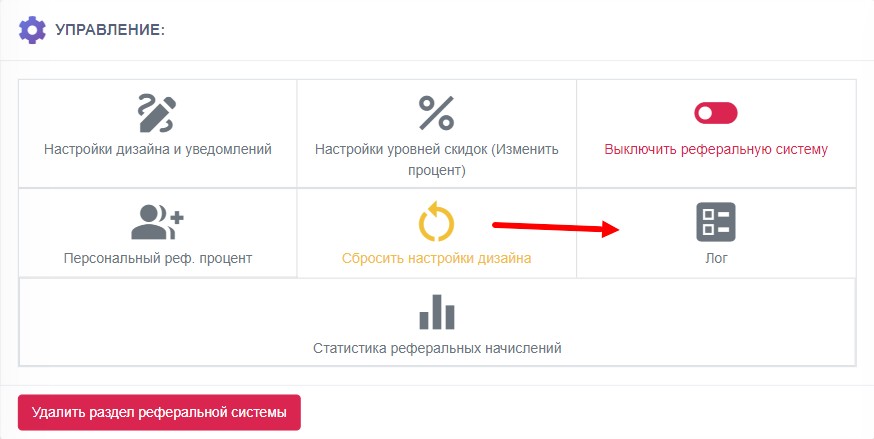 Here you can reset the referral system design (the default texts will be restored)
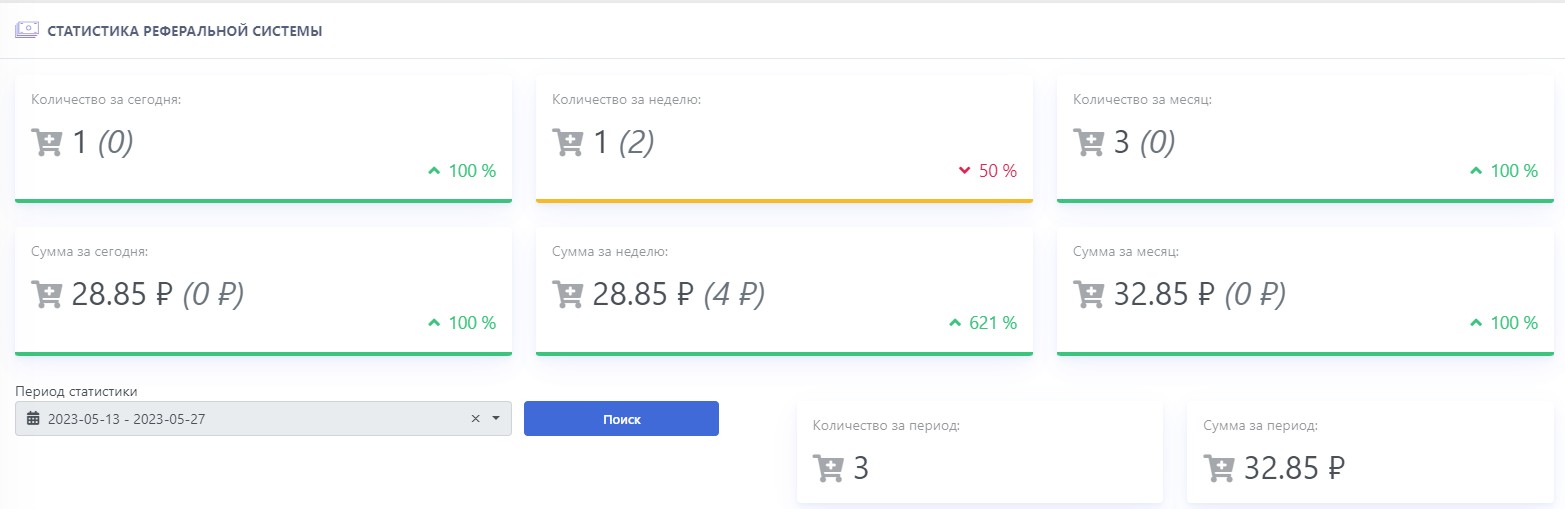 Statistics of purchases by referrals and the total amount of top-ups to referrers for one day, one week, and one month.