

 When the user sends an invalid command in the Telegram store, the store can respond with a message such as: "Sorry, the command was not recognized. Please use the available commands from the menu or contact the store administrator for assistance".
Such a message will help the user understand that their command was not understood by the bot and will suggest options for further action.
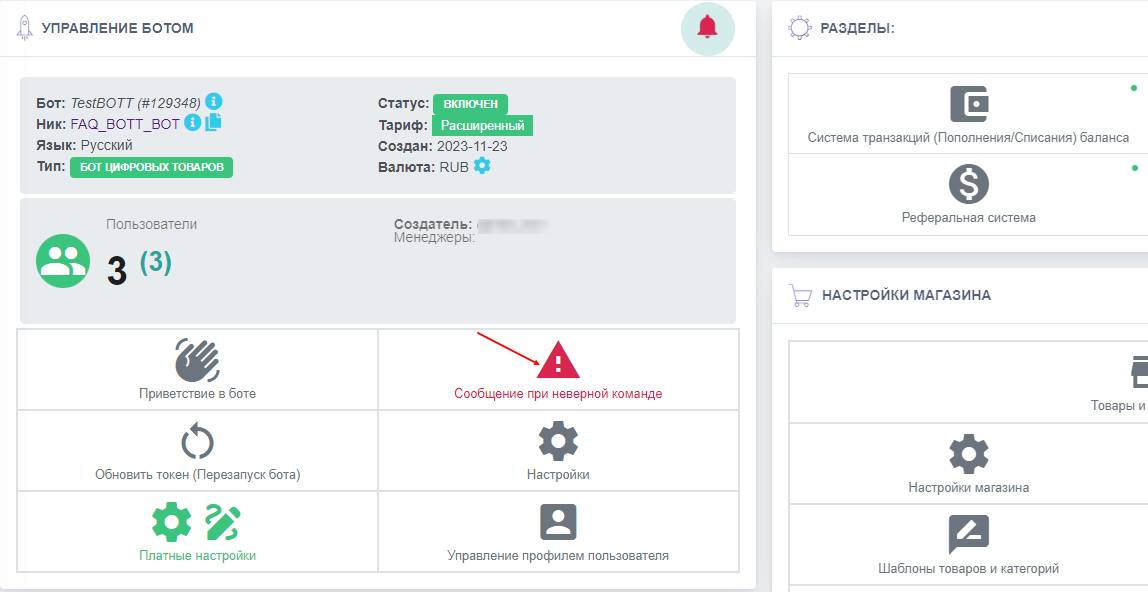 To configure the message for an incorrect command, you need to go through the bot’s dashboard to the "Message for incorrect command" button
 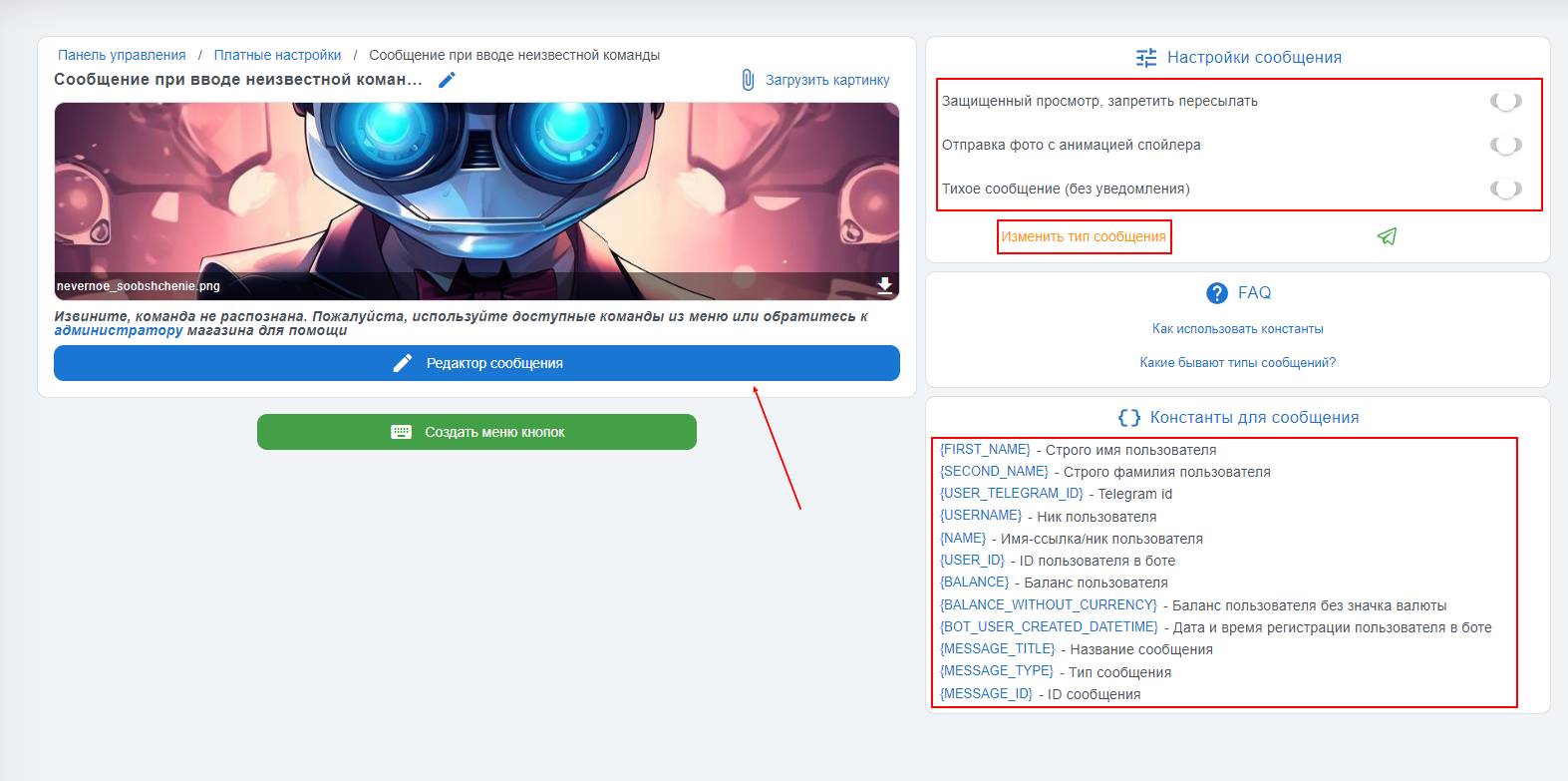 By default, the "message for an invalid command" uses a text message type, but the character limit is much higher than for other message types — up to 4096 characters, and at any time you can change the message type by clicking the "Change message type" button, for example to a message with an image.
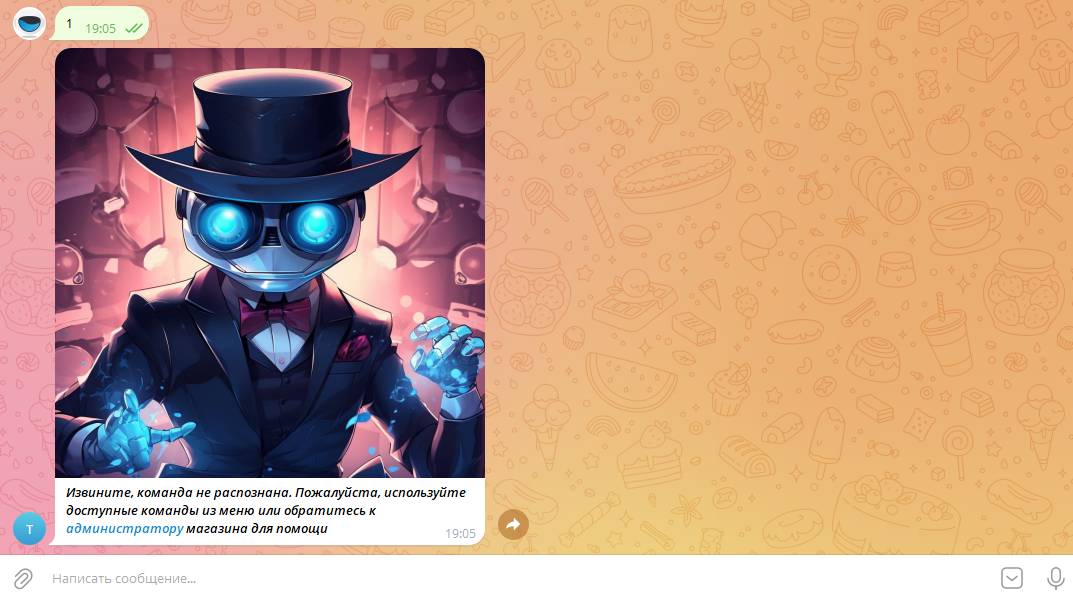 The screenshot shows a configured message that appears when an unadded command is entered into the bot.