

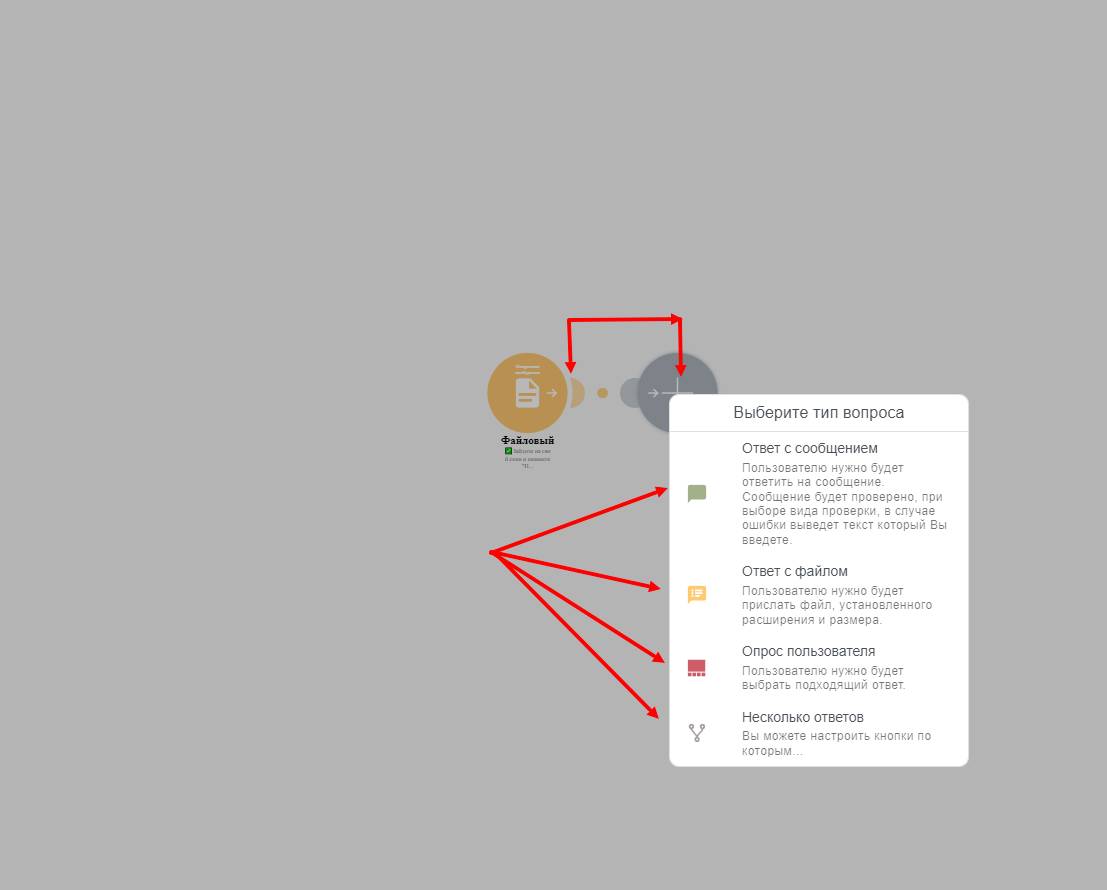
 This circle in the center is the main feedback setting; there are 4 types of circles in total:
Text - only text can be edited and created
File response – when the user is required to send a specific type of file to upload to your bot for later viewing
User survey – a regular survey or a survey with a preset answer
Multiple answers – when the user has a branch of questions they can choose from
You can add and delete circles using the mouse (to add a new link, drag the slider to the plus sign; to delete a link, click the circle and press delete)