

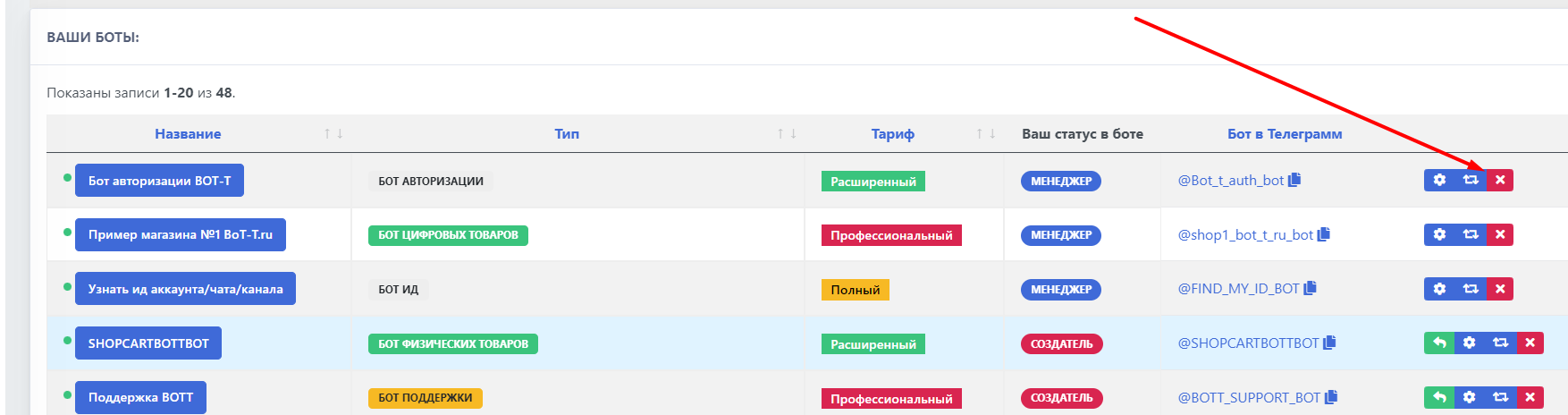
 To delete the bot, first you need to remove the bot from the resource where the bot is located; in this case, we need to remove the bot from the resource our website
On the desktop, you need to select the bot, click the cross, and delete the bot (you will receive a security code from the authorization bot)
Done!
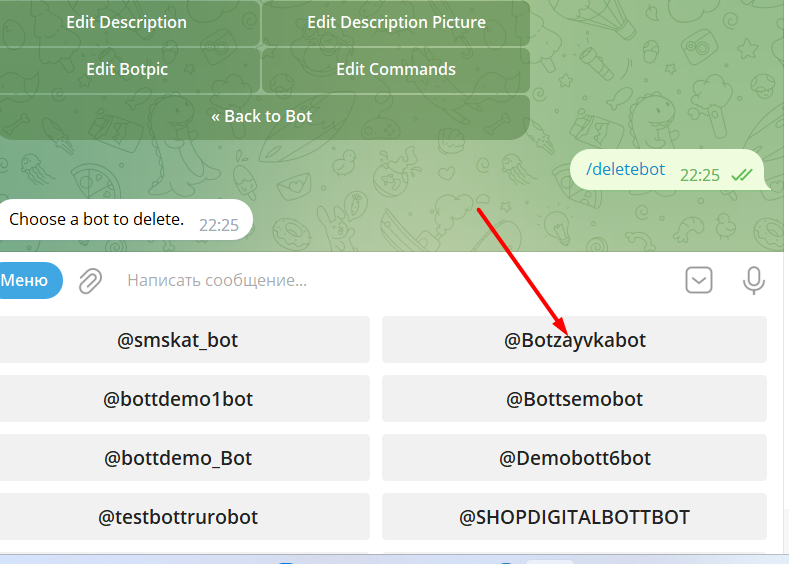 You need to go to