 1) Go to the chat
2) Select the three-dot icon in the top right and click "Add user"
3) Choose your bot and grant it administrator rights

Help Center BOT-T
Find answers, learn how to use the service, and get help from our team.
For example: payment, plans, Telegram bot, reviews...

Search results
1) Go to the chat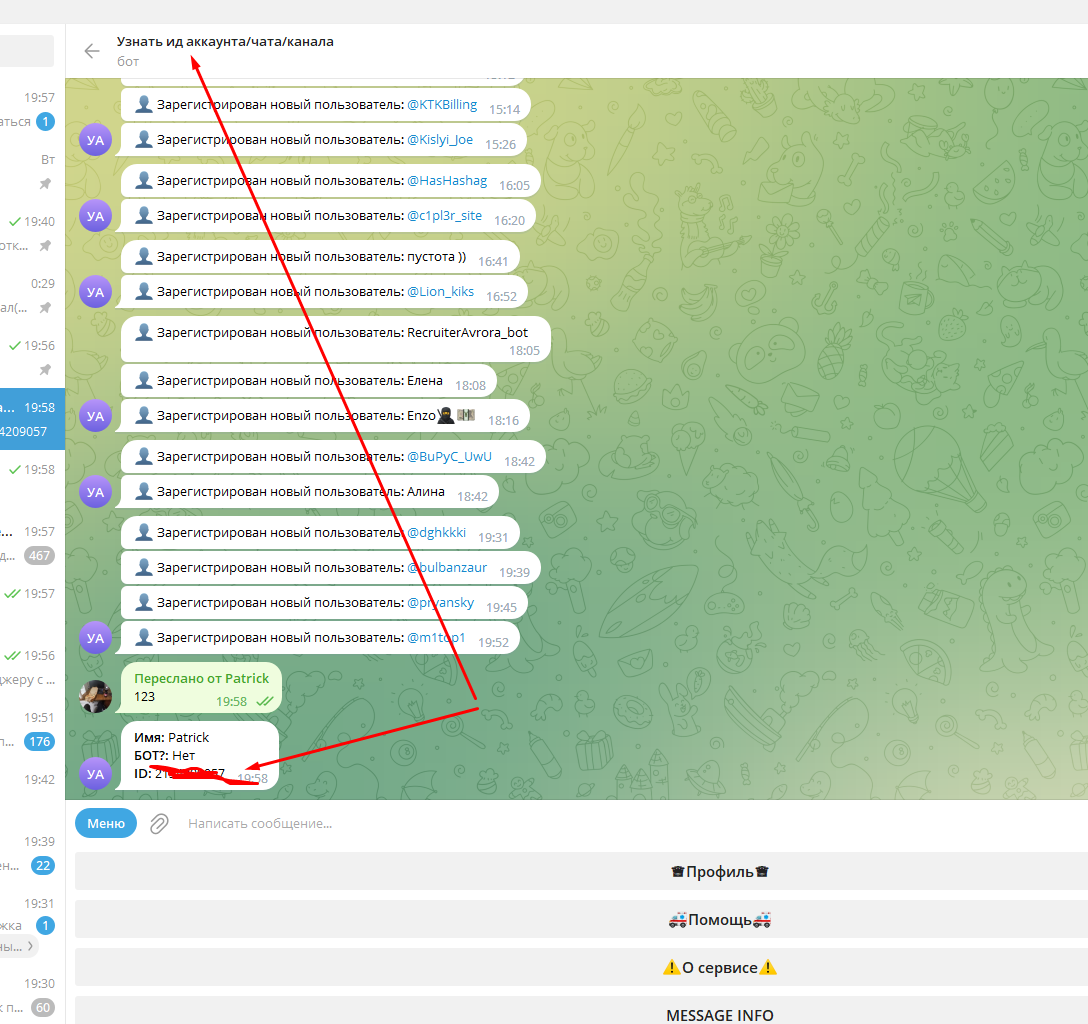 To find out your chat ID, use the service below.