

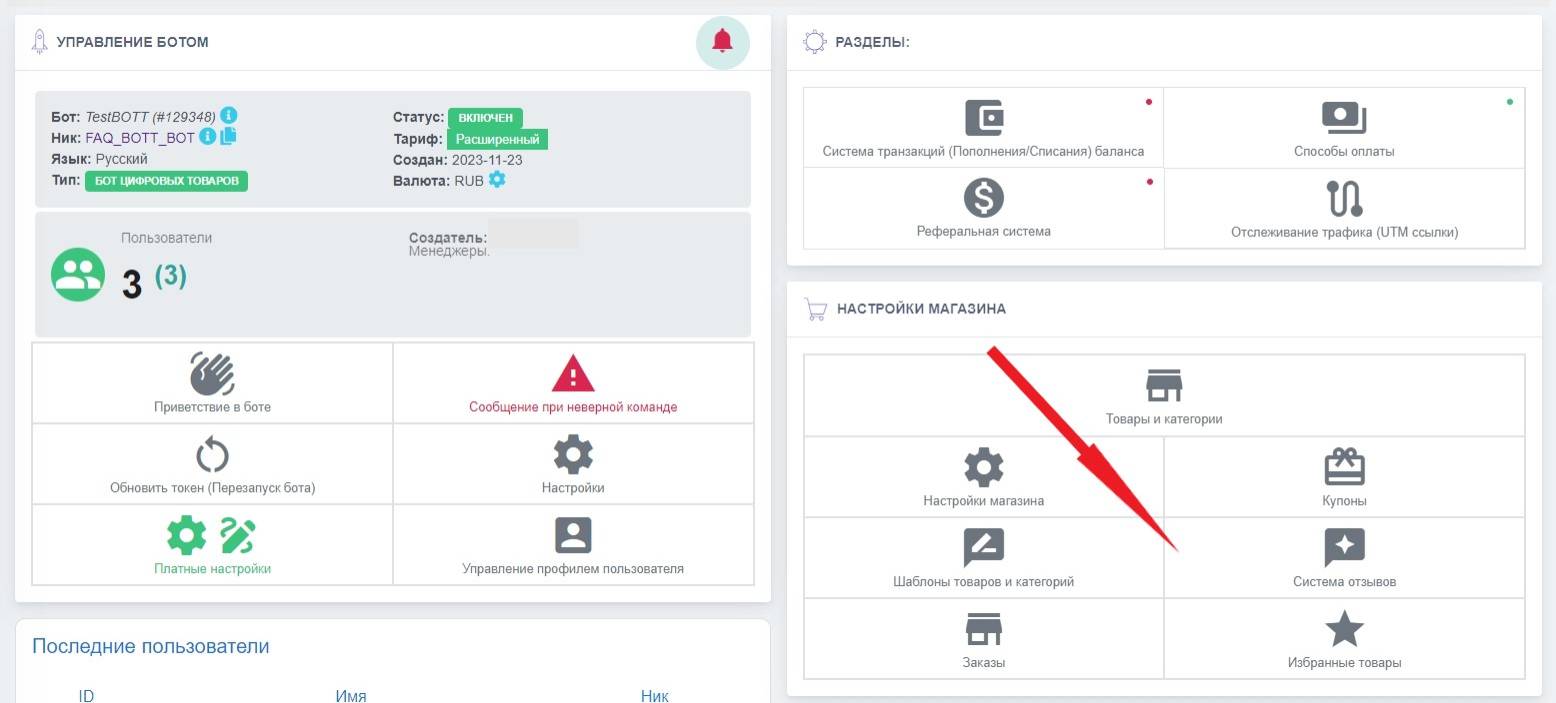
 To add a review system to the bot, you need to go to the "Review System" section through the bot workspace and click the "add" button
 Enabling the review system
To add a review system to the bot, you need to go to the "Review System" section through the bot workspace and click the "add" button Setup
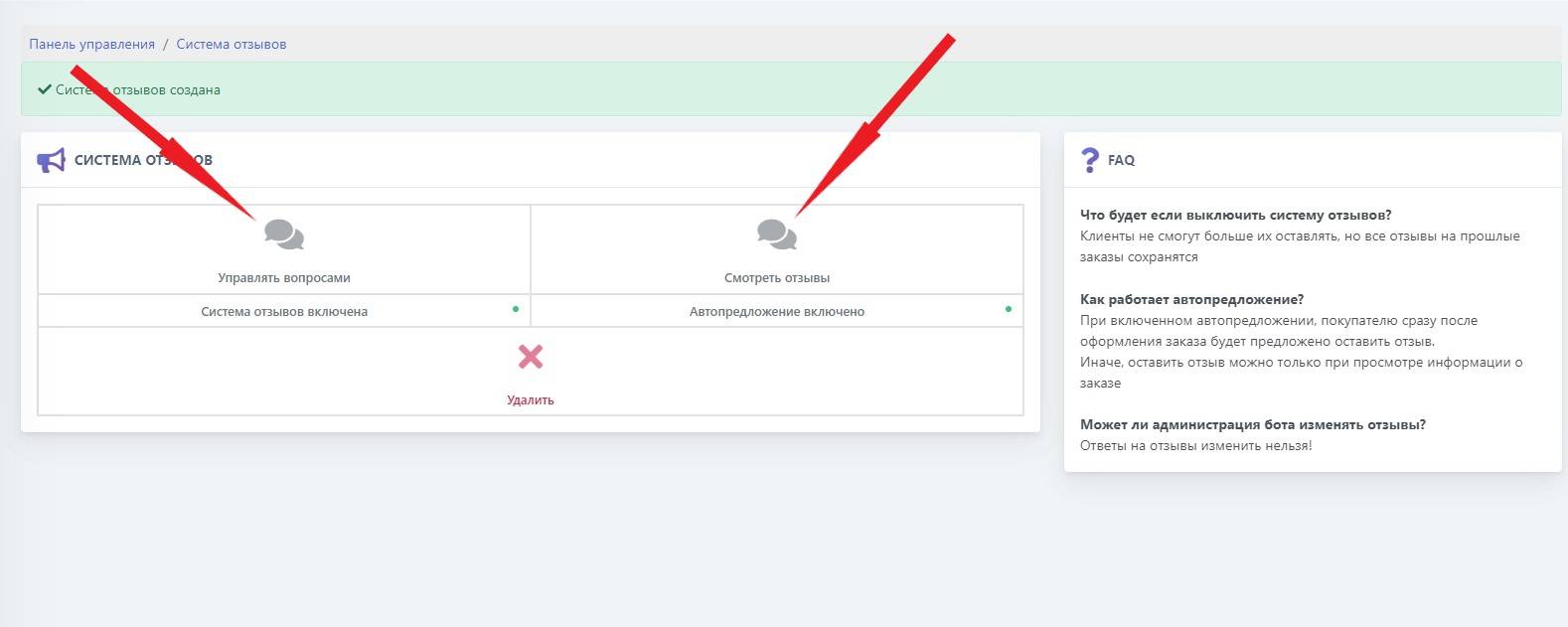 After we added the feedback system, it needs to be configured.
The setup is done similarly to the feedback message - https://bot-t.com/faq/HELP/soobshchenie_obratnoy_svyazi
As the resource for receiving notifications, specify the channel @tag. For the bot to count the channel as a "user", you need to:
1) Add the bot as an administrator in the channel
2) Publish any post. After you receive a notification about a new user with the channel tag, you can proceed to adding the resource
What does this look like in the bot?
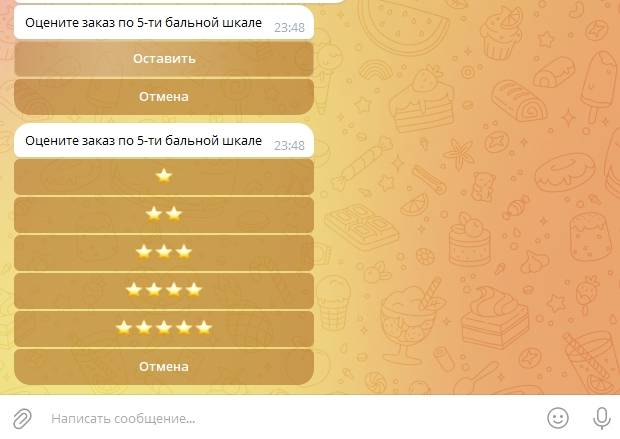 In the screenshot, we can see how the feedback system works in the bot