

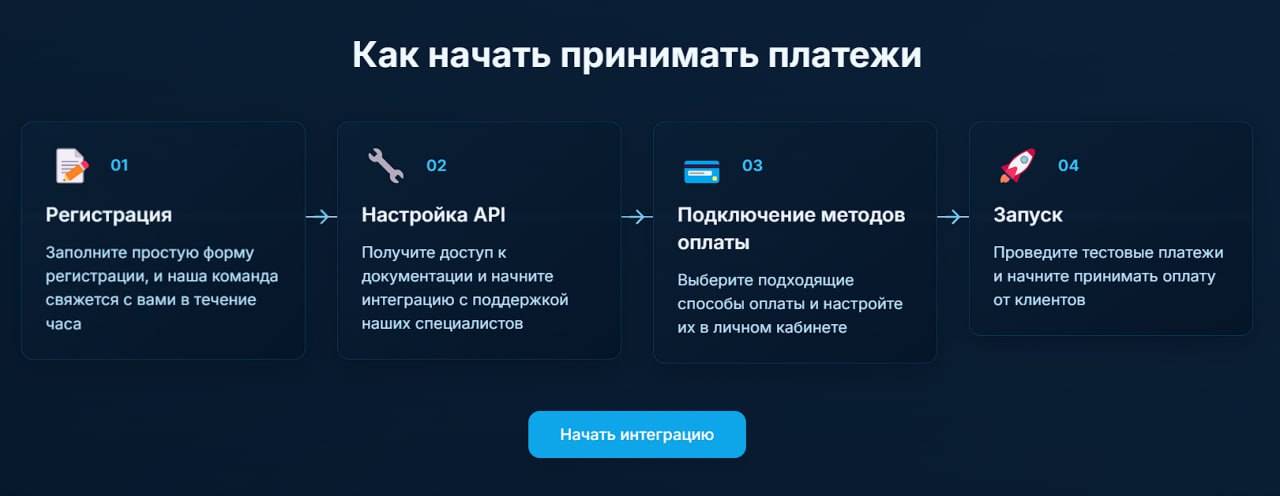
 Platega - a modern payment system that provides real-time payment processing with instant transaction confirmation and detailed statistics, reports on all transactions in real time.
To register and create an account - contact support at @platega_support, self-registration is not possible.
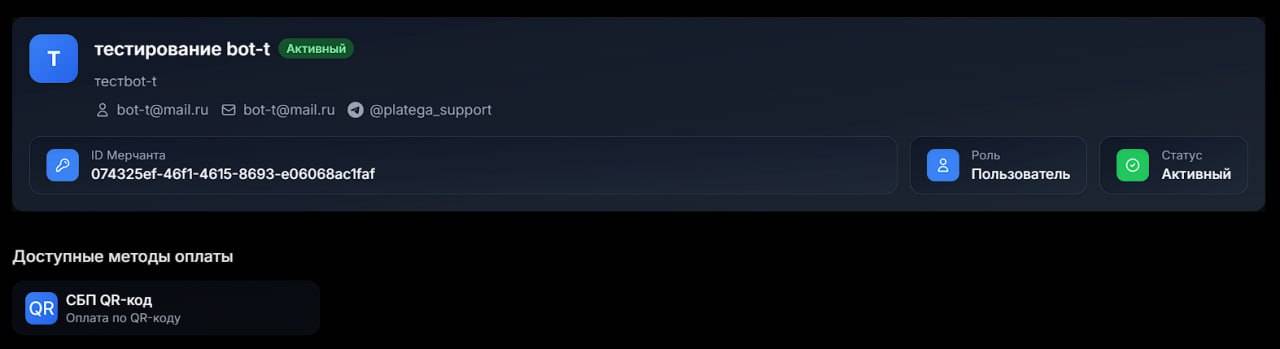 After successfully creating the personal account, you will receive an API-key (be sure to save and copy it, as we will need it during setup), a login, and a password.
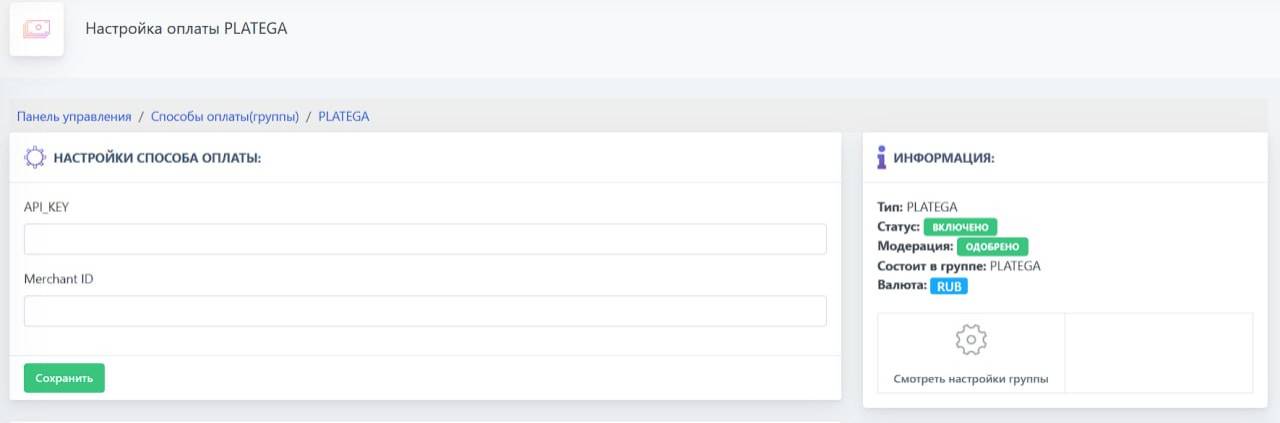 We go to your bot settings on the website