

To get started with the LAVA cash register, you need to register on the payment system website at the following link - https://lava.ru
Popular payment methods via LAVA:
- LAVA wallet (0%)
- Bank cards (from 3%)
- E-wallets (from 3%)
- Mobile phone (4%)
- SBP (from 4%)
Registration at the checkout
Adding a project
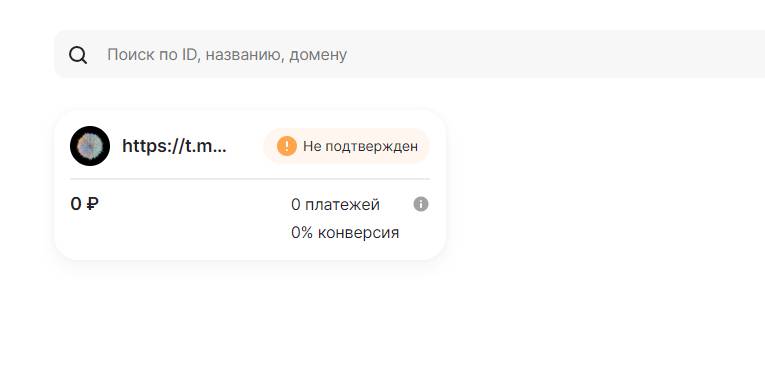 As soon as you register in Lava Business, you can create your project.
To do this, go to the projects tab and fill in the information about your bot
(link to the bot in the format t.me/bot)- then, to confirm your project, you need to contact Lava support at the following contacts:
Write to website support or in TG @lava_support_bot, to allow you to use this project
Project approval
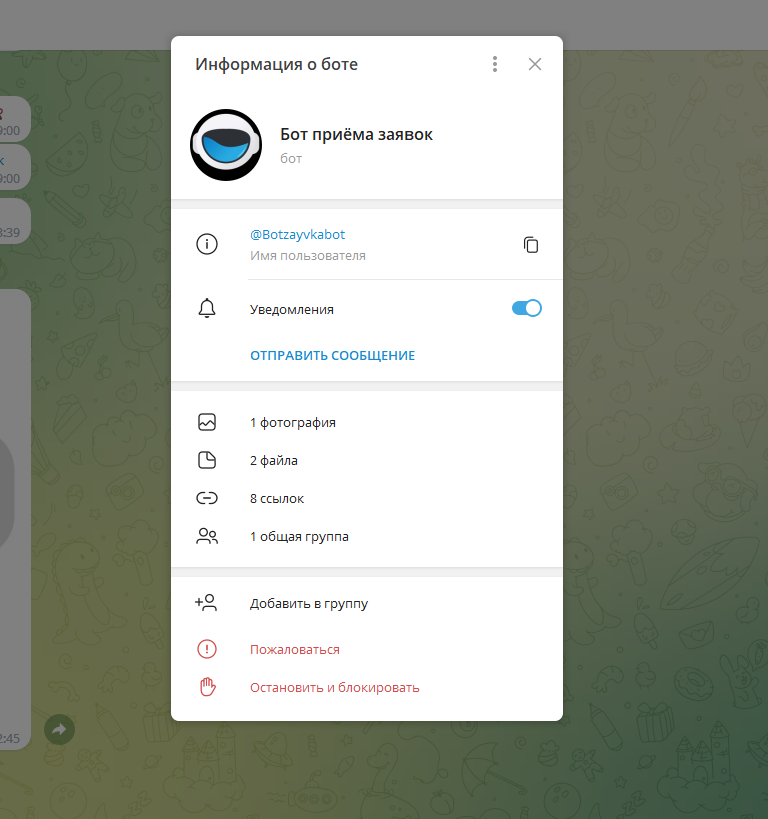 After approving the project you need to copy your project ID into the site settings
 Integration
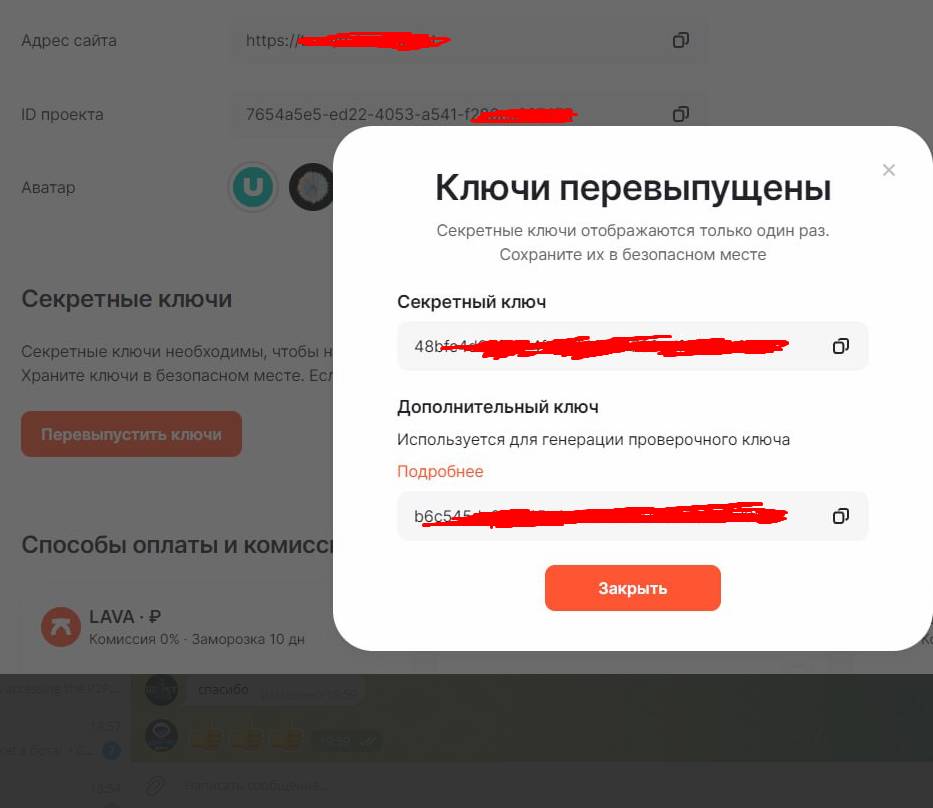 Keys are being reissued and entered into the BOTT. Links do not need to be filled in
 Restrictions and Special Features:
LAVA works with individuals and legal entities.
A long activation of the cash register through the website's support is possible, it's better to write to them directly on Telegram
@lava_support_bot
Low probability of account blocking
A long activation of the cash register through the website's support is possible, it's better to write to them directly on Telegram
@lava_support_bot
Low probability of account blocking