How to add the Finup crypto merchant to your Telegram bot
Finup — crypto merchant, which allows stores and entrepreneurs to accept payments in cryptocurrency. In this article, we will look at how to integrate the Finup crypto merchant into your Telegram bot.
Step 1: Register on the Finup website
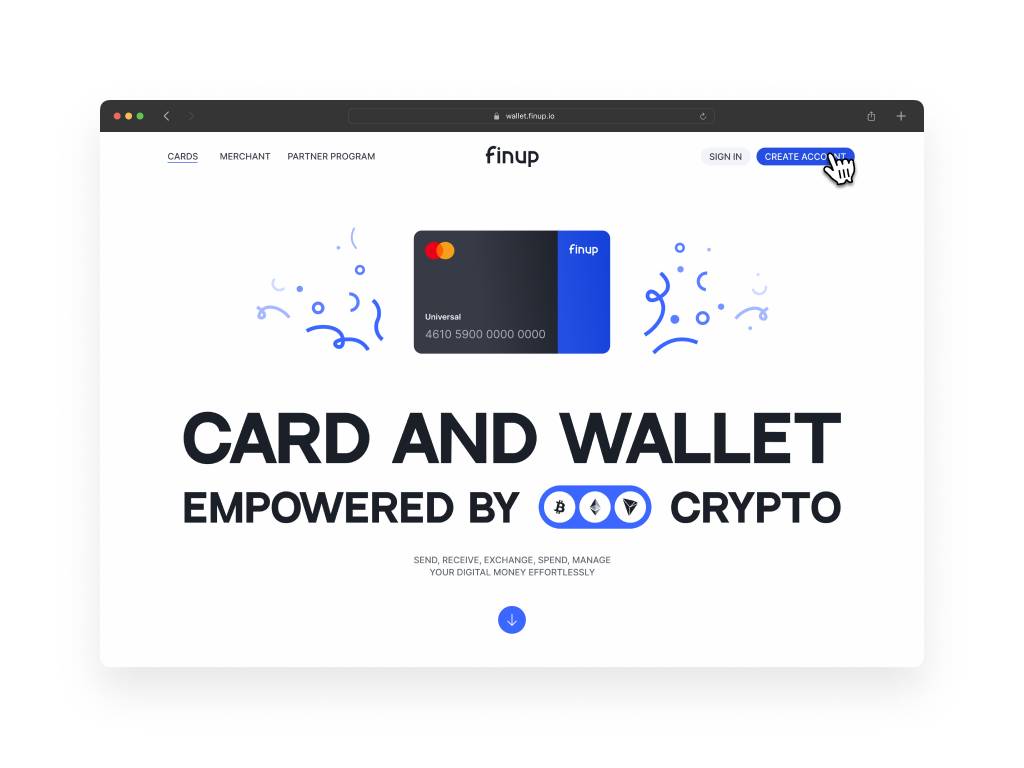
Before you start using Finup in your Telegram bot, you need to register as a merchant on the official Finup website. After successful registration, go to the "Merchant" tab and click the "Create Merchant" button.
Verification is fast and requires no initial documents
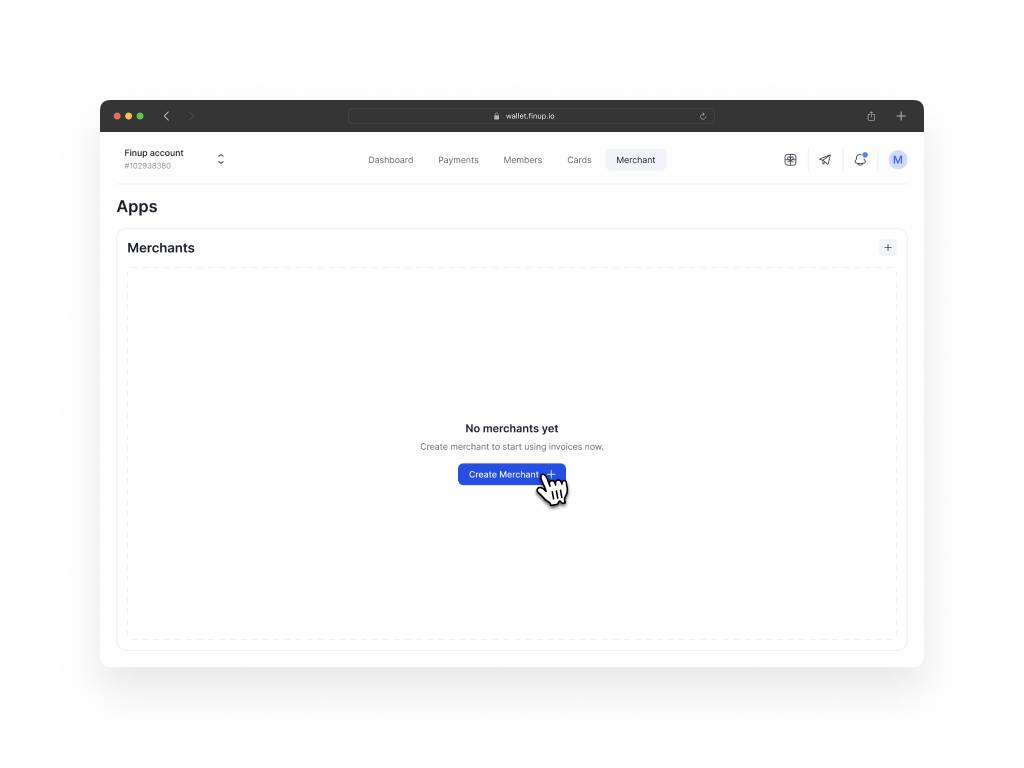
Creating a Finup merchant
Step 2: Creating a merchant Finup
When creating a merchant, specify its name and choose who will pay the commission — the merchant or the client. This step will help you configure the payment process according to your preferences and business model.
Final payment settings for Finup
Step 3: Generating an API key
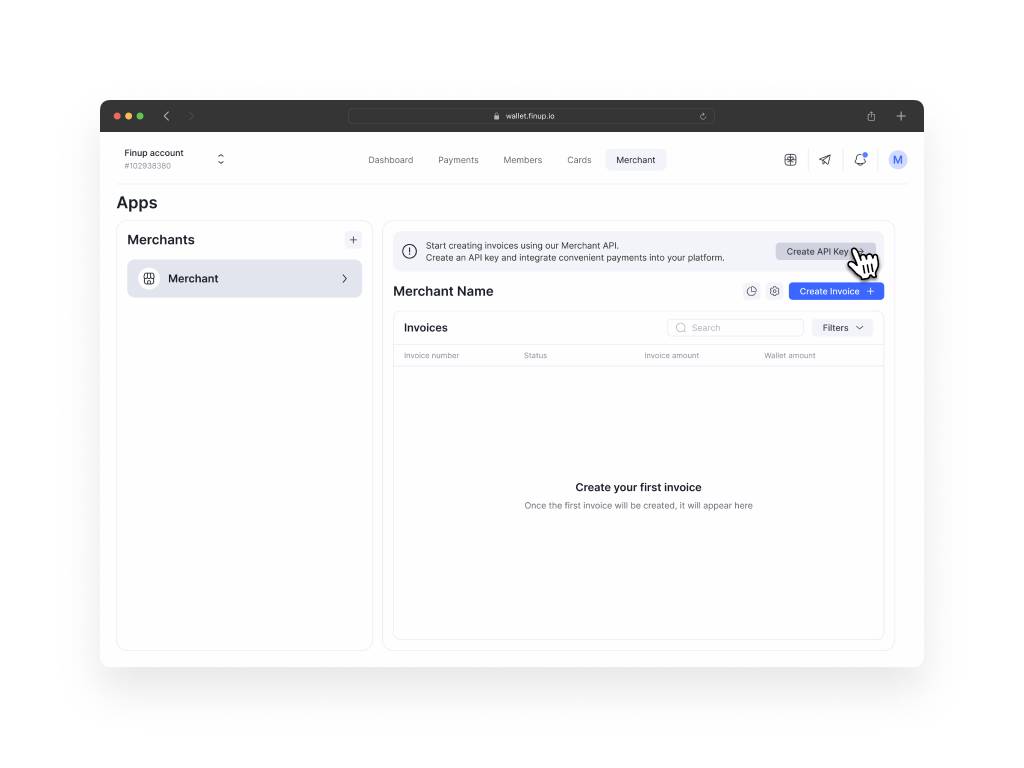
After successfully creating the merchant, proceed to generate an API key. The API key is a special identifier that will allow your Telegram bot to interact with the Finup service. In the merchant settings section, find the corresponding section and create an API key.
Step 4: Integration with the Telegram bot
After receiving the API key, go to the BOT-T website, which provides tools for managing your Telegram bot. In the bot settings, find the section intended for integration with payment systems, and insert the generated API token from Finup.
Step 5: Verification and completion
After inserting the API token, complete the setup process and save the changes. Now your Telegram bot is ready to accept payments through the Finup crypto merchant.
If you have any questions, feel free to contact support on the website or telegram: @finup_merchant.
free of charge and without programming knowledge BOT-T.COM