

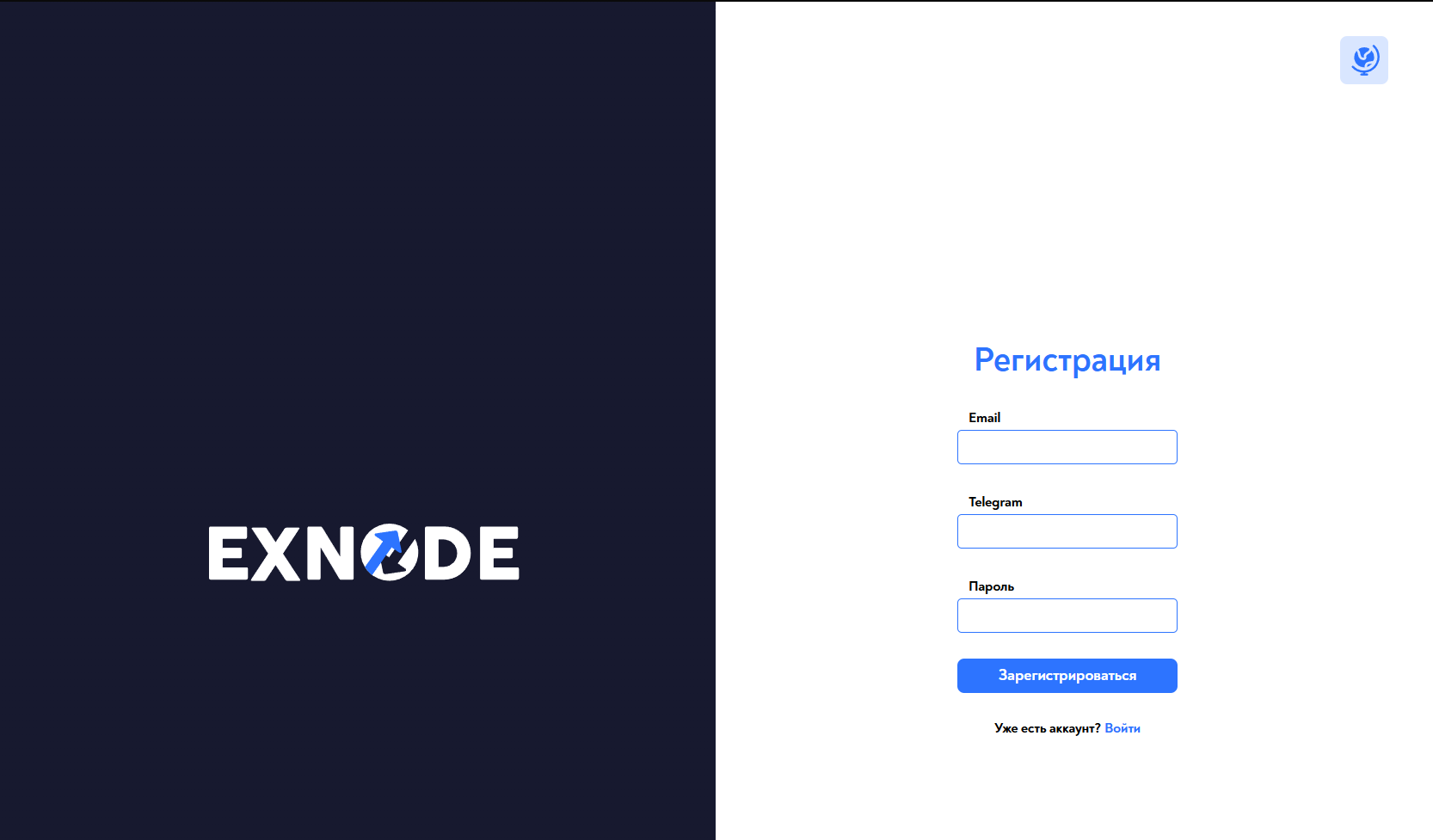
 The first step of setting up the Exnode payment system is registration on the website https://pay.exnode.ru/register
 Creating an account on the Exnode website
The first step of setting up the Exnode payment system is registration on the website https://pay.exnode.ru/register Setting up a payment system on the Exnode website
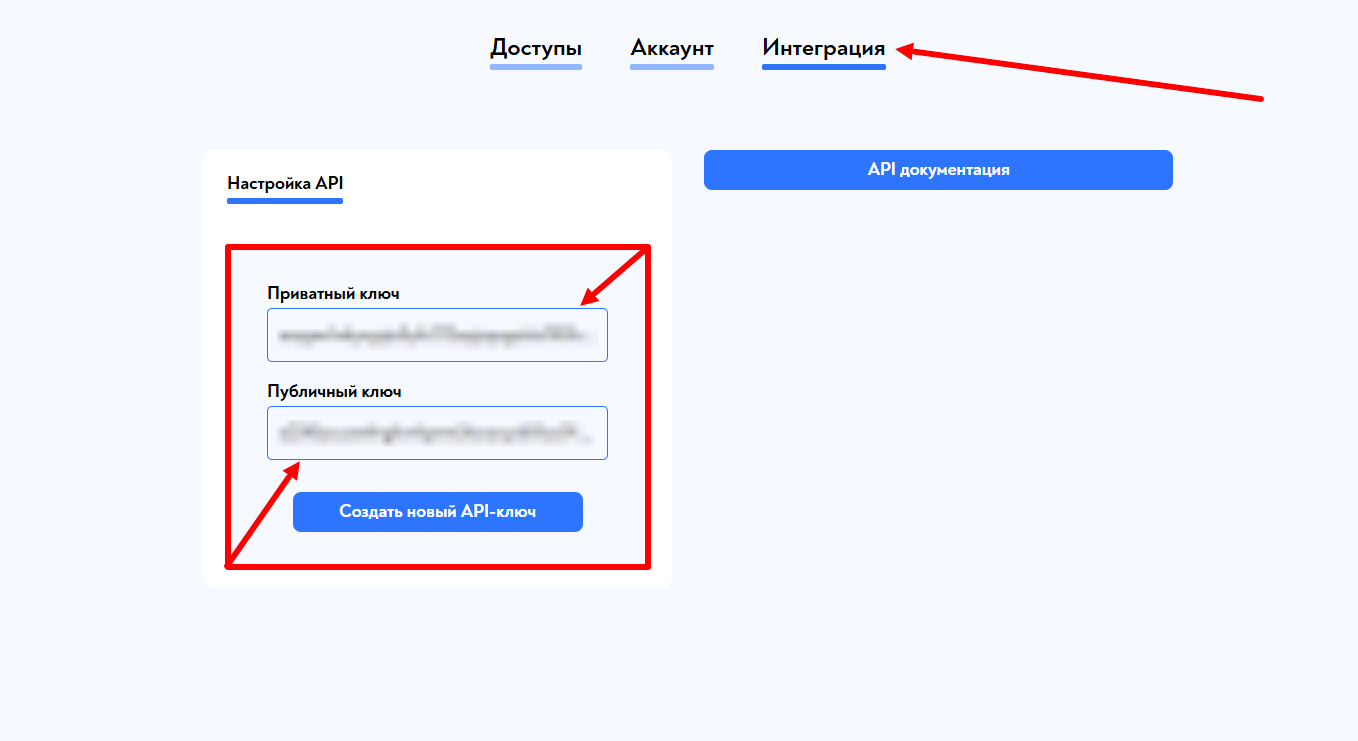 After successful registration, go to the "Integrations" tab and copy the keys - they will be needed for the next setup step on the BOT-T website
 Setting up Exnode on the BOT-T website
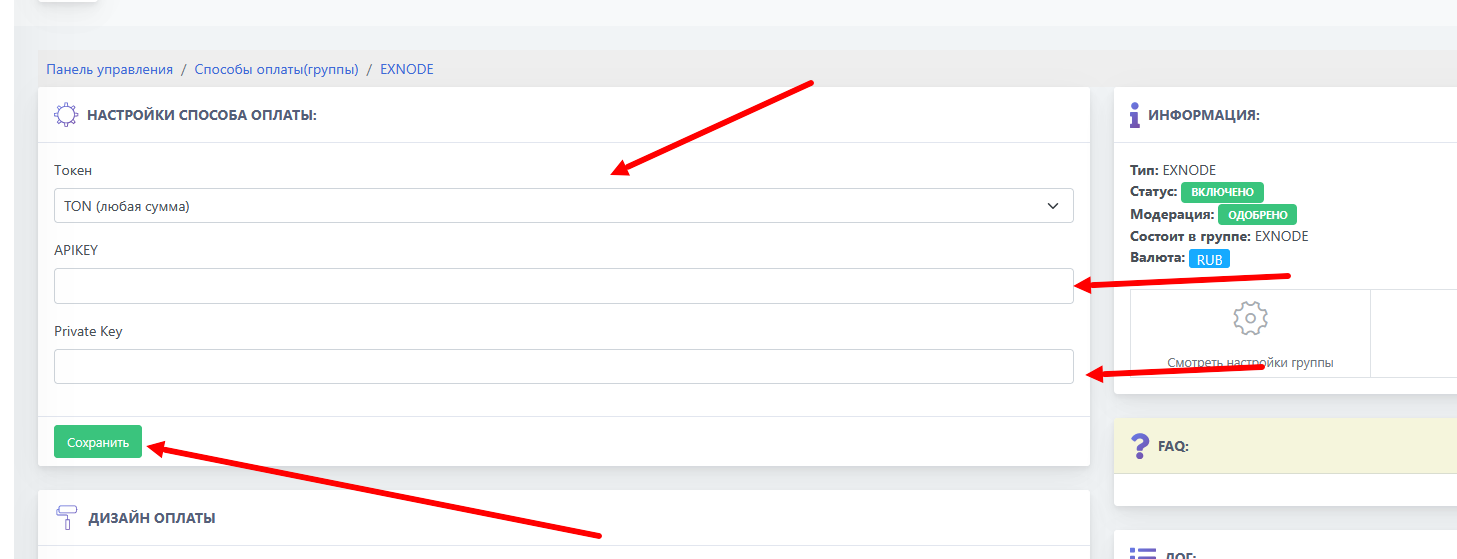 We choose Exnode from the list of payment systems, select the desired coin, and paste the previously copied keys
Important! When choosing a particular crypto token, it is recommended to make a test payment!