 To set up the Life Pay payment system, we register on their website and fill out the form.
The payment system also has its own Life Pos app in the Play Market and App Store mobile stores

Help Center BOT-T
Find answers, learn how to use the service, and get help from our team.
For example: payment, plans, Telegram bot, reviews...

Search results
To set up the Life Pay payment system, we register on their website and fill out the form.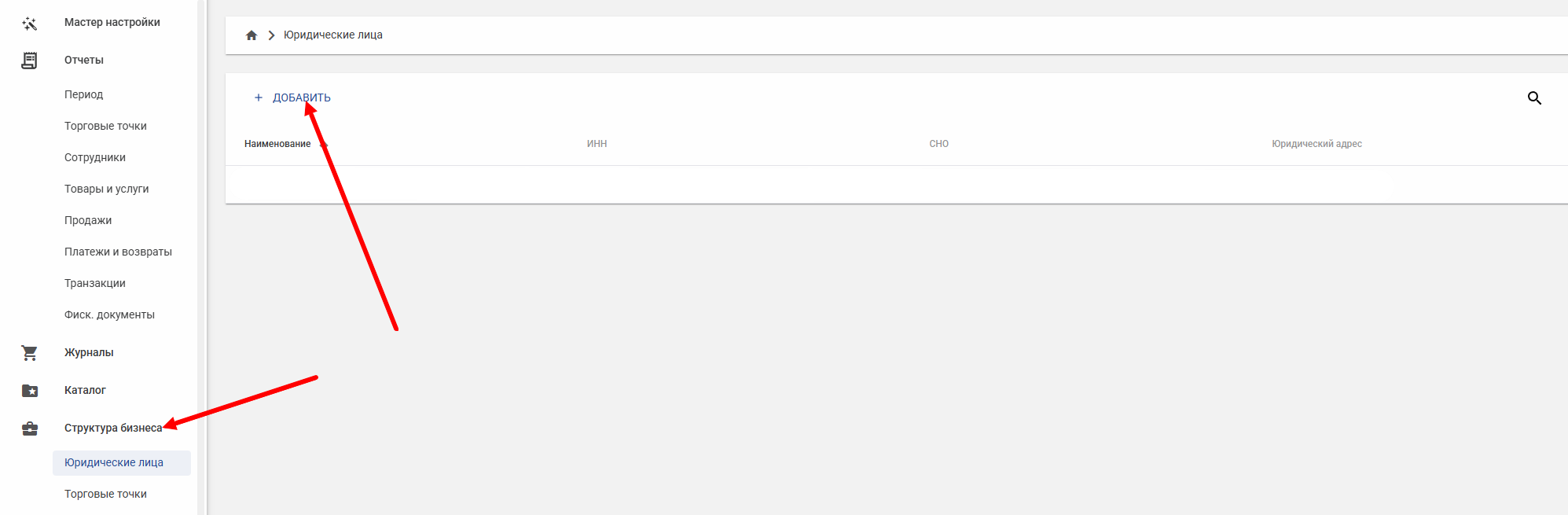 After successful registration, click the "Add" button and fill out the form as well: provide all the necessary data to create a cash register
 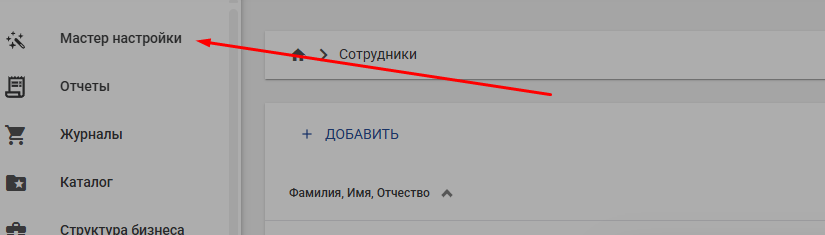 To set up the Life Pay cash register, go to the "Setup Wizard" section and enter your settings parameters.
https://api.bot-t.com/payment/lifepay 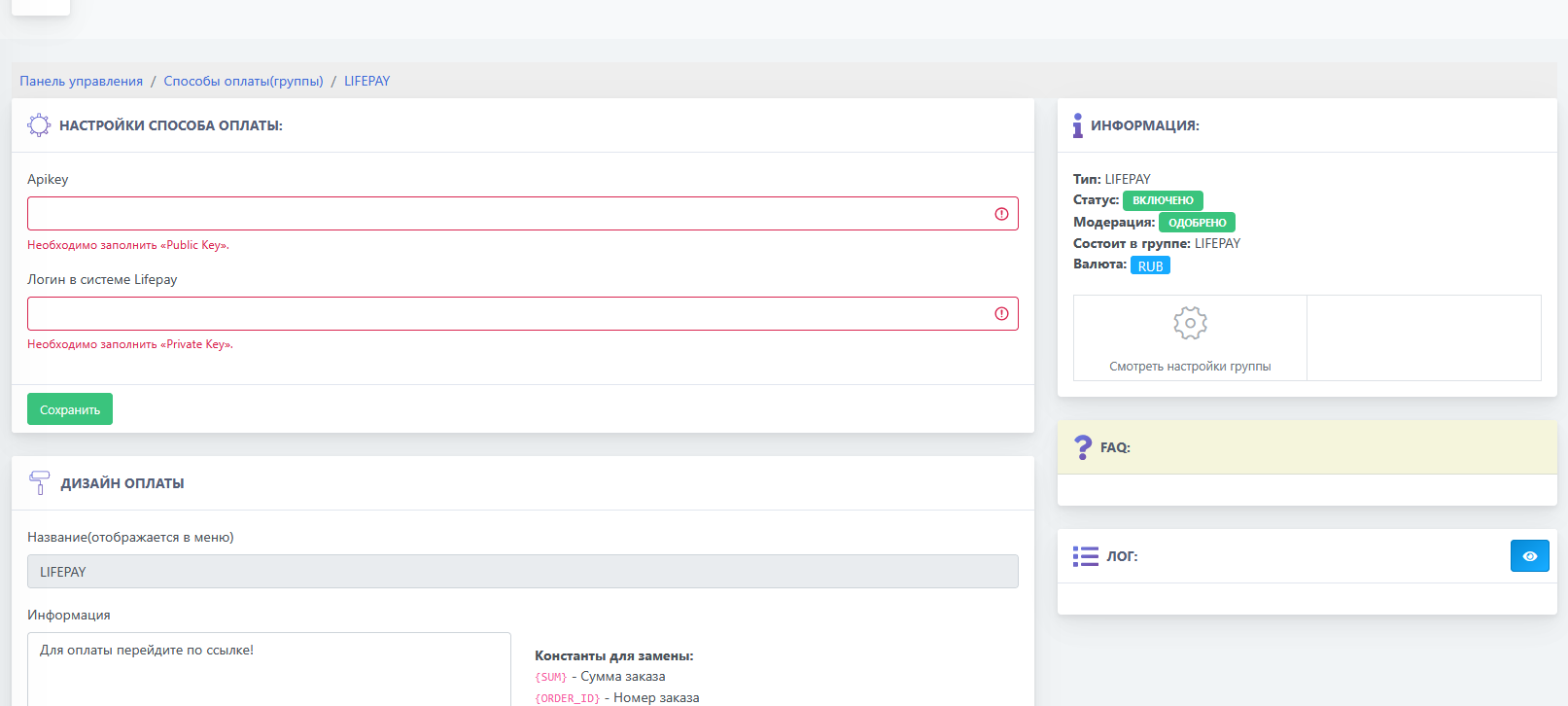 The next step is to go to the BOT-T website and fill in the empty fields according to the data in the personal account on the payment system website