 To start using the cash register from prodamus, you need to:
Register on the Prodamus website https://prodamus.ru/#form

Help Center BOT-T
Find answers, learn how to use the service, and get help from our team.
For example: payment, plans, Telegram bot, reviews...

Search results
To start using the cash register from prodamus, you need to: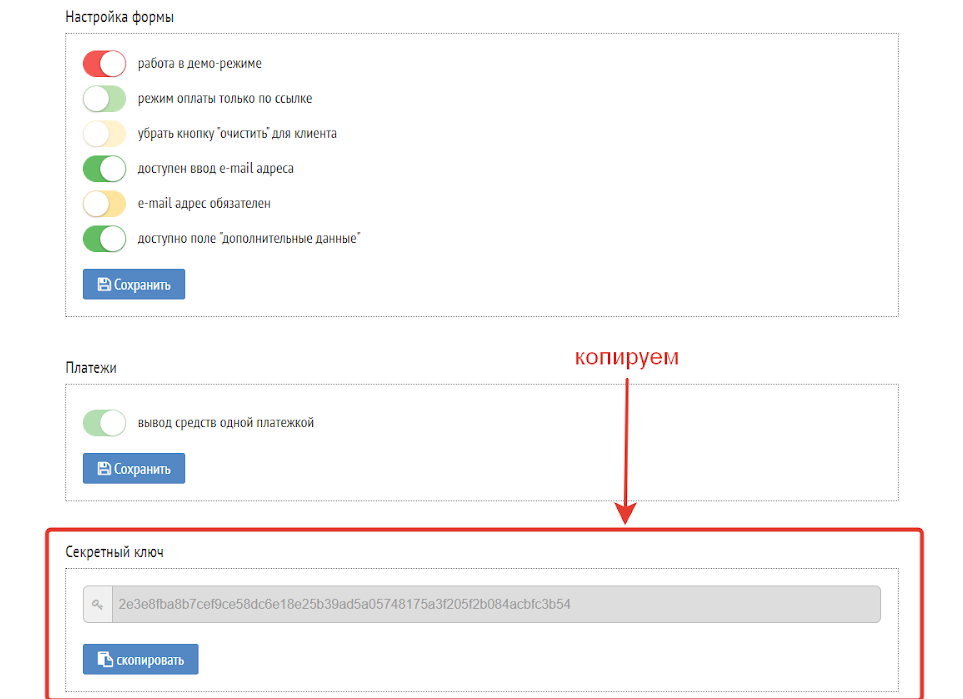 After successful registration and moderation, with the opening of your personal cashier, we begin connecting your Prodamus cashier to your bot.
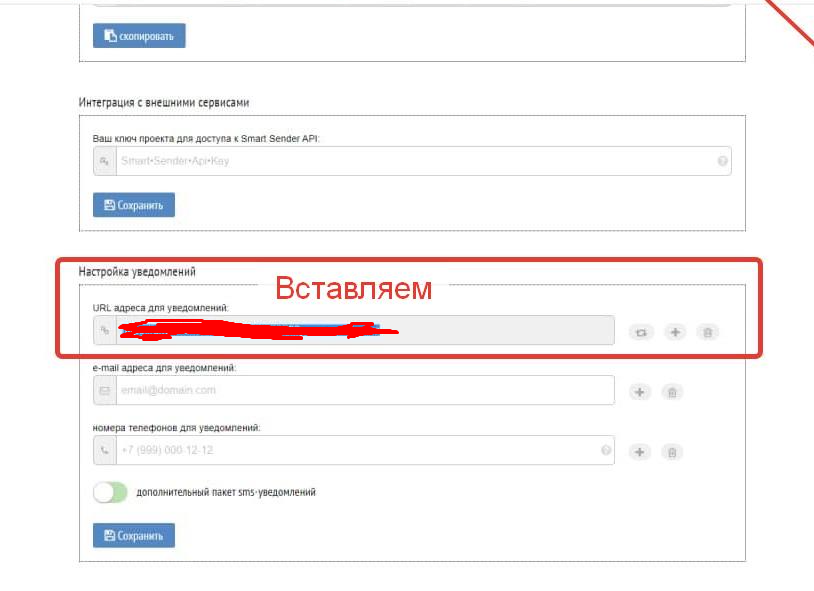 Next, scroll down and see the notification URL setting, then insert the following URL:
 https://api.bot-t.com/payment/prodamus