

 To add P2PKassa payment, you need to go to the site https://p2pkassa.com and select the following options!
1. My cash registers
2. Add project
3. Bot/Site
4. Enter your store name
5. Enter the link to your bot
6. Wait for moderation to be completed
Platima is a payment system for websites and messengers based on Telegram.
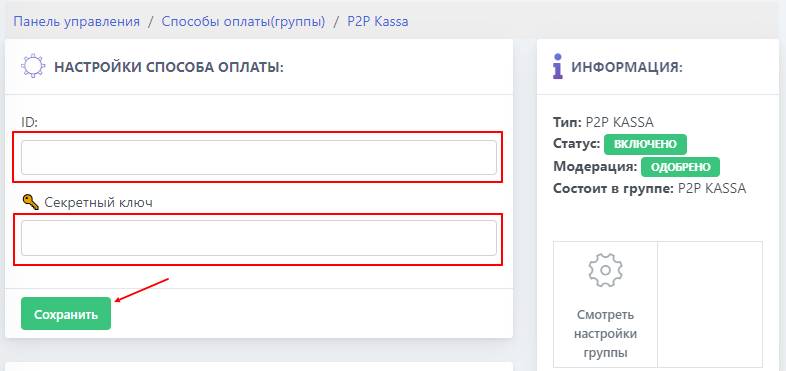 To complete the cash register setup, you need to go to