 To add Rocket Pay payment, you need to go to Telegram and find the bot xrocket and select the following options!
1. Rocket Pay
2. Create
3. API token
4. Copy the token received when creating the checkout and paste it on the website

Help Center BOT-T
Find answers, learn how to use the service, and get help from our team.
For example: payment, plans, Telegram bot, reviews...

Search results
To add Rocket Pay payment, you need to go to Telegram and find the bot xrocket and select the following options!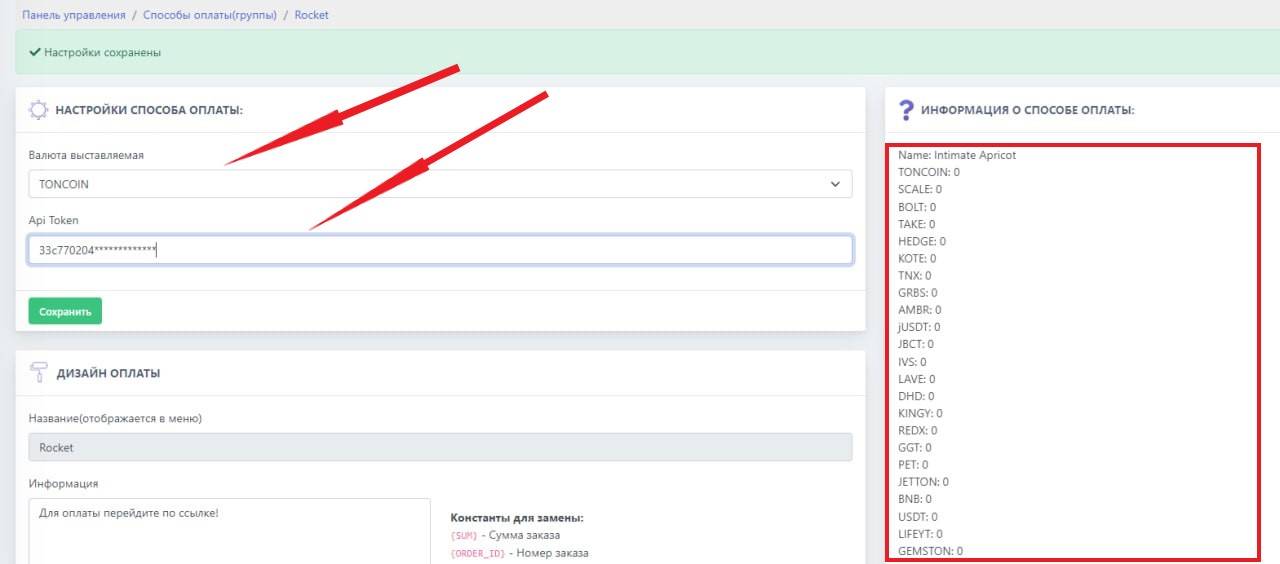 To set up payments on the website, you need the token that you issued when creating the checkout in Crypto Pay.
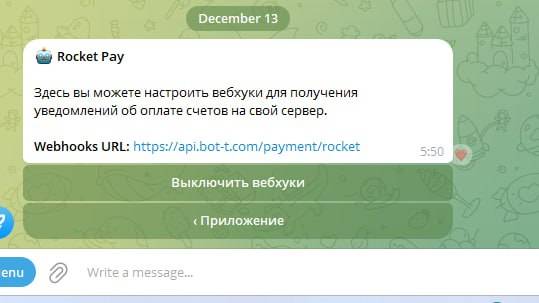 To complete the cash register setup, you need to go to xrocket and select your cash register.
https://api.bot-t.com/payment/rocket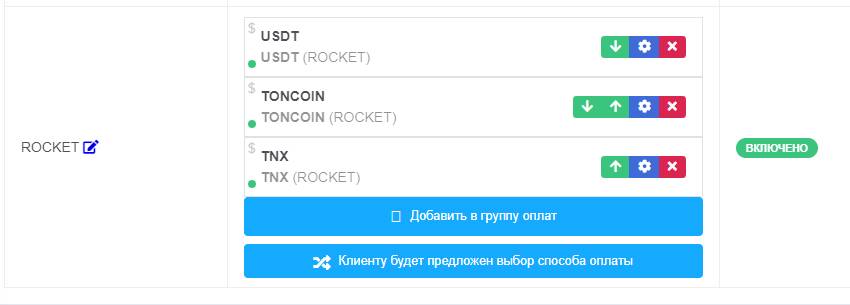 1) Create an xRocket payment method, for example TONCOIN