

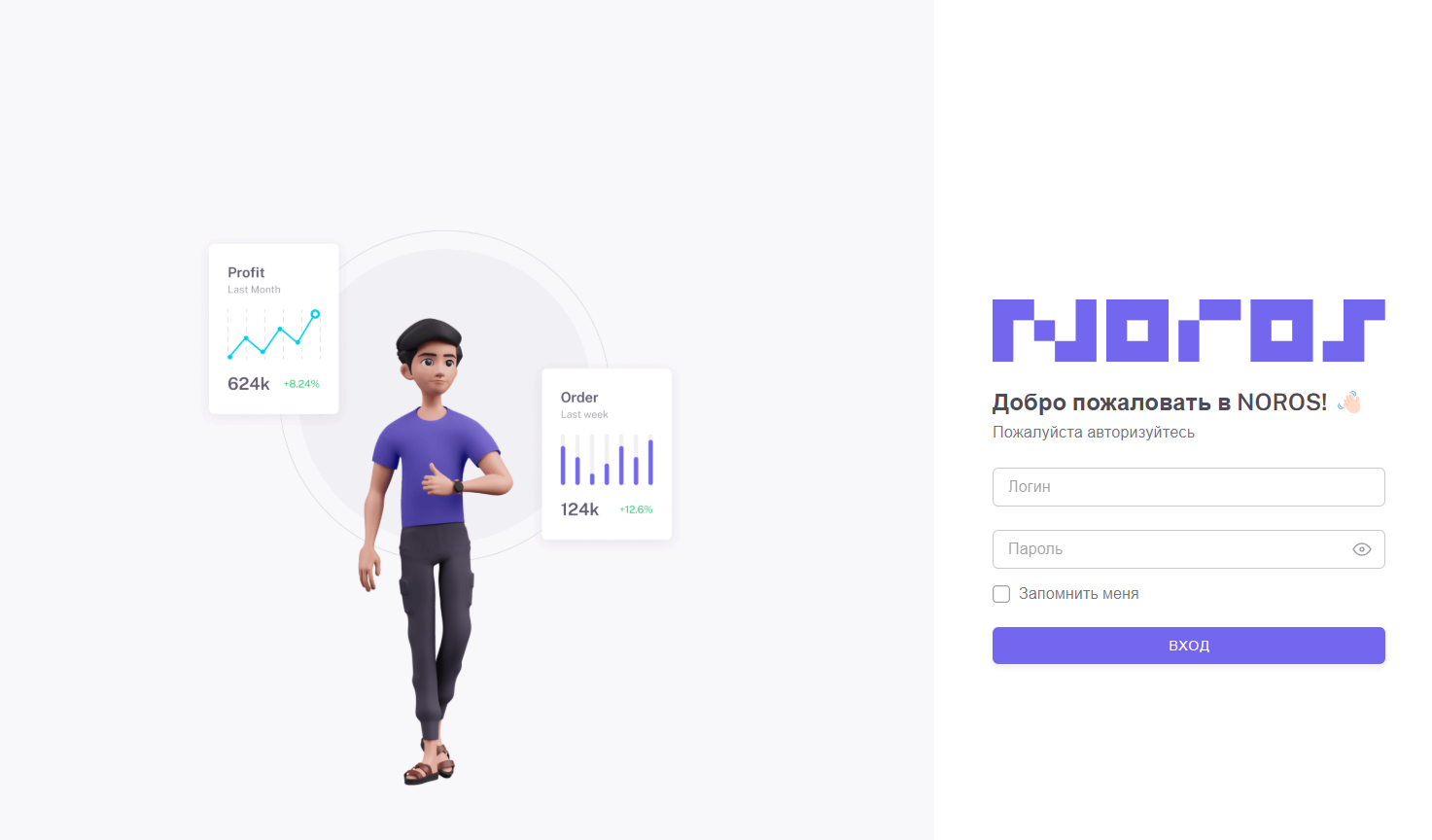
 There is no direct registration on the NOROS website; to register, message the admin @sup_nn and wait for project moderation
 Registration in NOROS
Copying API_KEY
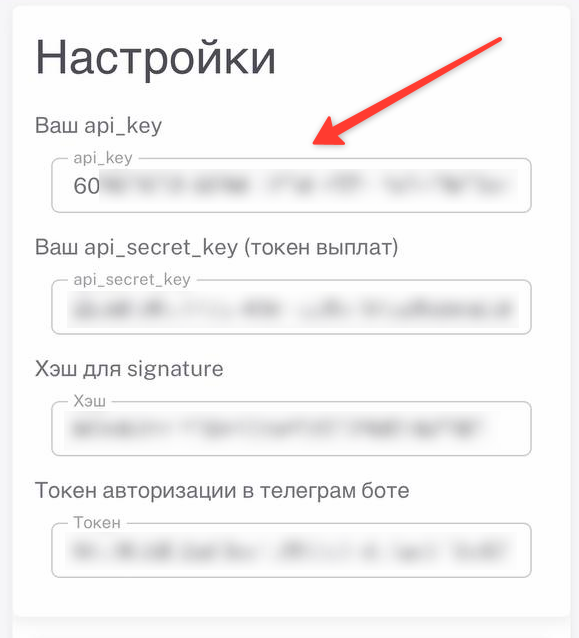 After successful registration and moderation of the store, go to the settings and copy the Api_key
 We specify the Webhook in the NOROS settings.
 Mandatory in the field "Enter URL address" we specify the link:
Setting up NOROS on the BOT-T website
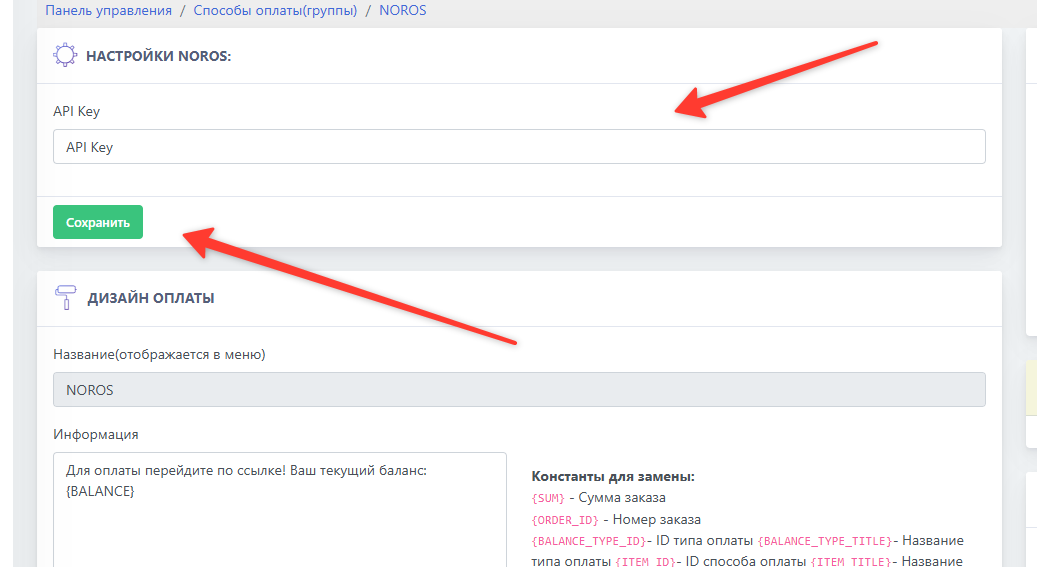 Go to the website bot-t.com and enter the previously copied key
Important! The payment is checked by clicking the "Check payment" button
Done! The payment system setup is complete!