

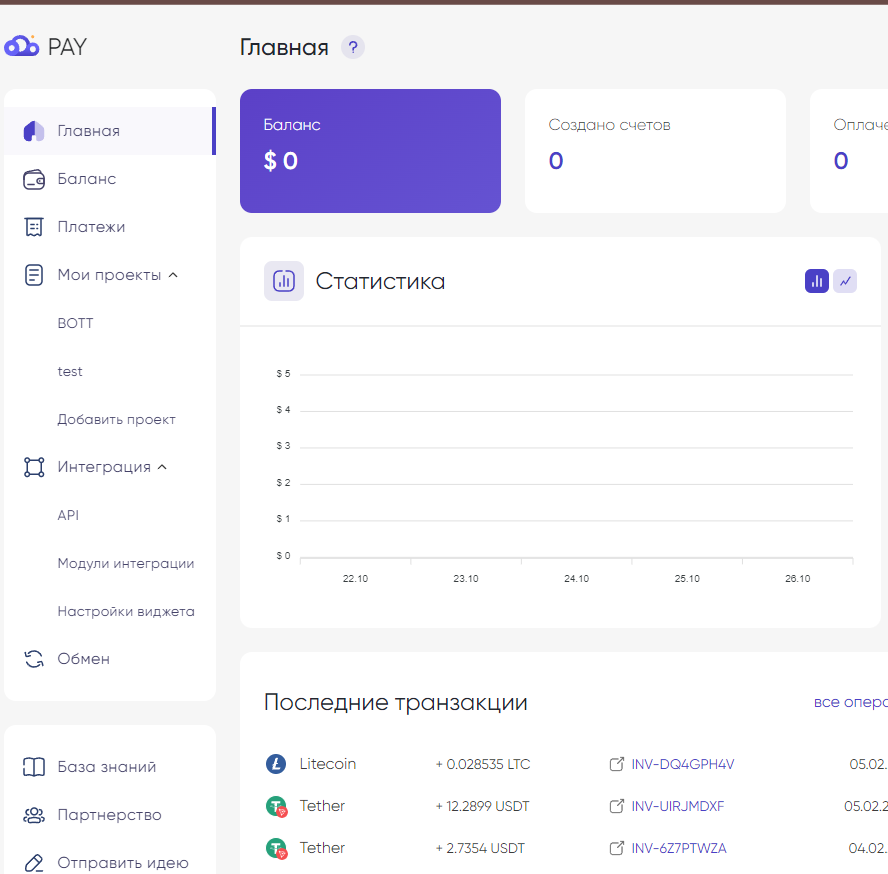
 To set up this payment method, you need to go to the website to generate the keys
This merchant supports the following cryptocurrencies:
BTC
LTC
ETH
TRX
TON
BNB
SOL
USDT
TUSD
USDC
USDD
SHIB
Once you have registered and followed the link to the merchant, select the My Projects button and enter the information as shown in the screenshot. Choose which currency to connect your payment in (USDT by default)
Then wait for moderation - you can check the status in the My Projects tab!
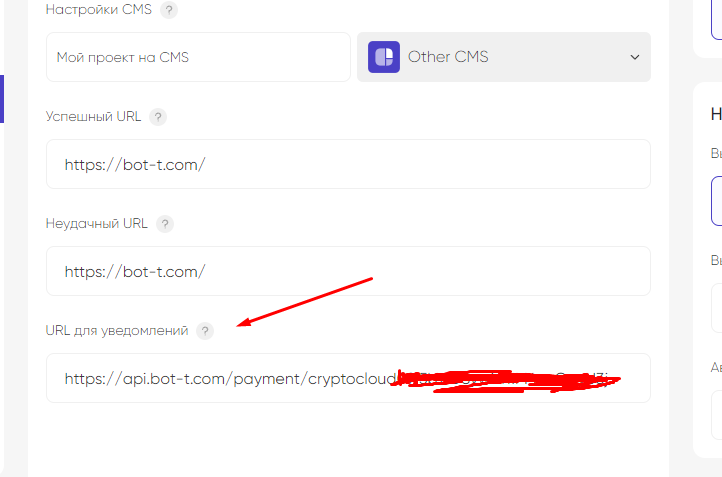 Site
Site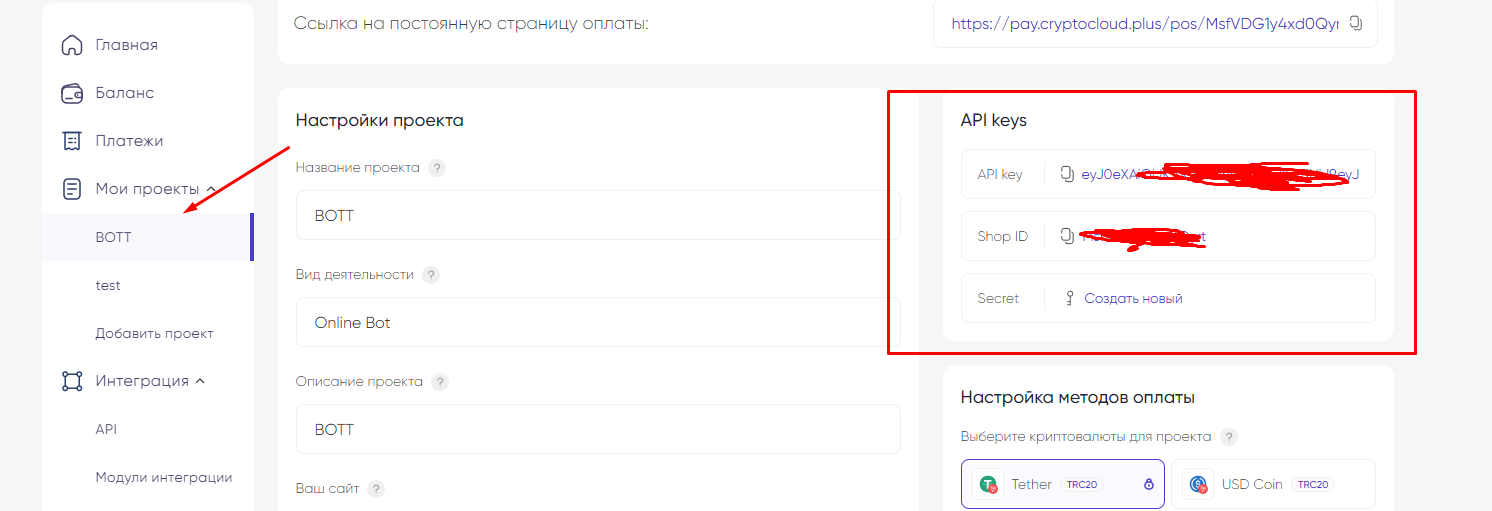 To complete the setup, you need to take the information from your project, as shown in the screenshot, and enter it on the site