 To register on the website follow the link. Next, I recommend enabling 2FA from Cryptomus (see screenshot) to add a merchant
To add your project, send the direct link to the bot!
Example: t.me/godfather. 
Help Center BOT-T
Find answers, learn how to use the service, and get help from our team.
For example: payment, plans, Telegram bot, reviews...

Search results
To register on the website follow the link. Next, I recommend enabling 2FA from Cryptomus (see screenshot) to add a merchant Example: t.me/godfather. 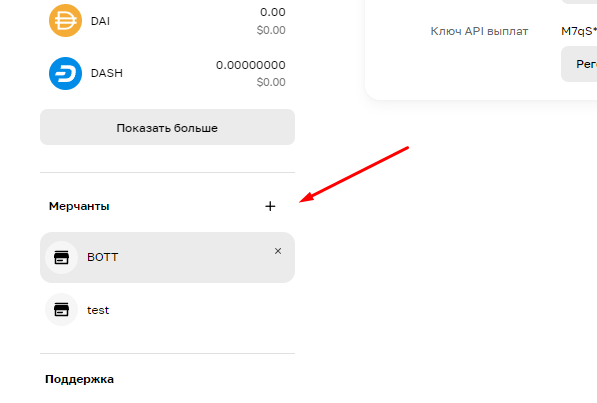 After the preparations, we go to our CryptoMouse workspace, and create our shop in the bottom left, click on settings (see screenshot) after creating the merchant and we see the special code, that’s the one we need, copy it (see screenshot)
 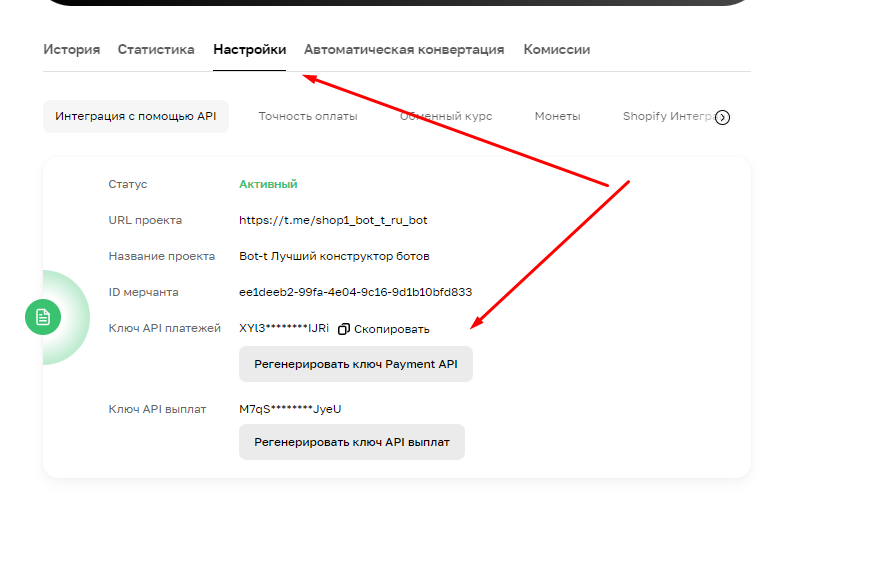 The next step will be setting up and creating the API in the Business tab.
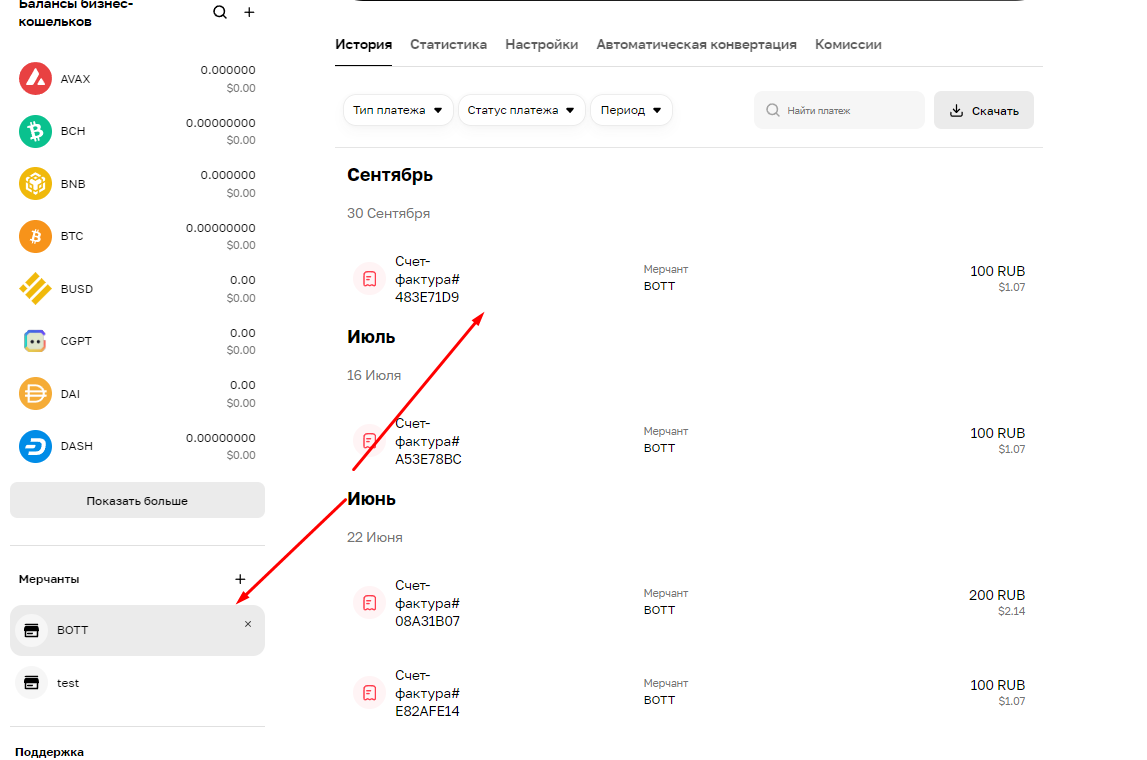 This is what the finished project looks like
 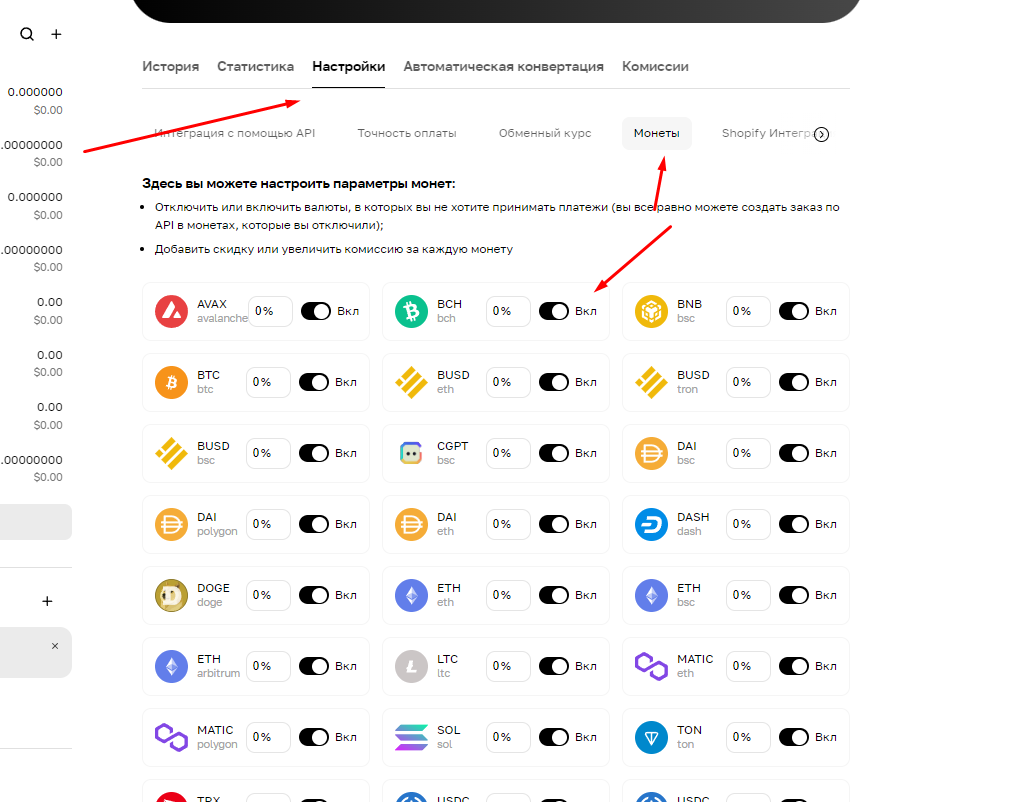 To choose which currency you want to accept, use the selection (see screenshot)