

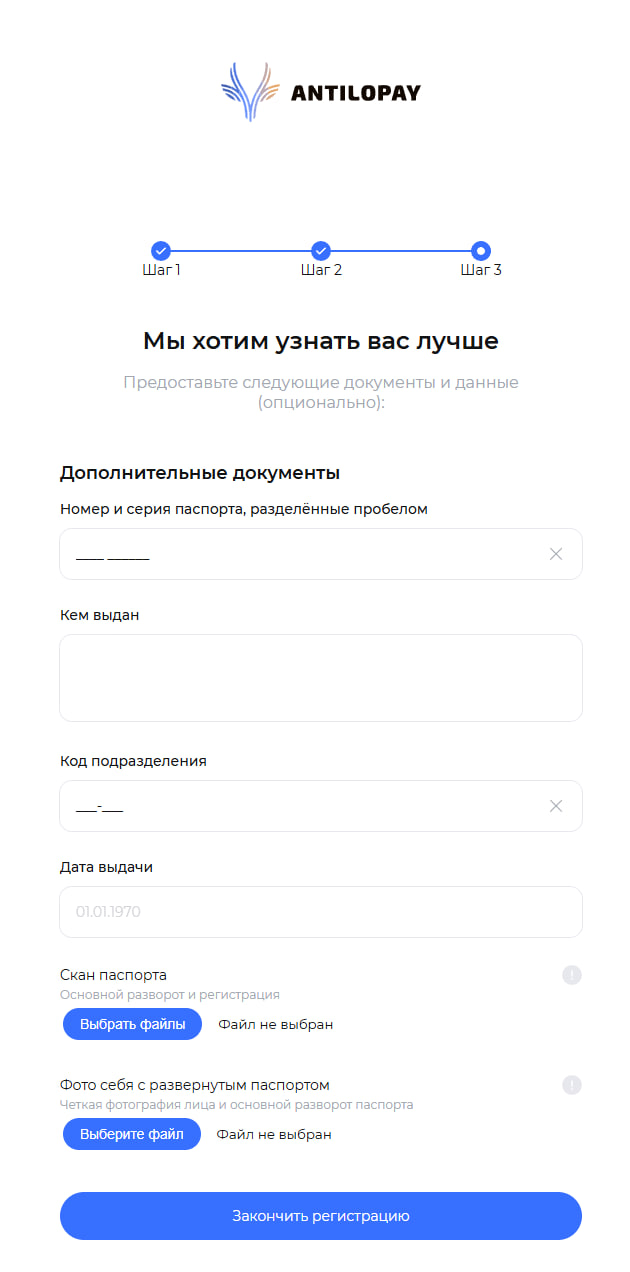
 First step in setting up the AntilopaPay payment system - registration on the website https://antilopay.com
1) Choose in which status you want to register:
- Individual
- Individual entrepreneur
- LLC
2) Fill out the form with your contact details
Important! Regardless of the registration status, it is a mandatory requirement to provide passport details
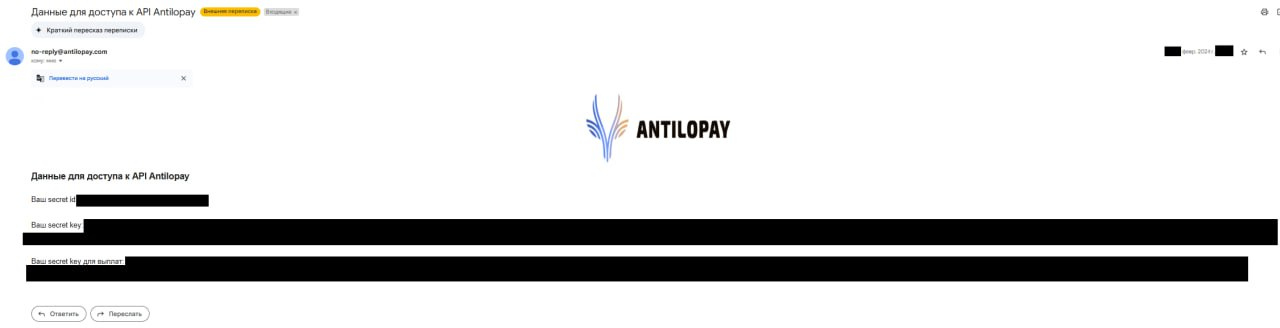 After successful registration and account confirmation in AntiloPay, you will receive 2 emails containing:
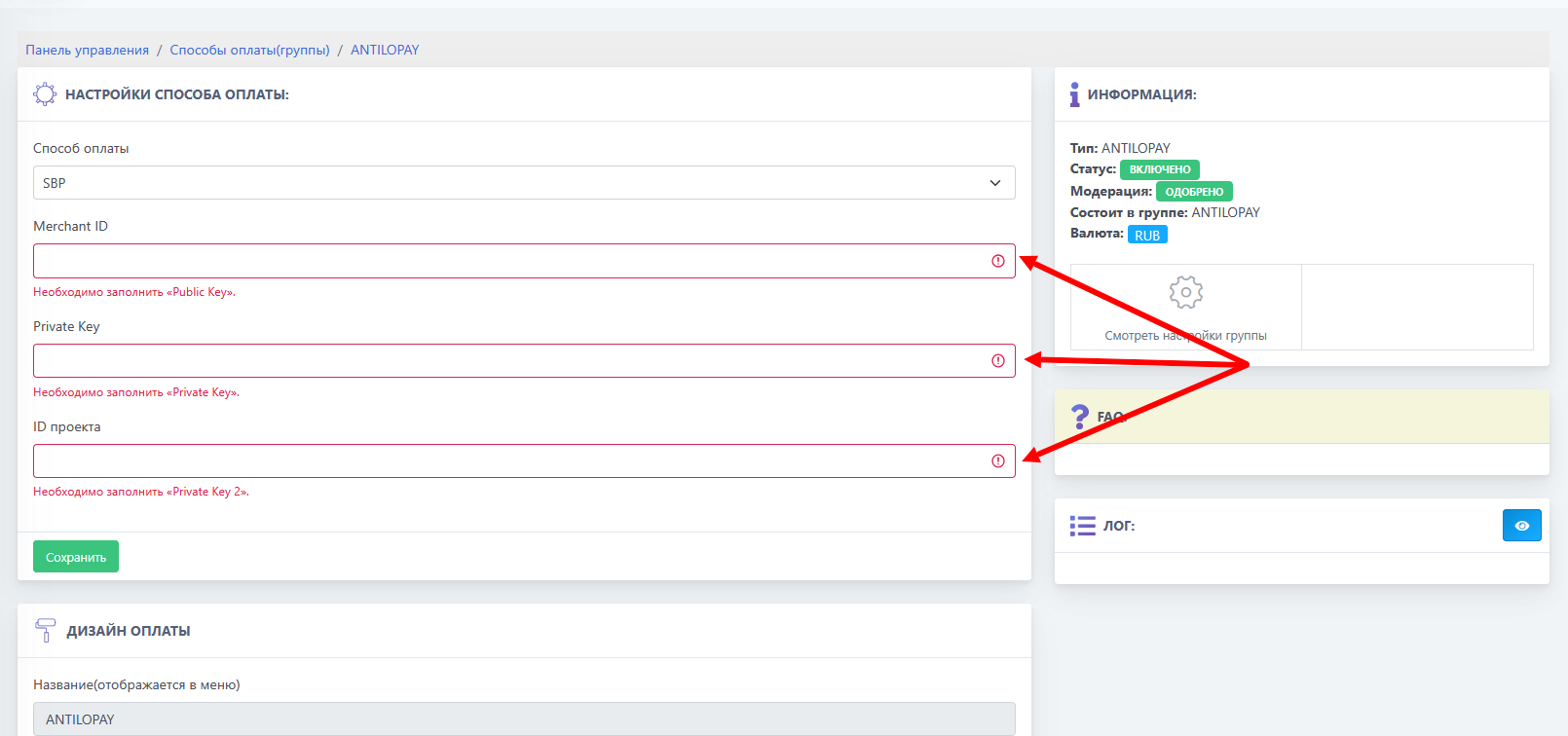 We go to the BOT-T website and select the AntiloPay payment system from the list of available options, then fill in all the empty fields.
  Go to the site