

 To create a payment, register on the website https://aaio.so. Then you will receive an activation email - activate it (sometimes the email may end up in the spam folder)
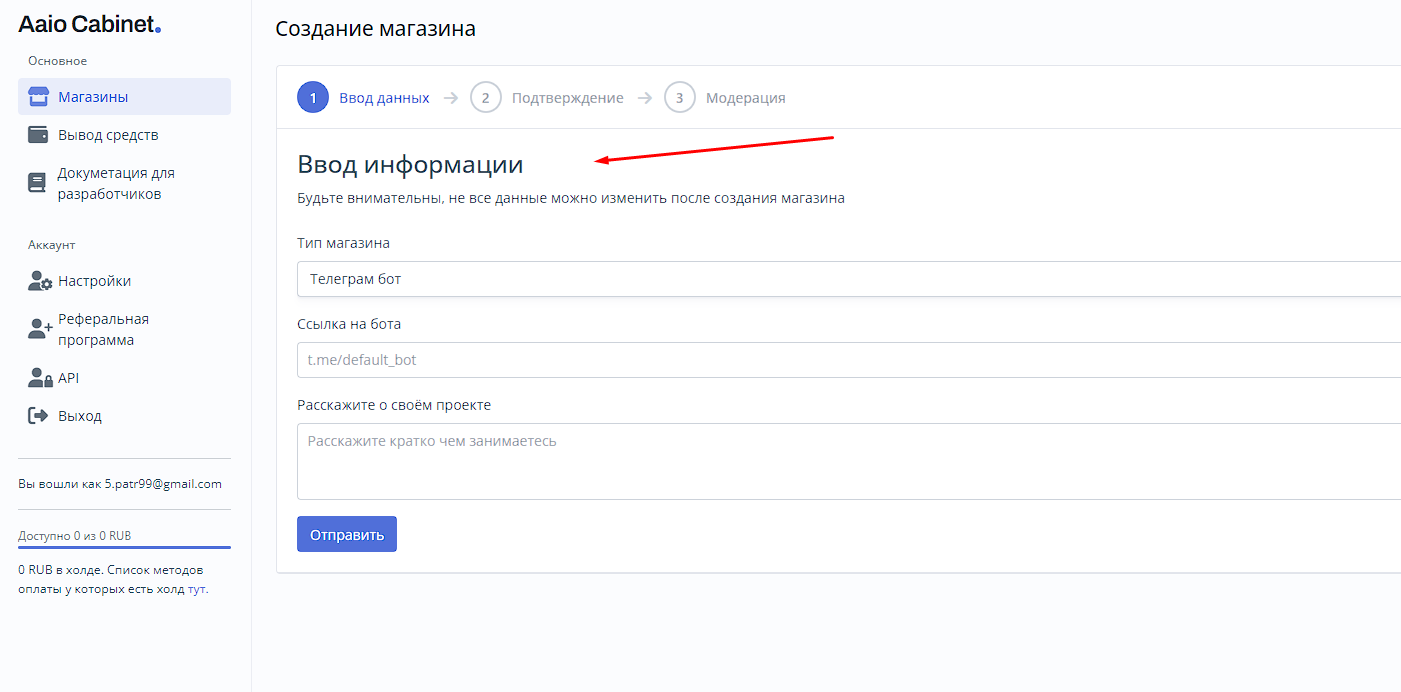
Next, create your first store (see screenshot), to create a checkout, you need to pass moderation! To do this, you must already have a bot ready.
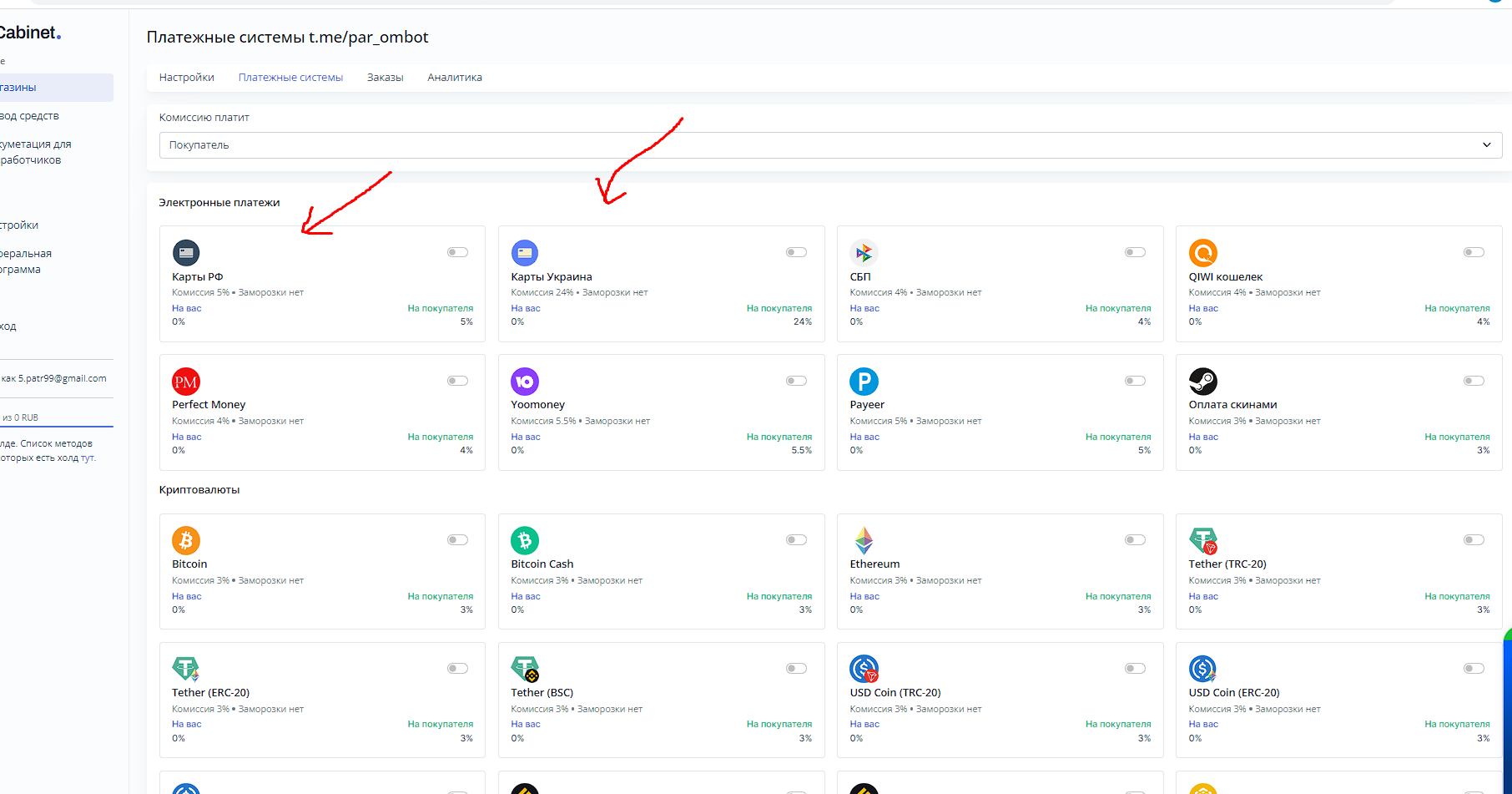 Accepts many payment methods, including Ukrainian cards
 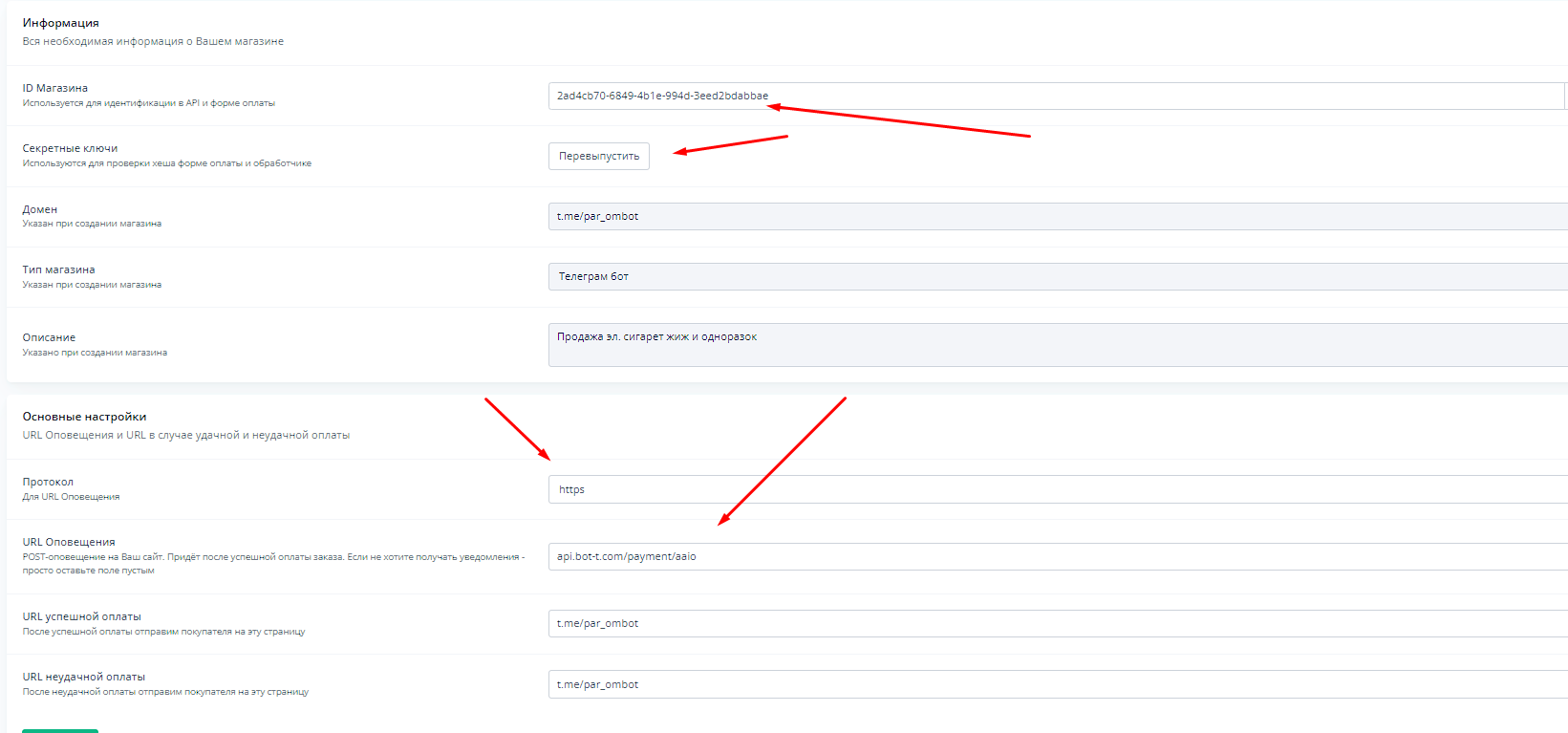 For setup, you will need: