

 Monee is a payment aggregator that provides a variety of payment acceptance options for your service.
It is suitable for online stores and bots, allowing you to accept payments from customers using various methods such as bank cards, e-wallets, mobile payments, cryptocurrencies, and other methods.
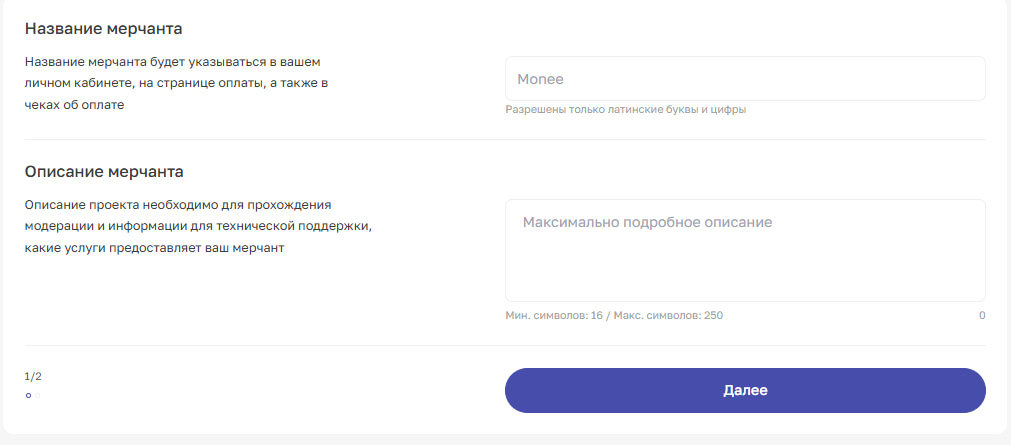
To connect your bot to Monee, you need to register with Monee (click) and create a merchant.
Instructions for creating a merchant are described in detail here (click)
After moderation of the merchant, you can proceed to setting up the integration
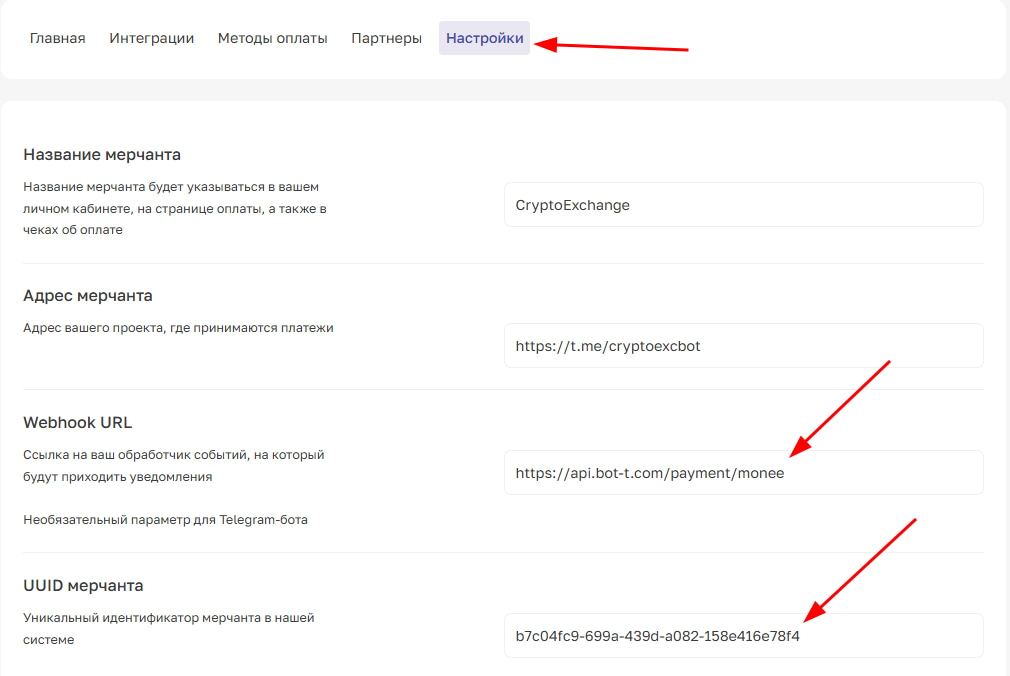 1.1. Go to your merchant, then go to the «Settings» tab