

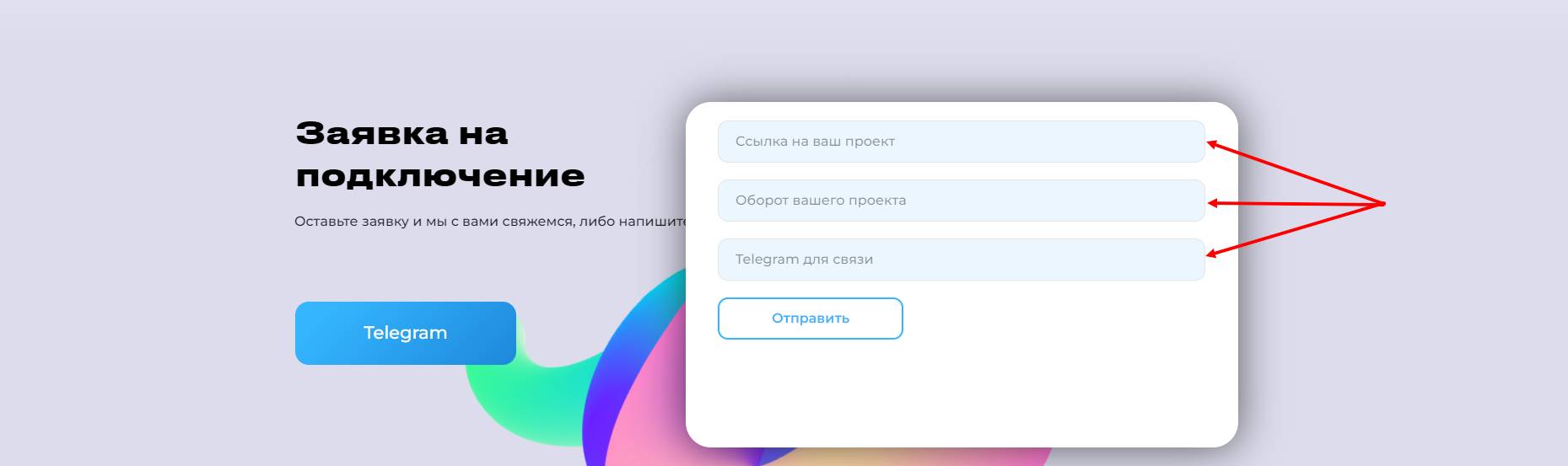
 To connect the payment system MERCHANT001, you first need to submit a connection request on their website.
You will need to:
1) In the first field, specify the link to your bot.
2) In the second field, specify your store's turnover.
3) In the third field, specify your Telegram for contact.
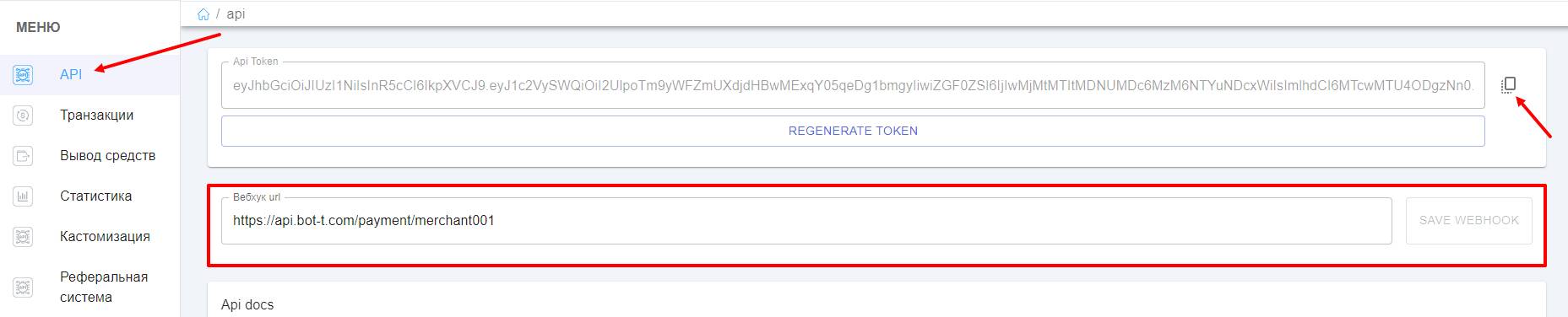 After your connection request is approved, you will need to:
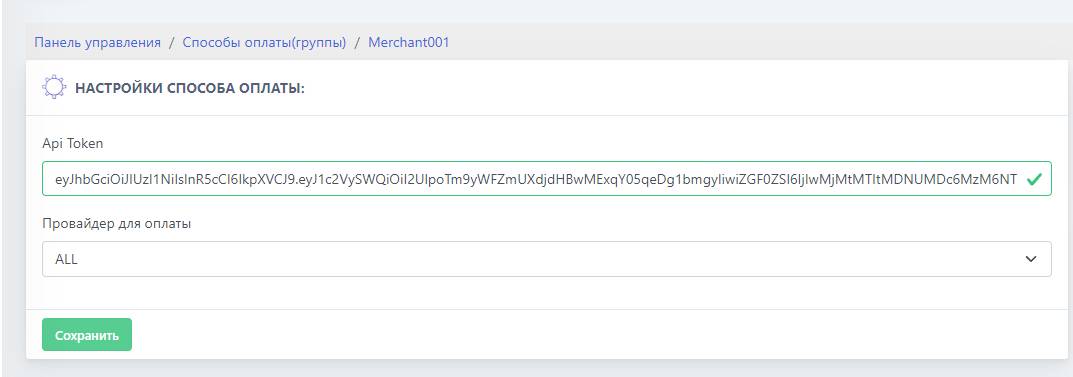 Then go to the website